Author: ehudsegev

  • The Hidden ‘BOGO Stack’ Hack: How One Bundle Trick Turns Amazon’s Multi‑Buy Deals Into Secret Promo‑Code Jackpots

    The Hidden ‘BOGO Stack’ Hack: How One Bundle Trick Turns Amazon’s Multi‑Buy Deals Into Secret Promo‑Code Jackpots

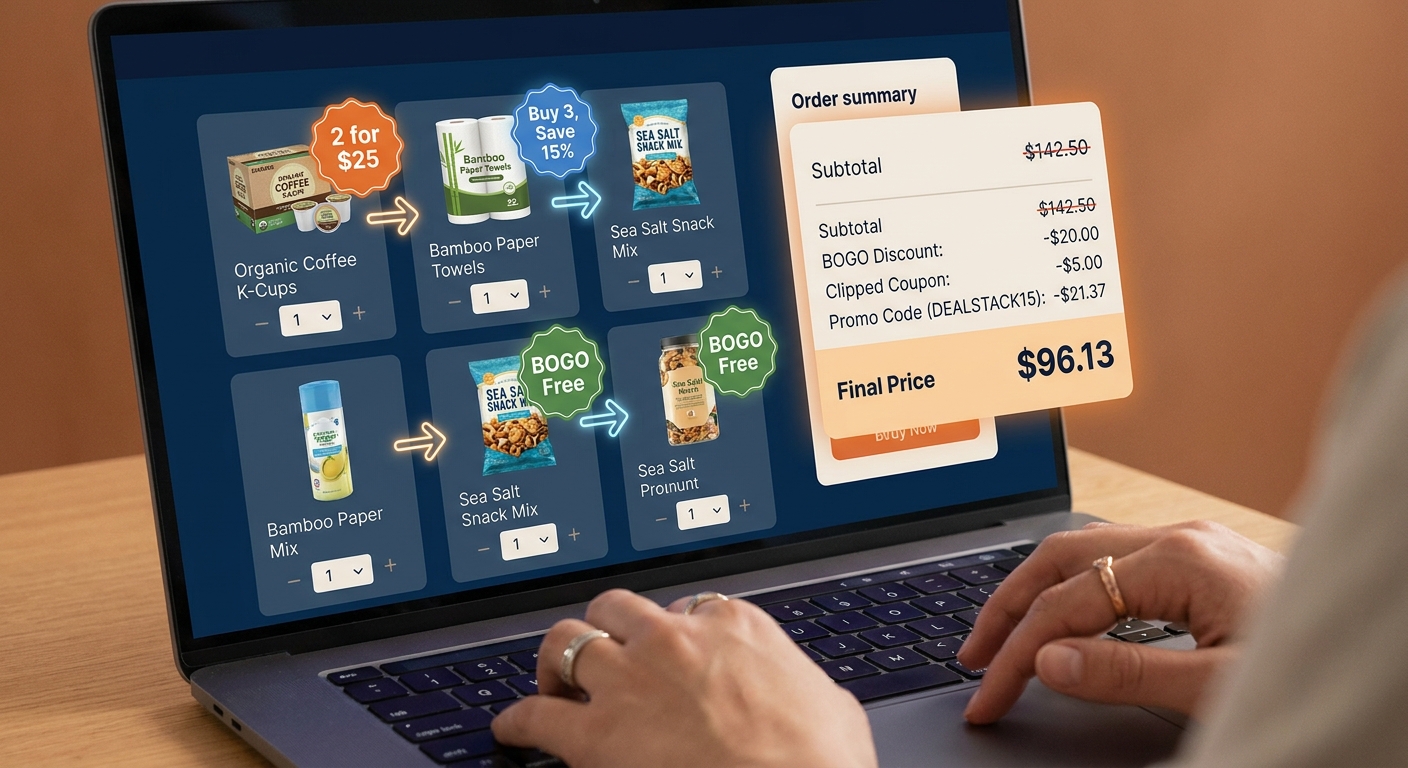
    You know the feeling. You spot an Amazon deal that says “2 for $20” or “Buy 2, save 30%,” toss the items in your cart, and then… nothing special happens beyond the basic discount. That is the frustrating part. The deal is real, but the best version of it often stays hidden unless you build the cart the right way. Right now, Amazon is running a lot of bundle-style offers ahead of the holiday rush, and many shoppers are missing the one trick that matters most. It is not some shady loophole. It is simply understanding how Amazon applies item coupons, promo codes, and multi-buy discounts at checkout. If you do it right, a plain BOGO or “2 for” sale can sometimes turn into a deeper, code-level discount that cuts your total more than the product page suggests. The key is knowing the order of operations, and checking your cart before you hit Buy Now.

    ⚡ In a Hurry? Key Takeaways

    • The best way to learn how to stack amazon bogo deals with promo codes is to add qualifying items first, then clip coupons or apply the code, and watch how the cart recalculates.
    • Mixing different eligible items in the same promo family often works better than buying two identical products.
    • Always test the cart before checkout. Some discounts stack, some replace each other, and some only work when sold and shipped by Amazon.

    What the “BOGO Stack” actually means

    Let’s make this simple. The “BOGO stack” is not a secret menu item. It is just a shopping method.

    You start with a multi-buy deal. That might be buy one get one 50% off, 2 for $25, buy 3 save $10, or spend $50 on select brands and get a discount. Then you look for one more layer. That layer is usually one of three things.

    Layer 1: On-page coupons

    These are the little green checkbox coupons on the product page. Sometimes they take a percentage off. Sometimes a dollar amount.

    Layer 2: Promo codes

    These can be listed on the page, sent to your account, or auto-applied at checkout. They often have terms like “applies to your first eligible order” or “select items only.”

    Layer 3: Subscribe & Save or brand discount

    This one is less reliable, but sometimes a brand promo still works after the multi-buy discount is recognized.

    The trick is that Amazon does not always show the full savings clearly on the product page. The real math often appears only in the cart or at the final checkout screen.

    The hidden trick is the order of operations

    This is the part most people miss.

    Amazon’s system usually checks eligibility first, then applies deal pricing, then drops in clipped coupons or promo codes, though it can vary by promotion. That means the exact mix of items in your cart can change whether a code works at all.

    Here is the basic move:

    1. Add all qualifying bundle items to your cart first.
    2. Make sure the cart actually shows the multi-buy discount.
    3. Then clip any product coupons you skipped, or enter the promo code.
    4. Refresh the cart and compare the final total.

    If you do it backwards, Amazon may decide the code does not apply because the item no longer counts as eligible in the way the system expects. Annoying. But common.

    How to stack amazon bogo deals with promo codes, step by step

    If you want the practical version, here it is.

    1. Find the exact promo wording

    Read the small print under the offer. You are looking for clues like:

    • “Items shipped and sold by Amazon only”
    • “Offered by Brand X”
    • “See all eligible items”
    • “Cannot be combined with other offers”

    That last line matters. If it is there, stacking may be blocked. Not always, but often.

    2. Open the eligible items page

    Do not just add the one item you found. Click through to the full list of qualifying products. Many times, one item has no extra coupon, but another item in the same promo group does.

    That is where the better stack often lives. You use one item to trigger the bundle pricing, and another to trigger the extra coupon.

    3. Mix and match instead of doubling up

    This is a big one. Two identical items might give you the basic BOGO. But pairing Product A with Product B can sometimes create a better total because one of them carries a separate coupon or code.

    Example. Say shampoo is part of a “buy 2, save 40%” deal. One scent has no coupon. Another has a 20% coupon box. Buying one of each can beat buying two of the same bottle.

    4. Add everything to the cart before entering the code

    Think of this as setting the stage. Let Amazon recognize the bundle first. Once the discount line appears in your cart, then test the code.

    5. Change quantities one at a time

    If the code fails, do not give up right away. Try swapping one item, changing the quantity from 2 to 3, or removing a non-qualifying filler item. Amazon’s promo logic can be weirdly picky.

    6. Look at the final checkout screen, not just the cart subtotal

    Some discounts appear under “Promotion Applied” only on the last screen before purchase. If you stop at the cart, you may think the stack failed when it actually worked.

    What kinds of Amazon deals stack best

    Not every deal is worth the effort. These are the ones that tend to be the most promising.

    “Buy 2, Save X” deals

    These are often better than they look because the discount is spread across items, and a separate item coupon may still apply to one of them.

    BOGO 50% off brand deals

    These can work nicely when the lower-priced item also has a coupon attached. The total can drop more than expected.

    Household and personal care bundles

    Soap, razors, vitamins, paper goods, and snacks often rotate through promo families with changing coupons. These are some of the best categories to test daily.

    Holiday “shop select items” promotions

    Around major sales events, Amazon pushes lots of broad bundle promos. Those are perfect for stacking experiments because the eligible item pool is larger.

    When stacking does not work

    Sometimes Amazon shuts the door. That does not mean you did anything wrong.

    Stacking usually fails for one of these reasons:

    • The promo code excludes already-discounted items.
    • The coupon only works on one item per account.
    • A third-party seller listing slipped into your cart.
    • The item is eligible for the bundle, but not for the code.
    • The promo expired, but the product page has not updated yet.

    This is why I always tell people to test the cart like a calculator, not like a promise. Amazon’s setup changes fast.

    A simple example of the “BOGO stack” in action

    Let’s say Amazon has a “buy 2 select skincare items, save 30%” deal.

    You find:

    • Cleanser A for $12 with no coupon
    • Moisturizer B for $14 with a 15% coupon

    If you buy two of Cleanser A, you get the plain 30% bundle savings.

    If you buy one Cleanser A and one Moisturizer B, the cart may apply:

    • The 30% multi-buy discount across both items
    • Then the 15% coupon on Moisturizer B

    That can beat the obvious version of the deal. Not every promo behaves this way, but enough do that it is worth checking.

    Small habits that save the most money

    Use the “Save for later” area

    Move candidate items in and out of your cart. This makes it easier to compare combinations without losing track.

    Take screenshots of the offer terms

    If the promo disappears or misfires, you have proof of the wording. Customer service will not always honor it, but screenshots help.

    Check per-item math, not just total savings

    Sometimes a stack looks exciting but actually costs more because the higher-priced item triggered the offer. Always divide your final total by the number of items.

    Test on desktop if mobile looks confusing

    The Amazon app can hide discount lines or collapse promo details. Desktop usually shows the math more clearly.

    Safety note. Stay on the smart side of this

    This is not about abusing returns or trying to trick the system. It is just careful shopping.

    Use qualifying items. Read the terms. Do not assume a TikTok “glitch” is real until your checkout total confirms it. A lot of viral coupon tricks are just temporary display errors.

    Also, do not buy extras just because the discount looks good. The best stack is still a bad deal if the products sit in a closet for a year.

    Why this matters more right now

    Amazon is especially aggressive with these rotating bundle promos ahead of big shopping periods. The offers update constantly. That is why old coupon-blog posts can go stale so fast.

    A static promo code is nice. A repeatable method is better.

    Once you understand how to stack amazon bogo deals with promo codes, you are not depending on one lucky code. You are using a system you can repeat every time a new “2 for,” “buy more save more,” or BOGO promo pops up.

    At a Glance: Comparison

    Feature/Aspect Details Verdict
    Basic BOGO or “2 for” deal Simple discount with no extra coupon or code added Good, but often not the cheapest version
    Mixed-item stack One item triggers the bundle, another adds a coupon or code benefit Usually the best value if terms allow it
    Risk of failure Third-party sellers, expired promos, and non-stackable terms can block discounts Always verify on the final checkout screen

    Conclusion

    If Amazon’s bundle promos have ever felt underwhelming, you are not imagining it. The product page rarely tells the whole story. But once you learn to build the cart first, mix eligible items, and then test coupons and promo codes in the right order, those plain-looking BOGO and multi-buy deals can turn into a much better savings tool. That is especially useful right now, because Amazon is pushing aggressive, sometimes glitchy “2 for” style promos ahead of the holiday rush, and they change daily. Most coupon sites only chase one code at a time. This method gives you something better. A repeatable way to spot hidden value every time a new bundle appears. Get in the habit of checking the final math, and you can keep finding extra savings long after one viral promo code disappears.

  • The Hidden Outlet-Plus-Code Hack: How One Search Filter Turns Amazon’s Overstock Dump Into Secret Promo Gold

    The Hidden Outlet-Plus-Code Hack: How One Search Filter Turns Amazon’s Overstock Dump Into Secret Promo Gold

    If Amazon shopping has started to feel like seeing the same sale table over and over, you are not wrong. Most people land on the homepage, tap a few big banners, and end up fighting over the same “featured” deals everyone else already saw. Meanwhile, some of the best discounts are sitting in Amazon Outlet, overstock, and open-box listings where sellers quietly add extra promo codes or clip coupons just to move aging inventory fast. That is the real amazon outlet hidden promo code hack. It is not magic, and it is not shady. It is just a smarter way to search. The trick is to stop browsing broad sale pages and start filtering for the overlap between outlet pricing and stackable discounts. Right now, with Prime Big Deal Days leftovers still hanging around and Black Friday pressure building, that overlap can turn a decent markdown into a surprisingly great one at checkout.

    ⚡ In a Hurry? Key Takeaways

    • The best hidden Amazon savings often show up when Outlet or overstock items also have a coupon box or extra percent-off promo.
    • Use Amazon’s filters and search terms like “coupon,” “prime,” “warehouse,” and category-specific outlet pages to find listings with stacked discounts faster.
    • Always check who the seller is, the item condition, and whether the discount applies at checkout before you buy.

    What this hack actually is

    Let’s keep this simple. You are looking for a double dip.

    First discount, the item is already marked down because it is in Amazon Outlet, overstock, or an open-box style listing. Second discount, the same listing has a clip coupon, a limited-time promo code, or a checkout discount layered on top.

    That combo is easy to miss because Amazon does not always spotlight it well. A product can be deeply discounted, but unless you click into the listing and read the small promo text, you may never know there is more money off waiting.

    Why this works especially well right now

    Fall sale season is weird in the best way for bargain hunters. Sellers bulk up inventory for major events, then some of it does not move as planned. Once Prime event leftovers start piling up, they need to clear shelf space before Black Friday and holiday shipping chaos kicks in.

    That creates three things at once.

    • Outlet pricing on slow-moving stock
    • Extra seller coupons to boost conversions
    • Open-box or returned inventory getting relisted at lower prices

    Those are not always flashy front-page deals. They are often tucked inside category pages, seller offers, or detail pages you would never find by casual scrolling.

    How to do the amazon outlet hidden promo code hack

    1. Start in Amazon Outlet, not the homepage

    Go to Amazon Outlet and pick a real category. Home, kitchen, electronics accessories, personal care, office gear, and small appliances tend to be strong places to look. Broad browsing is not your friend here. Niche browsing is.

    Once inside a category, sort by discount or narrow by price range so you are not buried in junk.

    2. Look for listings with visible coupon language

    You are scanning for phrases like:

    • Save 10% at checkout
    • Apply coupon
    • Extra savings
    • Redeem code
    • Limited time deal plus coupon

    If the product card does not show it, click through anyway if the base price is already strong. Amazon sometimes hides the extra savings until the product page.

    3. Use search terms that force the overlap

    This is the search-filter part people miss. Instead of searching for a product normally, try adding terms that hint at stackable discounts. For example:

    • air fryer coupon
    • office chair outlet
    • headphones extra savings
    • warehouse deal coupon
    • overstock prime discount

    You are trying to pull up listings where markdowns and promo mechanics live in the same place.

    4. Check the item page carefully

    Before adding to cart, check four spots:

    • The coupon box under the price
    • The promo line near the seller info
    • The “Other sellers” section
    • The cart or checkout screen to confirm the discount applies

    This last step matters. Some deals look better than they really are until the cart shows the final math.

    5. Try a seller switch if a code fails

    If you find a promo that should work but does not apply, the issue may not be the code. It may be the seller attached to the Buy Box. That is where this guide on The “Hidden Buy-Box Bounce” Hack: How One Tiny Seller Switch Turns Amazon’s Secret Checkout Discounts Back On is worth reading. A different seller on the same listing can change whether a promo is eligible.

    Where these hidden stacked deals show up most often

    Not every category is worth your time. The strongest hunting grounds are usually products with lots of competition, seasonal demand swings, or high return rates.

    Best categories to check

    • Small kitchen gadgets
    • Phone chargers and accessories
    • Home organization gear
    • Beauty devices and personal care tools
    • Office accessories
    • Bedding and home basics
    • Open-box electronics accessories

    Expensive flagship tech products are less likely to carry these quiet extras. Mid-priced household gear is often the sweet spot.

    How to tell a real hidden deal from fake savings

    Not every “coupon” is a bargain. Some sellers inflate the list price, then slap on a flashy discount to make it look special.

    Here is the quick reality check:

    • Compare the final checkout price, not the crossed-out list price
    • Check recent pricing if you use a price tracker
    • Read the condition notes on open-box or used items
    • Make sure the item is Prime eligible if fast shipping matters to you
    • Watch for one-time-use codes that vanish when inventory shifts

    If the final price is truly lower than similar listings, that is the win. Ignore the marketing drama around it.

    Common mistakes that cause people to miss these deals

    Only browsing “Today’s Deals”

    That page is fine, but it is also crowded and heavily curated. It is not where many of the scrappier clearance-style discounts live.

    Not clipping the coupon

    It sounds obvious, but it gets people all the time. The coupon must often be manually checked before it applies.

    Ignoring “Other sellers”

    The same product page can have wildly different promo eligibility depending on the seller attached to the offer.

    Skipping the cart test

    If you are serious about the deal, put it in the cart. That is where the truth shows up.

    A simple routine that saves time

    If you want a repeatable system instead of random scrolling, do this:

    1. Open Amazon Outlet in one category you actually need.
    2. Set a price ceiling.
    3. Scan only items already marked down meaningfully.
    4. Open any listing that hints at a coupon or checkout savings.
    5. Test the final price in cart.
    6. Check alternative sellers if the promo fails.

    This turns bargain hunting from guesswork into a five-minute sweep.

    At a Glance: Comparison

    Feature/Aspect Details Verdict
    Outlet price plus coupon Already-discounted overstock item also has a clip coupon or percent-off promo at checkout. Best value when both discounts stack cleanly.
    Homepage featured deals Easy to find, but usually picked over and less likely to hide extra seller promos. Good for convenience, weaker for hidden savings.
    Open-box or other seller offers Can have deeper markdowns, but condition and promo eligibility vary by seller. Worth checking carefully before buying.

    Conclusion

    The real win here is not one lucky find. It is learning where Amazon hides the overlap between clearance pricing and quiet promo tools. Right now, that matters more than usual. Amazon is deep into fall sale mode, and sellers are trying to clear inventory before Black Friday and the holiday shipping crunch. That means Outlet, overstock, and open-box listings are getting hit with hard markdowns, and some of them also carry extra percent-off codes or clip coupons that never make the front page. If you use a simple search-and-filter routine, you can spot those stacked deals faster, skip the endless scrolling, and find savings that many browser extensions will never surface. That is what makes this feel like a cheat code. You are not gaming the system. You are finally looking in the right place.

  • The “Hidden Creator-Only Code Leak” Hack: How One TikTok Trick Turns Private Influencer Promos Into Public Amazon Discounts

    The “Hidden Creator-Only Code Leak” Hack: How One TikTok Trick Turns Private Influencer Promos Into Public Amazon Discounts

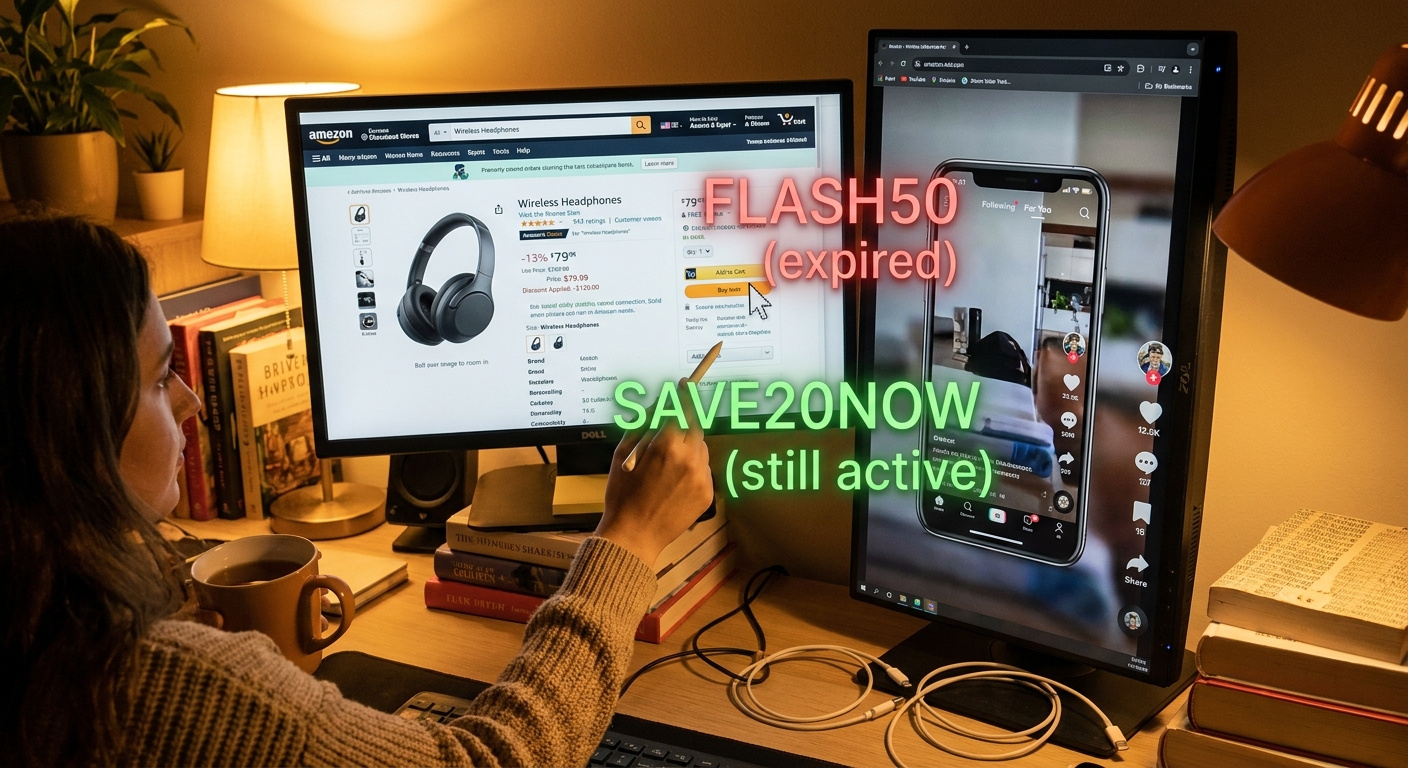
    You are not imagining it. You see a TikTok with a blender, skincare gadget, or LED lamp at some wild 60 percent-off price, tap over to Amazon, and suddenly the deal is gone. The coupon is clipped, the listing looks right, but the promo code is “invalid” or already used up. That is maddening, especially when it feels like creators and brands are shopping from a secret menu. The good news is there usually is a pattern. A lot of these deals start as creator-only or limited-use promo codes shared in Lives, Stories, caption edits, storefront pages, and buried comments before they spread to the rest of the internet. If you know how to track the right creators, check where fresh codes tend to leak first, and test them safely, you can stop wasting time on dead coupon-site codes and start finding the real working discounts before they vanish.

    ⚡ In a Hurry? Key Takeaways

    • The trick is not guessing codes. It is following the creators and places where influencer-only Amazon promo codes leak first, then checking out fast.
    • Save a small list of reliable TikTok, Instagram, and Amazon Live creators, then check captions, comments, storefront pages, and recent post edits for fresh codes.
    • Only test codes inside Amazon checkout or on the listing itself. Do not give your Amazon login to coupon tools, browser pop-ups, or sketchy websites.

    What this “creator-only code leak” trick really is

    Despite the dramatic name, this is not hacking Amazon.

    It is really a smart shopping habit. Brands often give influencers limited promo codes, sometimes with a cap like the first 100 redemptions. Sometimes the creator shares the code only in a Live, a Story, a storefront update, or a comment reply. Then followers repost it, and by the time it reaches giant coupon sites, it is old news.

    So if you are wondering how to use influencer only amazon promo codes, the answer is simple. You find the source before the code gets scraped, copied, and burned out.

    Why these Amazon promo codes seem to disappear so fast

    There are a few reasons this happens.

    1. They are often limited-use

    A code might work for only 50, 100, or 500 shoppers. Once that cap is hit, the discount is gone, even if the post is still live.

    2. The discount is stacked in pieces

    Many of the “crazy” deals on social media are not one code. They are a mix of an on-page coupon, a sale price, and a promo code at checkout.

    3. Creators update details quietly

    A code may be changed in a caption edit, added to a pinned comment, or moved to a Link in Bio page. If you only look at the main video once, you miss the working version.

    4. Coupon sites are slow

    By the time a big coupon site indexes a code, it may already be dead. That is why a lot of shoppers feel like they are always one step behind.

    If that cycle sounds familiar, you might also like The “Hidden Overstacked Code Vault” Hack: How One 30‑Second Leak Check Turns Random Amazon Coupons Into Jackpot‑Level Savings, which breaks down how stacked Amazon deals often work.

    The repeatable system that works better than random coupon hunting

    Here is the part that actually saves money.

    Build a tiny “reliable creator” list

    Do not follow 200 deal accounts and hope for the best. Start with 5 to 10 creators who post Amazon deals in categories you actually buy, like beauty, kitchen, baby, tech accessories, or home organization.

    What makes a creator reliable?

    • They post exact steps, not vague hype.
    • They show the code and final checkout price.
    • They update followers when a code dies.
    • They post Amazon Lives, Stories, or frequent comment replies.
    • They repeat deals from the same brands, which often means they get fresh promo access.

    Check four places, in this order

    When you spot a promising deal, look here before you give up:

    1. The product page on Amazon. Clip the coupon if there is one.
    2. The creator caption. Many update the code there first.
    3. Pinned comments and recent replies. This is where “new code is XYZ20” often shows up.
    4. The creator’s storefront, Link in Bio, or Story highlight. Some keep current codes there after the main post gets old.

    This sounds basic, but it beats trying ten fake codes from a coupon farm.

    Move fast, but test safely

    Add the item to cart. Apply the coupon if available. Enter the code at checkout. If it works, great. If not, stop after one or two tries.

    Do not keep hammering random code variations. You are not cracking a vault. You are checking whether a limited promo is still live.

    How to tell whether a creator deal is likely real

    There are some easy clues.

    Good signs

    • A clear screenshot or screen recording of the discount at checkout.
    • An exact code with exact product variant details.
    • A recent timestamp, especially same-day.
    • Comments from shoppers saying it worked, posted within the last few hours.
    • The creator says if you need to clip a coupon first.

    Bad signs

    • “Secret code in my DMs only.”
    • No product link, no ASIN, no brand name, no variant details.
    • Claims like “works on everything in the store” with no proof.
    • Links to websites asking you to sign in with Amazon.
    • Comments full of people saying it never worked.

    How to use influencer only Amazon promo codes without wasting your time

    This is the practical workflow I would tell a friend to use.

    Step 1: Pick your categories

    Only track deals you would buy anyway. If you try to chase every air fryer, pimple patch, and projector on social media, you will burn out fast.

    Step 2: Follow a handful of active deal creators

    TikTok, Instagram, and Amazon Live are the main places. The best sources are usually creators who post multiple times a day and update old posts when codes change.

    Step 3: Turn on notifications for the best two or three

    You do not need alerts for everyone. Just for the people whose codes actually work for you.

    Step 4: Save posts, not just accounts

    Some creators are great for one brand or product type but not others. Save the exact post, especially if comments are still active.

    Step 5: Keep a simple note on your phone

    Write down:

    • Creator name
    • Product type
    • How often their codes work
    • Where they usually hide updates, caption, comments, Live, or storefront

    After a week, patterns start to show.

    Step 6: Check out right away if it is something you truly want

    These are not “think about it for three days” deals. The best ones vanish because they are capped.

    The best places these codes tend to leak first

    If you want the short version, here is where working promo codes often show up before the coupon sites catch them:

    • Amazon Live streams
    • TikTok caption edits
    • Pinned TikTok comments
    • Instagram Stories
    • Instagram broadcast channels
    • Creator storefront pages
    • Link in Bio deal pages that are updated daily

    The pattern matters more than the platform. You are looking for places creators can update quickly after a brand refreshes or replaces a code.

    What not to do

    A few guardrails here.

    Do not pay for “exclusive code groups” unless you deeply trust the source

    A lot of them just repost public creator deals after the fact.

    Do not install random coupon extensions

    Some are harmless. Some are data vacuums. If the extension promises magical hidden influencer codes, be skeptical.

    Do not chase fake urgency

    “Only 30 seconds left” is often nonsense. Real urgency comes from limited redemption caps, not dramatic countdown language.

    Do not buy junk just because the discount is huge

    A bad product at 70 percent off is still a bad buy.

    How this helps you long term, not just today

    The smartest part of this trick is that it becomes a system.

    Once you know which creators reliably surface fresh Amazon codes, you stop starting from zero every time. You are not searching the whole internet. You are checking a short list of proven people and proven update spots.

    That means less frustration, fewer dead codes, and better odds of catching the discount while it still works.

    At a Glance: Comparison

    Feature/Aspect Details Verdict
    Coupon sites vs creator sources Coupon sites are easy to search, but often late. Creator captions, comments, Lives, and storefronts usually get fresh codes first. Creator sources win for speed.
    One-time trick vs repeatable system Random code testing is hit-or-miss. Tracking a small group of reliable creators gives you a repeatable routine. Build a system, not a guessing game.
    Safety Real deals should work on Amazon’s own pages and checkout. Third-party sites asking for logins or downloads are a red flag. Stick to Amazon and trusted creator posts.

    Conclusion

    You do not need insider status to get these deals. You just need a better map. Right now there is a wave of “invite-only” and influencer-only promo codes being blasted on TikTok, Instagram and Amazon Live, and regular shoppers are missing them because they never see the codes until they are already maxed out. This hack helps the community plug directly into that firehose of under-the-radar discounts, turn already good creator deals into real secret checkout price drops and cut through the frustration of trying random expired codes from giant coupon sites. Once you learn how to track which creators reliably leak fresh Amazon codes, test them safely, and save those sources for later, you have something much better than a one-off trick. You have a repeatable system you can use today and every day.

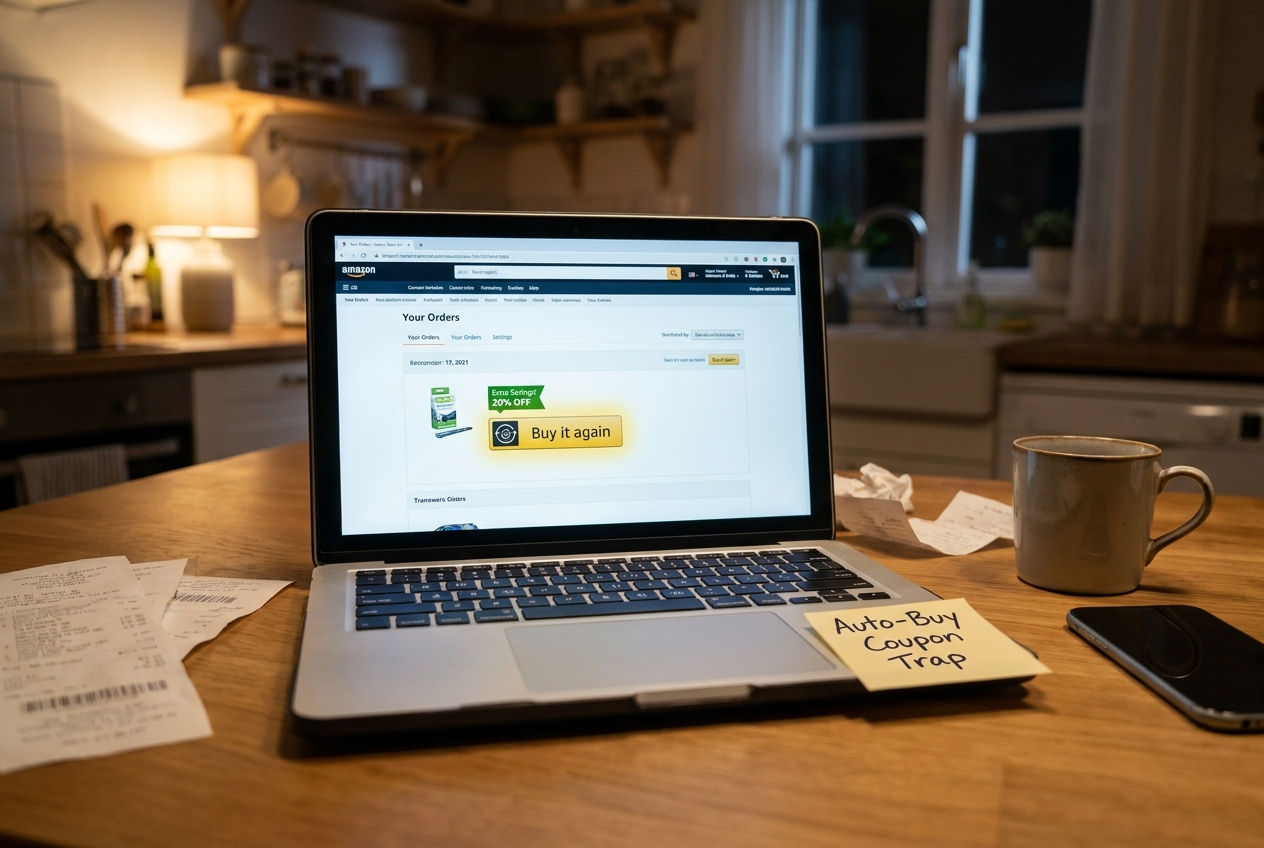
  • The “Hidden Auto-Buy Coupon Trap” Hack: How One Tiny Toggle Turns Amazon’s Secret Reorder Discounts Back On

    The “Hidden Auto-Buy Coupon Trap” Hack: How One Tiny Toggle Turns Amazon’s Secret Reorder Discounts Back On

    You are not crazy if Amazon deal screenshots make you feel like everyone else is getting a lower price than you. A lot of regular shoppers do the obvious things. They clip the coupon. They check Subscribe & Save. They maybe paste in a promo code. Then they still end up paying more than the people bragging online about giant discounts on coffee, detergent, pet food, and paper towels. The missing piece is often hiding in plain sight. Amazon sometimes shows extra savings only when you reorder an item through the Buy It Again flow or flip a tiny auto-buy style toggle tied to Subscribe & Save or repeat purchases. That is where the amazon buy it again hidden coupons trick comes in. It is not a shady glitch. It is more like a loyalty nudge. And once you know where to look, it becomes a simple little routine you can use before almost every household reorder.

    ⚡ In a Hurry? Key Takeaways

    • Hidden Amazon reorder discounts often appear when you revisit items through Buy It Again or turn on Subscribe & Save for a repeat purchase.
    • Before checking out, do three clicks. Open Buy It Again, tap the item, and compare one-time purchase versus Subscribe & Save to see if a hidden coupon or extra percentage appears.
    • This is safer and more reliable than chasing glitch deals, and it works best on boring essentials you already buy regularly.

    What the “auto-buy coupon trap” really is

    The name sounds dramatic, but the idea is pretty simple.

    Amazon wants repeat orders. So sometimes it quietly offers a better deal if you come back to a product you have already bought and agree to buy it in a repeat-friendly way. That might mean Buy It Again. It might mean Subscribe & Save. It might mean a reorder page with a little checkbox, a coupon banner, or a line that says you save more on your first delivery.

    Most people never see these offers because they shop the normal way. They search the item fresh, click the first listing, and buy it as a one-time purchase. That can hide the better pricing.

    Why regular shoppers miss these hidden discounts

    Amazon does not always put every discount on the public product page. Some offers are account-specific. Some are tied to reorder history. Some only show up after you select Subscribe & Save. Others appear in your Buy It Again section because Amazon is trying to pull you into another repeat order.

    That is why two people can look at the same product and see different prices.

    It is frustrating, yes. But it also means you do not always need a secret code from a forum. Sometimes you just need to enter through the right door.

    The three-click routine to check for amazon buy it again hidden coupons

    1. Start from Buy It Again, not search

    Go to your Amazon account and open Buy Again or Buy It Again. Find the item you already purchase regularly, like laundry pods, dog food, protein shakes, coffee, or trash bags.

    Click into that listing from there. This matters because Amazon may attach reorder offers to that route.

    2. Compare one-time purchase with Subscribe & Save

    On the product page, look closely at the purchase options. Do not assume the one-time price is the full story.

    Tap Subscribe & Save and see if anything new appears:

    • a first delivery coupon
    • an extra percentage off
    • a “save more” line under the price
    • a clip coupon that only appears after switching purchase type

    This is the tiny toggle part. One little switch can change the math.

    3. Check the final checkout math before placing the order

    After clipping any coupon, add the item to your cart and verify the total. Amazon can stack discounts in ways that are easy to miss. You may see:

    • the visible coupon
    • the Subscribe & Save percentage
    • a first reorder discount
    • an account-specific credit or promo

    If the total is not better, back out. If it is, you have found the hidden layer.

    Where these hidden reorder discounts show up most often

    This trick tends to work best on practical stuff, not flashy electronics. Think repeat purchases.

    • detergent and cleaning supplies
    • coffee and drink mixes
    • pet food and pet treats
    • vitamins and supplements
    • paper goods
    • baby items
    • personal care basics

    That is good news because these are the exact things that quietly eat your budget every month.

    How to tell if it is a real deal or fake savings

    This is the part where it helps to stay a little skeptical.

    Sometimes Amazon boosts the list price, then shows a coupon that only brings it back to normal. So before you celebrate, compare:

    • today’s one-time purchase price
    • today’s Subscribe & Save price
    • your past order price
    • other pack sizes or sellers

    If you save real money versus your usual reorder cost, great. If not, skip it. Hidden does not always mean better.

    A smart way to stack this with other Amazon savings

    This reorder trick works even better when you combine it with a second layer, especially account credits or prepaid balance promos. If you want to push the savings further, read The Hidden Gift‑Card Stack Hack: How One Prepaid Move Turns Normal Amazon Promo Codes Into Double Discounts. It explains why one shopper gets a basic discount while another gets a much lower final total on the same order.

    That is the bigger lesson here. Amazon savings often come from stacking small, boring pieces together, not from one magical code.

    What not to do

    There are a few easy mistakes that can cancel out the benefit.

    Do not leave multiple subscriptions running by accident

    If you only wanted the first delivery discount, set yourself a reminder to review or cancel the subscription after the order ships.

    Do not assume every repeat item has a hidden coupon

    Some do. Some do not. The win comes from checking quickly, not forcing a deal that is not there.

    Do not skip your account messages and banner promos

    Occasionally Amazon adds targeted credits or reorder offers in little banners, email prompts, or cart messages. Those can be easy to miss if you rush.

    Why this feels “secret” even though it is not

    Amazon personalizes a lot. That makes normal shoppers feel shut out because power users post huge wins without showing the steps that triggered them. The truth is less glamorous.

    Very often, they are just checking the product from the right place, switching the purchase method, and catching a coupon layer that casual shoppers never see.

    That is why this is such a useful habit. It turns a random lucky break into a repeatable process.

    At a Glance: Comparison

    Feature/Aspect Details Verdict
    Buy It Again entry point Can surface reorder-specific offers or account-based discounts that do not stand out in normal search results. Worth checking first for repeat essentials.
    Subscribe & Save toggle May trigger extra percentages, first-delivery savings, or hidden clip coupons after you switch purchase type. Best savings layer for routine household items.
    Safety and reliability Uses normal Amazon shopping paths instead of risky glitches, strange browser tricks, or too-good-to-be-true code hunts. A practical method for everyday shoppers.

    Conclusion

    Today’s big frustration in coupon communities is that normal shoppers feel locked out of the best Amazon deals because the eye-popping screenshots come from people who live on trackers, extensions and obscure subreddits. This hack flips that dynamic by turning a behavior most people already have, reordering boring essentials, into a repeatable way to trigger hidden first-reorder and loyalty coupons, extra Subscribe & Save percentages, and targeted gift card credit that never appear on public deal pages. It is safer than glitch hunting, it works on everyday items like detergent, pet food, and coffee, and it gives you a clear plan. Before every reorder, do those three clicks on your own account, then add the best code you can find. You may not hit a unicorn deal every time, but you will stop leaving easy money on the table.

  • The “Hidden Bank‑Bonus Stack” Hack: How One Payment Trick Turns Boring Checkout Into Secret Extra Amazon Promo Credits

    The “Hidden Bank‑Bonus Stack” Hack: How One Payment Trick Turns Boring Checkout Into Secret Extra Amazon Promo Credits

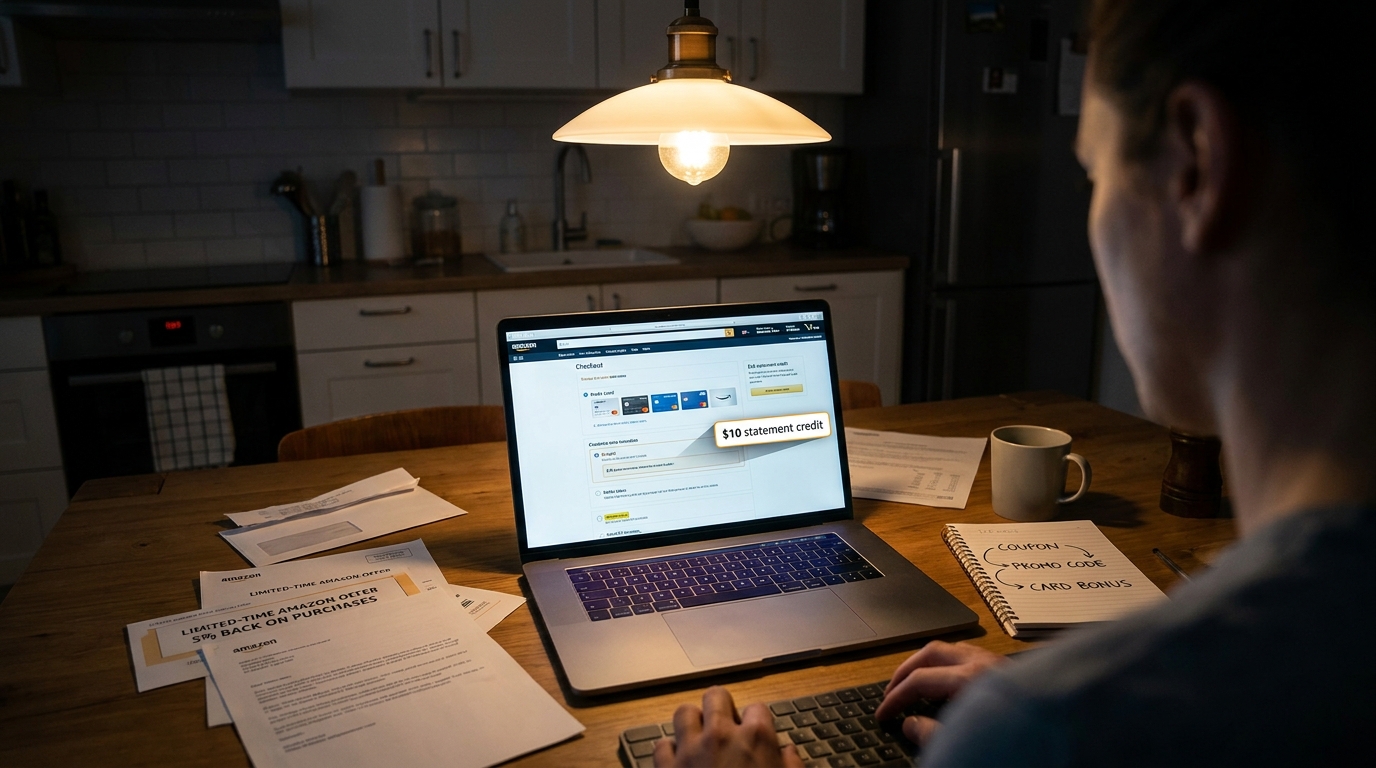
    You know that annoying feeling when you get to Amazon checkout, enter the obvious coupon, maybe even use Subscribe & Save, and still suspect somebody else is paying less than you for the exact same thing? You are not imagining it. A lot of the extra savings are not sitting in a promo-code box at all. They are hiding in your payment method. Banks and card issuers keep running short Amazon promos like 10 percent back with points, $10 off $50 after activation, or boosted cash back if you simply switch cards before paying. The catch is simple. They are easy to miss, easy to forget, and often targeted. That is why so many people never use them. The good news is this trick is not complicated or risky if you stay organized. Think of your card choice as one more coupon layer. Once you start checking it before you buy, boring checkout can quietly turn into extra credits, rebates, and future Amazon savings.

    ⚡ In a Hurry? Key Takeaways

    • The real amazon bank bonus promo code stack often comes from using the right card or bank offer at checkout, not from hunting one more code.
    • Before you place an order, check your card app, email offers, and Amazon payment settings for targeted activations or bonus-point deals.
    • Only use these offers if you can pay the balance in full, because interest wipes out the value fast.

    Why this works better than another coupon search

    Most shoppers treat payment as the final boring step. Amazon and your bank know that. That is why some of the best discounts live there.

    You might see an offer from Chase, Amex, Discover, Citi, Capital One, Bank of America, or your debit-card rewards program that says something like:

    • Activate and get $10 off $50 at Amazon
    • Use 1 Membership Rewards point and get 20% off, up to $30
    • Earn 5% or 10% back at Amazon this quarter
    • Get bonus cash back if Amazon is in your selected rewards category

    That is the hidden stack. You can clip an on-page coupon, use Subscribe & Save, apply a normal promo code if one exists, and still add a bank or card reward on top. It feels like a secret extra Amazon code, even though it is really a payment trick.

    What the “bank-bonus stack” actually looks like

    Here is a simple example.

    Example checkout stack

    You buy a household item priced at $50.

    • Amazon coupon on product page: save $5
    • Subscribe & Save: save another 5%
    • Card-linked offer: get $10 off $50 after activation
    • Cash-back category: earn 5% back later

    Suddenly, a routine order has multiple discount layers. None of them required a magical code from a sketchy coupon site.

    If you want to add another layer on certain purchases, this pairs nicely with The Hidden Gift‑Card Stack Hack: How One Prepaid Move Turns Normal Amazon Promo Codes Into Double Discounts. That strategy is different, but it fits the same idea. The savings often come from how you pay, not just what you buy.

    Where to find these hidden Amazon payment offers

    Your card issuer app

    This is the first place to check. Many issuers hide merchant offers inside the app under sections like Offers, Rewards, Benefits, or Deals. You usually have to click “activate” first.

    Your email inbox

    Yes, the emails you ignore may actually contain useful money. Search your inbox for “Amazon offer,” “activate offer,” “cash back,” or your bank’s name plus “Amazon.”

    Amazon checkout and payment settings

    Sometimes Amazon itself will surface a deal when you add an eligible card or switch your default payment method. This is especially common with rewards-point promotions.

    Quarterly and rotating categories

    Some cards pay more back in certain categories each quarter. If Amazon is included, or if purchases route through a digital wallet that qualifies, switching cards matters.

    How to use the amazon bank bonus promo code stack without making it a part-time job

    1. Keep a short list of your cards

    You do not need a spreadsheet worthy of an accountant. Just make a simple note on your phone:

    • Card A: general Amazon points promo
    • Card B: merchant offers section
    • Card C: rotating 5% categories

    2. Check offers before big restocks

    Before buying pantry items, toiletries, school supplies, or holiday gifts, open your card apps for two minutes. That quick check can be worth far more than another coupon search.

    3. Activate first, then switch the default card

    This is the step many people miss. The offer often does nothing unless you activate it first. Then make sure the right card is selected at checkout.

    4. Test with one item if needed

    If the terms are confusing, try it on a smaller order. Watch whether the discount appears at checkout or posts later as statement credit or rewards.

    5. Save screenshots

    If an offer says “earn $10 back” or “20% off with points,” take a screenshot before purchase. It makes customer service much easier if the bonus does not post.

    Important fine print that trips people up

    This is where the nice-looking deal can get slippery.

    Targeted means targeted

    Your friend may have an offer you do not. That does not mean the deal is fake. It just means issuers are picking who sees what.

    Minimum spend matters

    “Get $10 off $50” usually means your subtotal must meet the threshold after some discounts but before others. Read carefully.

    Points promos can require a tiny redemption

    Some Amazon rewards offers only trigger if you use at least 1 bank point. Weird, but common.

    Credits may post later

    Not every savings layer shows instantly. Some appear as statement credits days or weeks after the transaction.

    Third-party sellers may not qualify

    Some offers work only on items sold by Amazon, not every marketplace listing.

    When this trick is most useful

    This works year-round, but it gets better in heavy shopping seasons. Back-to-school. Prime events. Black Friday. Holiday gift season. Banks push harder when they want your spending volume.

    That is why this strategy is so good for repeat Amazon buyers. Even if one offer only saves $10, a few of those over a season can turn into a nice pile of credits and rebates.

    Who should be careful

    If you carry a balance on your credit cards, this trick can backfire. A $10 statement credit is not a win if interest charges cost you $24.

    Also, do not open or use extra cards just to chase tiny discounts if it makes your finances messy. The best version of this hack is simple. Use offers on cards you already have, pay in full, and keep records.

    At a Glance: Comparison

    Feature/Aspect Details Verdict
    Standard promo-code hunt Often time-consuming, with lots of expired or fake codes and limited success at checkout. Useful, but unreliable on its own.
    Bank or card offer stack Can add statement credits, bonus points, or extra cash back if you activate and use the right card. One of the easiest hidden savings layers.
    Combined stack approach Mixes Amazon coupons, Subscribe & Save, promo codes, and payment-based rewards for the best total discount. Best value if you stay organized and read the terms.

    Conclusion

    The big lesson here is simple. Stop treating the payment screen like an afterthought. Right now banks and card issuers are quietly tossing out limited-time Amazon offers like 10 to 20 percent back in points when you switch your default card for one purchase, targeted “activate and get $10 off $50 at Amazon,” or boosted cash-back categories that only work if you toggle to the right card before checkout. Most people never notice the email or forget to click the tiny activation button, so they miss a clean extra savings layer. If you start thinking of your payment method as part of the amazon bank bonus promo code stack, routine orders can turn into a steady trickle of credits, rebates, and future-cart savings. That is especially true heading into Q4, when banks compete hardest for your spending. A two-minute card check before you buy can pay off surprisingly well.

  • The “Hidden Targeted Email Coupon” Hack: How One Inbox Sweep Turns Random Amazon Shoppers Into Secret 20% Off Power Users

    The “Hidden Targeted Email Coupon” Hack: How One Inbox Sweep Turns Random Amazon Shoppers Into Secret 20% Off Power Users

    You know the feeling. You finally find an Amazon promo code, paste it in at checkout, and get that annoying little message saying the deal is not valid for your account. Meanwhile somebody else is buying the exact same charger, air fryer, or headphones for 10 to 20 percent less because Amazon quietly sent them a private offer. That is the frustrating part. The best discounts are often not public at all. They are targeted. If you want the real Amazon targeted email coupon hack, stop hunting only on coupon pages and start checking the places Amazon hides these offers for you personally. A quick inbox sweep, plus a few account checks inside Amazon, can uncover same day savings that most shoppers miss. And with October promotions still spilling over after Prime Big Deal Days, this is exactly when those “just for you” offers tend to show up, then disappear unused.

    ⚡ In a Hurry? Key Takeaways

    • Amazon does send private coupons and promo codes to selected shoppers by email, app banner, and account message.
    • Search your inbox for Amazon deal phrases, then check your Promotions tab, Amazon Messages, and product pages before you buy.
    • Only use offers from official Amazon emails or inside your Amazon account, because fake coupon emails are common during sale season.

    What the Amazon targeted email coupon hack actually is

    It is not a glitch. It is not a browser trick. It is simply the habit of checking all the places Amazon drops private offers before you place an order.

    Amazon regularly tags certain customers as eligible for extra savings based on things like shopping history, product categories you browse, whether you use Subscribe & Save, past purchases, or even whether Amazon wants to tempt you back into buying.

    That is why one shopper sees “Apply 20% coupon” and another sees nothing at all.

    The hack is really a system. You stop acting like every deal is public, and start looking for the discounts attached specifically to your account.

    Why these hidden offers get missed

    Most people only check three places. The product page, Google, and a coupon roundup site.

    That misses a lot.

    Private Amazon offers often live in email subject lines, in-app banners, “just for you” landing pages, or under account messages you have not opened in days. Some are one-time use. Some only work if you click through from the email first. Some expire in 48 hours.

    So yes, the discount was real. You just never saw it.

    Your 10-minute inbox sweep

    This is the easiest way to start.

    Step 1: Search your email for Amazon promo phrases

    Open your email and search for these terms one by one:

    • Amazon coupon
    • Amazon promo code
    • just for you
    • you’re eligible
    • selected customers
    • limited-time offer
    • save on your next purchase
    • Apply coupon

    If your mail app supports it, search only mail from Amazon.com or [email protected] and similar official senders.

    Step 2: Check the Promotions and Spam folders

    I know. Nobody wants to dig through those folders. But that is exactly where retail emails land. A lot of shoppers have valid targeted Amazon offers buried there right now.

    Be especially alert for emails sent in the last two weeks, because Amazon tends to keep nudging after a major sale event.

    Step 3: Flag or star every possible offer

    Do not try to sort everything in one pass. Just mark the emails that mention a percentage off, dollar-off amount, or category-specific savings.

    Your goal is speed first, sorting second.

    Step 4: Build a tiny “Amazon Deals” folder

    Create a folder or label and move those emails into it. That way you are not re-hunting later when you are ready to buy.

    This one step turns random deal-chasing into a repeatable system.

    Check inside Amazon too

    Email is only part of it. Amazon also surfaces private offers inside your account.

    Product pages

    Look for checkboxes that say things like:

    • Apply 10% coupon
    • Extra savings at checkout
    • Exclusive offer for Prime members
    • Redeem promotion

    These are easy to miss, especially on mobile.

    Your messages and account notifications

    Inside Amazon, check Message Center or any notifications tied to your account. Sometimes the offer is shown there even if you never noticed the matching email.

    The cart and checkout page

    Add the item to your cart before giving up. Some promotions only appear there. Amazon is famous for making discounts visible late in the process.

    The app homepage

    If you use the Amazon app, look for homepage banners and “recommended deals” strips. Those can be personalized.

    How to tell if a coupon is truly targeted

    Here is the simple test. If the email or page says things like “for selected customers,” “for eligible customers,” or “applies to your account,” it is likely tied to your account or email address.

    If you share the code with a friend and it fails for them, that is normal.

    Also, a targeted deal may require one extra condition, such as:

    • buying from a specific seller
    • using the Amazon app
    • spending a minimum amount
    • checking out with one payment method
    • being a Prime member

    Always read the fine print before you assume the discount vanished.

    The best way to organize hidden Amazon offers

    You do not need a spreadsheet unless you love spreadsheets.

    For most people, this is enough:

    • Create an email folder called Amazon Offers
    • Use stars or flags for the best discounts
    • Add a note in your phone with expiration dates
    • Keep a short shopping list of items you may buy soon

    That last part matters. A private 20% coupon is far more useful when you already know what you need.

    Safety check: avoid fake Amazon coupon emails

    This is sale season, which means scam season too.

    Only trust emails that clearly come from Amazon and lead to Amazon’s real website or app. Do not click weird shortened links. Do not sign in through a page that looks off. And do not trust a message that pushes urgency but does not show clear offer terms.

    If in doubt, open Amazon directly and search for the item or offer there.

    When this works best

    The sweet spot is right after a major sale event. That is where we are now.

    Amazon is still in heavy October promo mode, which means the public headlines may be fading while private offers keep trickling out. This is also the moment when Amazon tries to catch shoppers who browsed during Prime Big Deal Days but did not buy.

    That is why inbox checking right now can pay off fast.

    And if you already bought something just before a better discount showed up, it is worth reading The “Hidden Prime-Refund Loop” Hack: How One Simple Return Timing Trick Turns Dead Amazon Deals Into Fresh Promo-Code Savings. It covers a smart way to think through timing when a deal seems to have slipped past you.

    A practical example

    Let’s say you are shopping for a smart plug.

    You search Google. The public codes are dead. The product page shows no big sale. You assume that is that.

    But then you search your inbox for “Amazon just for you” and find an email from four days ago offering 15% off select smart home devices. You click through, sign in, and suddenly the same plug now shows an eligible discount at checkout.

    Nothing magical happened. You just found the deal Amazon had already aimed at you.

    At a Glance: Comparison

    Feature/Aspect Details Verdict
    Public promo codes Easy to find, but often expired, overused, or not valid for your account Useful as a backup, not your best bet
    Targeted email coupons Private offers sent to selected shoppers, often 10% to 20% off and tied to account eligibility Best source of real savings if you check consistently
    In-app and account banners Hidden in product pages, cart prompts, or personalized homepage sections Worth checking before every purchase

    Conclusion

    The Amazon targeted email coupon hack is really about paying attention where other shoppers do not. Right now, with October promotions still flowing after Prime Big Deal Days, thousands of people are sitting on private “just for you” discounts tied to their account, email address, or shopping history. Most of those offers will expire quietly because nobody thought to look beyond the usual coupon pages. A quick inbox sweep, a glance at Amazon messages, and a habit of checking cart and product-page banners can turn those hidden offers into real same day savings. That is the part the big tech blogs often skip. The best Amazon deal may not be public at all. It may already be waiting for you.

  • The Hidden Gift‑Card Stack Hack: How One Prepaid Move Turns Normal Amazon Promo Codes Into Double Discounts

    The Hidden Gift‑Card Stack Hack: How One Prepaid Move Turns Normal Amazon Promo Codes Into Double Discounts

    You are not imagining it. One person gets 12 percent off on Amazon and feels pretty good. Another somehow lands 30 or 40 percent off on the exact same order. That gap is what makes regular shoppers feel like the good deals are always happening somewhere else. The trick, in many cases, is not a magical secret code. It is stacking. More specifically, it is buying Amazon gift cards through a wallet app or credit card offer that gives you bonus cash first, then using that prepaid balance on an Amazon order that also has its own coupon or promo code. That is the simple version of the amazon gift card stacking promo code hack. It is not about doing anything shady. It is about paying in a smarter order. If you already buy household basics on Amazon, this is one of the easiest ways to squeeze out a second discount most people never even notice.

    ⚡ In a Hurry? Key Takeaways

    • The basic move is simple. Buy discounted or bonus-value Amazon gift cards first, load them to your account, then pay for an item that also has an Amazon coupon or promo code.
    • Check wallet apps, card-linked offers, and credit card deal sections before you shop. A quick gift card purchase can create an extra 5 to 20 percent in value before checkout.
    • Stick to legitimate offers from known apps, banks, and card issuers. The savings are real, but scammy gift card sellers are not worth the risk.

    What this “stack” actually means

    Let’s make this plain. There are two separate savings layers.

    Layer one: the prepaid bump

    You buy an Amazon gift card through a promo. Maybe your credit card is offering $10 back on a $50 gift card purchase. Maybe a wallet app gives 10 percent bonus cash. Maybe a grocery app runs a limited-time gift card deal.

    You are not saving at Amazon yet. You are saving on the way into Amazon.

    Layer two: the normal Amazon discount

    Then you go buy what you were already going to buy. Maybe the item has a coupon checkbox. Maybe there is a promo code on the product page. Maybe it is part of a sale. You apply that discount at checkout, then pay with your gift card balance.

    That is the whole amazon gift card stacking promo code hack in one sentence. Save when funding your Amazon balance, then save again when spending it.

    Why this works better than waiting for one giant code

    Most people hunt for one massive promo code and come up empty. Amazon often does not work that way. Big sitewide codes are rare. Smaller savings are everywhere, but scattered.

    That is why the stack matters. A 10 percent gift card bonus plus a 15 percent item coupon is not flashy on its own, but together the final cost can drop enough to feel like one of those brag-worthy deals you see online.

    And if you already read deal sites or promo roundups, this stacks nicely with those too. The same logic shows up in checkout tricks like The “Hidden Prime-Day-Only Checkout Stack” Hack: How One Prime Deal Link Turns Today’s Big Deals Into Secret Extra Promo Codes. The pattern is the same. One discount is good. Two at once is where things get interesting.

    Where shoppers are finding the gift card bonus layer

    This part changes all the time, which is why so many people miss it. The best offers are often quiet and short-lived.

    Wallet apps

    Some payment apps run cash-back or bonus-credit promos on gift card purchases. These can be targeted, seasonal, or limited to certain users.

    Credit card offers

    Many banks and card issuers have deal sections inside their apps. You tap to add an offer, then use that card to buy an eligible gift card. The credit shows up later.

    Grocery and pharmacy promos

    Sometimes stores offer fuel points, bonus store rewards, or a set amount back when you buy select gift cards. If Amazon is included, that can count as your first savings layer.

    Gift card marketplaces and promo events

    These can work, but be careful. If the discount looks too good or the seller seems random, skip it. Saving 12 percent is not worth losing 100 percent.

    How to do it without overcomplicating your life

    You do not need spreadsheets for this. Keep it boring and practical.

    Step 1: Start with what you already need

    Pick real purchases. Laundry pods. Dog food. Printer paper. School snacks. The best stacks are on things you were buying anyway.

    Step 2: Check for a legitimate gift card promo

    Before going to Amazon, look in your bank app, card app, or wallet app. Search for Amazon gift card offers, cash back, or bonus credit.

    Step 3: Buy only the amount you can use soon

    This is where people get carried away. If the offer is on $50, buy $50 if you know you will spend it soon. Do not tie up $500 just because the math looks nice.

    Step 4: Load the gift card to your Amazon account

    Apply the code to your balance so it is ready to use at checkout.

    Step 5: Find an item-level Amazon discount

    Look for a clipped coupon, promo code, sale price, Subscribe & Save deal, or bundle offer.

    Step 6: Check the final math

    Sometimes a different seller, pack size, or subscription option changes the total enough to beat your original plan. Always compare the true final price.

    A quick example with easy numbers

    Let’s say you want to buy $60 worth of household items.

    You first buy a $50 Amazon gift card through a card offer that gives you $10 back. That means your effective cost for that $50 in Amazon spending is really $40.

    Then on Amazon, one of the items has a 15 percent coupon, knocking $9 off the order.

    Now your $60 order drops to $51 at checkout. You pay most of that with gift card balance that effectively cost you less. Depending on the exact numbers, your real out-of-pocket cost may feel closer to low-40s than low-50s.

    That is why other shoppers seem to get impossible prices. They are not relying on one code. They are stacking the entry discount with the checkout discount.

    Important limits people forget

    This trick is useful, but it is not magic.

    Not every promo stacks

    Some Amazon promo codes exclude certain payment methods, item types, or sellers. Gift card balance usually works fine as a payment source, but read the offer terms.

    Some deals are targeted

    You may see somebody online with a great wallet-app offer that never shows up in your account. That is normal. Promos are often targeted by bank, region, or user history.

    Returns can get messy

    If you return an item, Amazon usually refunds to your gift card balance first. That is not terrible, but it means your money stays in the Amazon system.

    It is easy to overspend while “saving”

    If the deal pushes you to buy extra stuff you did not need, the savings vanish fast.

    Safety rules for the amazon gift card stacking promo code hack

    This is the part I would tell a family member.

    • Use bank offers, major wallet apps, and trusted retailers first.
    • Avoid social media sellers offering steeply discounted Amazon gift cards.
    • Read the fine print on card-linked offers. Some exclude third-party gift card purchases.
    • Take screenshots of the offer before you buy, just in case the rebate does not track.
    • Do a small test run first if this is new to you.

    Best use cases right now

    This works especially well on repeat buys, not just flashy gadgets.

    Everyday household orders

    Paper towels, cleaning supplies, batteries, trash bags, vitamins.

    Pet supplies

    Food, litter, treats, pads, flea products.

    School and office basics

    Markers, notebooks, printer ink, folders, shipping tape.

    Prime event shopping

    If you are shopping a major sale, the gift card layer can pair well with item coupons and special checkout links. That is why stack-savvy shoppers tend to do better during big events.

    At a Glance: Comparison

    Feature/Aspect Details Verdict
    Savings potential Gift card bonus plus item coupon or promo code can create a meaningful double discount. Worth doing, especially on planned purchases.
    Difficulty Takes an extra check in your wallet app or card offers before buying on Amazon. Easy once you do it once or twice.
    Risk level Low if you use legitimate apps and issuers. Higher if you chase sketchy third-party gift card deals. Safe with trusted sources and sensible limits.

    Conclusion

    If your Amazon promo codes always seem weak compared with the wild discounts other people post, this is the missing piece. Right now there is a wave of wallet-app and credit-card promos quietly handing out bonus cash when you buy Amazon gift cards, and most shoppers are completely missing it. When you turn those prepaid bumps into a second layer of savings on top of normal Amazon promo codes, you give yourself a real shot at better prices on boring but necessary buys like paper towels, pet food, and school supplies. Start small. Use trusted offers. Check the math before you check out. Done right, this is not a gimmick. It is just a smarter way to pay.

  • The “Hidden Deal‑Of‑The‑Day Coupon Tab” Hack: How One Click Unlocks Amazon’s Secret Extra Promo Codes On Already‑Discounted Items

    The “Hidden Deal‑Of‑The‑Day Coupon Tab” Hack: How One Click Unlocks Amazon’s Secret Extra Promo Codes On Already‑Discounted Items

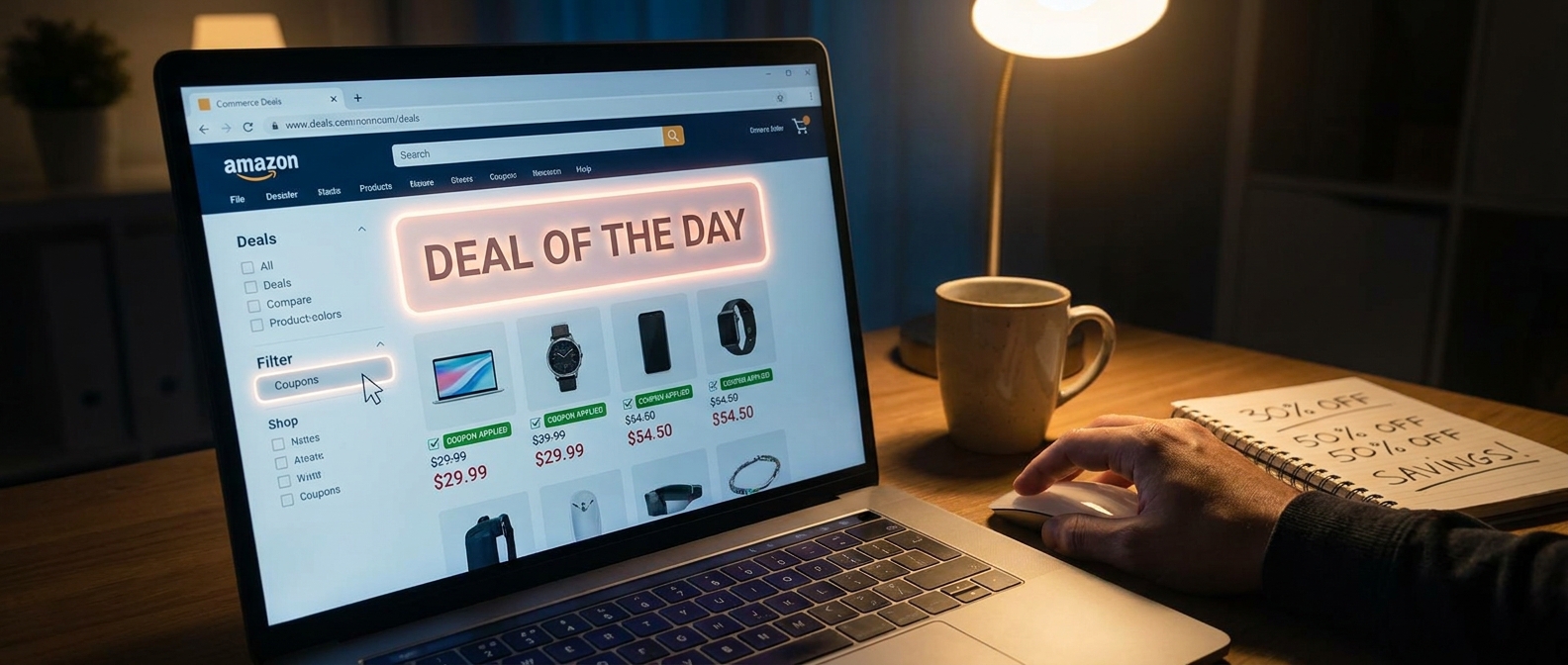
    You open Amazon’s Today’s Deals page, scroll for a minute, maybe tap a lightning deal, and think, “Well, that’s probably the best price.” That is exactly how Amazon gets most people to stop one click too soon. The frustrating part is that some of the best discounts are not front and center. They are hiding behind a small coupon filter or coupon tab, sitting on top of items that are already marked down. So yes, you can sometimes stack a public sale price with a clip coupon and get a much better deal than the page first suggests. That is the whole amazon deal of the day hidden coupon tab hack in plain English. It is not shady. It is not complicated. It is just easy to miss. And right now, with holiday pricing starting to heat up, this tiny habit can save you real money in about 30 seconds.

    ⚡ In a Hurry? Key Takeaways

    • The hidden trick is to check Amazon’s Deals page for coupon-filtered items, then clip the extra coupon on products that are already on sale.
    • Before you buy, open the product page and look for a checkbox-style coupon or promo line under the price, because the deal page does not always show the full savings clearly.
    • This is a safe, normal Amazon feature, but coupons can expire fast, vary by account, and sometimes only apply at checkout.

    Why most shoppers miss the extra discount

    Amazon’s deal pages are busy by design. There are timers, badges, sponsored placements, category filters, and endless scrolling. Most people do a quick scan and move on.

    What often gets missed is the extra coupon layer. On many items, Amazon shows a sale price first, then adds a little “coupon” tag, a checkbox on the product page, or a small savings note that only appears after you click in. That means the headline discount is not always the full discount.

    This is why the amazon deal of the day hidden coupon tab hack works so well. It is not finding a secret page from the dark corners of the internet. It is simply using Amazon’s own tiny filters and tabs more carefully than most people do.

    How the hidden coupon tab hack works

    Step 1: Start on Today’s Deals or Deal of the Day

    Go to Amazon’s Today’s Deals section and start with whatever category you care about. Electronics, home, beauty, kitchen, pet gear. It works across all of them.

    Step 2: Look for coupon-related filters or tabs

    Depending on your device, Amazon may show these as filters, tabs, badges, or a left-side menu. You are looking for words like “Coupon,” “Extra Savings,” or items that show a green coupon label.

    This is the click most people skip.

    Step 3: Open the product page

    Do not trust the deal grid alone. Click into the actual listing. On the product page, look under the price for a checkbox coupon, usually with wording like “Apply $10 coupon” or “Save 20% with coupon.”

    Step 4: Clip the coupon

    If you see the box, tap it. Amazon usually confirms that it has been applied. The final discount may show right away or wait until checkout.

    Step 5: Verify in cart or at checkout

    This part matters. Some coupon savings only appear in the order summary. Before you hit Buy Now, check that the clipped coupon actually came off the total.

    What this looks like in real life

    Let’s say a blender is listed at 25% off on Today’s Deals. Nice. Most shoppers stop there.

    But when you open the listing, there is a clipped coupon for an extra 10% off, or maybe $15 off. Suddenly that “pretty good” deal becomes the best price you have seen all week.

    The same thing happens with phone chargers, headphones, vitamins, air fryers, office chairs, and random household gadgets. Amazon loves these layered discounts because they feel personalized and urgent, but they are easy to overlook.

    Why Amazon buries this so well

    Part of it is clutter. Part of it is testing. Amazon changes layouts constantly, and not every shopper sees the exact same design.

    Also, coupons are useful to Amazon because they make the deal feel more active. You have to “clip” it, which creates a tiny sense of winning. But it also means lazy browsers miss it.

    That is really the whole game here. Not secret coding. Not browser wizardry. Just paying attention to one extra layer.

    Best categories for this trick

    If you want the fastest wins, start with categories where Amazon sellers love to stack discounts:

    • Home and kitchen
    • Beauty and personal care
    • Vacuums and cleaning gadgets
    • Phone accessories
    • Small electronics
    • Pet supplies
    • Supplements and wellness items

    Big-name brands may use this less often, but third-party sellers and rising brands use it all the time.

    Important limits to know before you get excited

    Not every coupon stacks

    Some items let you combine the sale price and coupon. Some do not. Always check the final cart total.

    Some coupons are account-specific

    Your friend may see a coupon that you do not. That is normal on Amazon.

    Some savings only show at checkout

    This is common and very annoying. Do not assume the clip failed just because the product page still looks the same.

    Coupons can vanish fast

    If a deal is good, the coupon budget may run out before the end of the day.

    A smart extra step if you also use public promo codes

    If you like hunting down Amazon codes from social posts or deal blogs, pair this trick with a quick reality check. A lot of random codes online are expired, account-limited, or tied to very specific listings.

    That is where The “Hidden Overstacked Code Vault” Hack: How One 30-Second Leak Check Turns Random Amazon Coupons Into Jackpot-Level Savings is worth a read. It is a helpful companion move when you want to see whether a flashy code can actually stack with an on-page coupon.

    My favorite way to use this without wasting time

    Here is the easy routine.

    1. Open Today’s Deals.
    2. Tap your category.
    3. Filter for coupon-tagged deals if available.
    4. Open only the items you would genuinely buy.
    5. Clip the coupon.
    6. Check the cart total before paying.

    That is it. No spreadsheets. No browser extensions required. No all-day scavenger hunt.

    At a Glance: Comparison

    Feature/Aspect Details Verdict
    Regular Deal Page Browsing Shows many sale prices, but often hides the full extra coupon value unless you click deeper. Good start, but incomplete
    Hidden Coupon Tab or Filter Surfaces products with clip-style coupons that can sit on top of existing discounts. Best shortcut for extra savings
    Final Cart Check Confirms whether the coupon actually applied and shows the real total before purchase. Essential last step

    Conclusion

    If you have been treating Amazon’s deal pages like the whole story, you have probably been leaving easy money behind. Right after Prime Big Deal Days and heading into the holiday rush, Amazon is loading Today’s Deals and Deal of the Day with limited-time offers that change constantly. The best part is that some of the strongest discounts are not the loud headline deals. They are the quieter clip coupons tucked behind filters, tabs, and product-page checkboxes. Once you know to combine the public sale price with those hidden coupon-tagged offers, your normal deal check gets a lot smarter. It is quick, repeatable, and works across a huge mix of categories. Spend the extra click. It is one of the simplest ways to shop Amazon better today, even when the big flashy promo codes are nowhere to be found.

  • The “Hidden Overstacked Code Vault” Hack: How One 30‑Second Leak Check Turns Random Amazon Coupons Into Jackpot‑Level Savings

    The “Hidden Overstacked Code Vault” Hack: How One 30‑Second Leak Check Turns Random Amazon Coupons Into Jackpot‑Level Savings

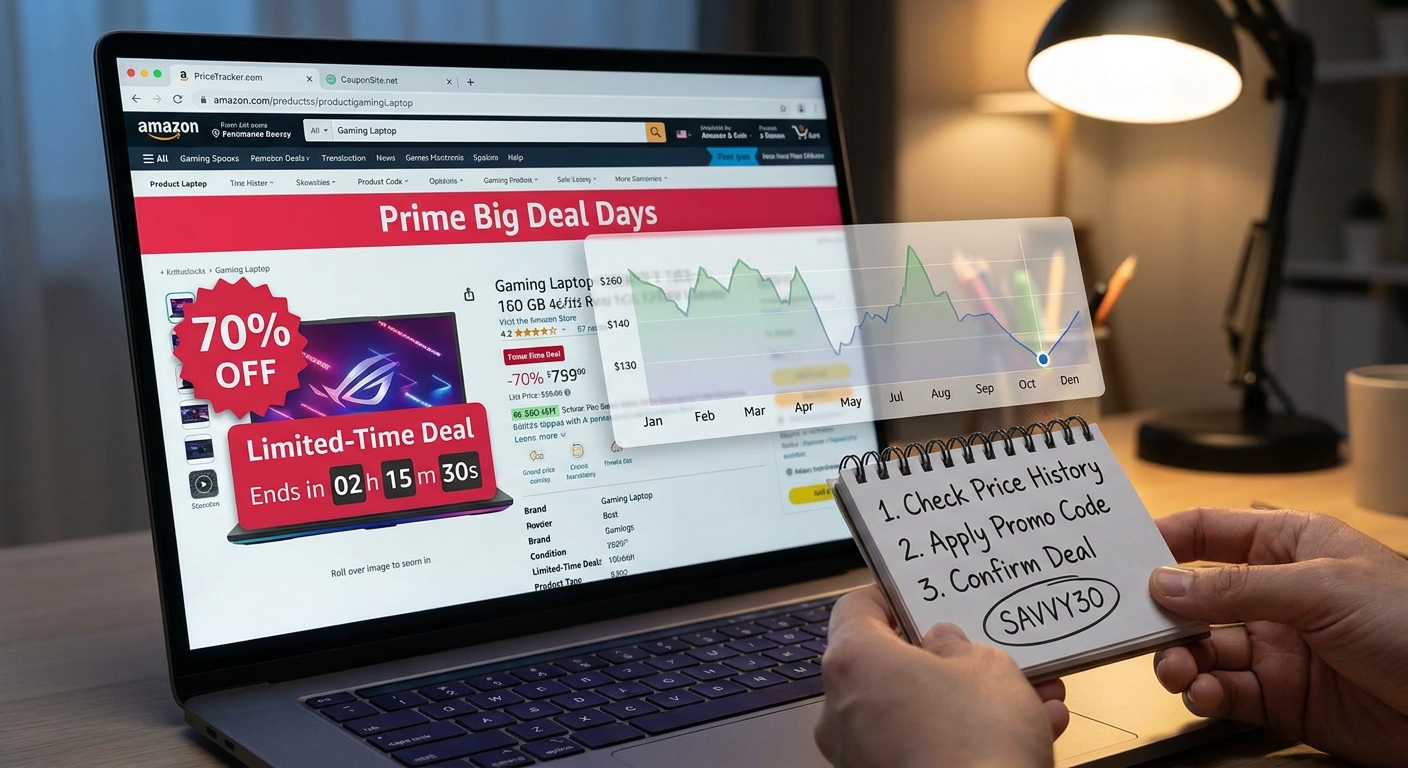
    You know the routine. You see a TikTok comment promising 50 percent off on some random kitchen gadget, copy the code, race to Amazon, and get hit with “promotion code you entered cannot be applied.” It is annoying, and after a few tries it starts to feel like the whole internet is built to waste your checkout time. The good news is that some hidden amazon promo code hacks that actually work are not really about finding one magic coupon. They are about spotting where fresh seller codes leak before they get burned out. That is the real play right now. Tiny Amazon sellers launch promo codes for niche products, those codes spill into Reddit threads, deal pages, and social posts, and for a short window they are still underused. If you can do a quick 30-second leak check before trying a code, you can skip the dead bait, find the live ones faster, and start building your own repeat list of brands that keep doing this over and over.

    ⚡ In a Hurry? Key Takeaways

    • The best Amazon coupon trick right now is not one secret code. It is checking how recently a code leaked and whether it is already overused.
    • Spend 30 seconds checking Reddit, deal sites, and product page coupons before testing a promo code at checkout.
    • Stick to Amazon checkout and public promo listings. Never pay for “VIP code lists” or hand over account details.

    What the “Hidden Overstacked Code Vault” hack really means

    The name sounds dramatic, but the idea is simple.

    Amazon sellers often create promo codes to push a new product, boost reviews, or get sales moving during a big shopping week. Those codes are meant for a small audience at first. Maybe an influencer. Maybe a Facebook group. Maybe a coupon page.

    Then someone shares it wider.

    That is the leak. And that leak is where the opportunity sits.

    If you catch the code early, before thousands of people pile on, it can still work. If you find it after it has bounced around TikTok and five deal blogs, it is usually dead. So the hack is not “use this exact code.” The hack is learning to tell the difference fast.

    The 30-second leak check

    Before you paste any code into Amazon, do this quick scan:

    1. Check how fresh the post is

    If the code was posted six hours ago, you may still have a shot. If it is from three days ago and has a hundred “worked for me” replies, it is probably cooked.

    2. Search the product name plus the code

    Open a search tab and look up the product name, brand, or promo code. If the same code is already on Reddit, deal forums, and social comments all at once, that usually means it leaked hard and got used fast.

    3. Look for a clickable coupon on the product page

    Sometimes the best savings come from stacking a page coupon with a seller promo code. If the product page shows a 10 percent or 20 percent coupon checkbox, that is a very good sign the seller is actively pushing sales right now.

    4. Read the top recent reviews and Q&A

    This sounds unrelated, but it helps. If reviews suddenly spike in the last few days, the seller may be in launch mode. Launch mode often means coupons are still floating around.

    5. Test once, not ten times

    If the code fails and every sign says it already went public hours ago, move on. Do not sit there retyping it like Amazon is going to change its mind.

    Why this works better than doom-scrolling for “secret” codes

    Most people hunt coupons backward. They start with viral posts and hope something still works.

    You want to work forward instead. Follow the path of new seller promos as they start to leak. That gives you a small timing advantage, and timing is everything here.

    This is also why some shoppers swear they always “just miss” the best deals. They are seeing the code after the useful part is over. The real window is often just a few hours.

    Where live codes usually leak first

    You do not need to camp on ten websites all day. Just know the pattern.

    Small deal communities

    Niche Reddit threads and smaller deal forums often get codes before giant coupon sites catch up.

    Seller social posts

    Brands sometimes drop codes in comments, stories, or tiny creator partnerships. That is one reason The “Hidden Influencer Code Cascade” Hack: How One Follow Turns Amazon’s Secret Social Discounts Into Stackable Checkout Savings is worth a look. It explains how these social-only discounts spread and why some end up stacking better than the obvious public deals.

    Coupon pages for new or unknown brands

    Big established brands do not need to get aggressive as often. Lesser-known brands do. That is why off-brand gadgets, pet tools, storage gear, and beauty accessories are common places to find these promo leaks.

    How to build your own private “vault” of repeat brands

    This is where the savings stop being random.

    When you find a seller whose code works, do not just buy and forget it. Save the brand name. Make a note in your phone. Better yet, keep a simple list with:

    • Brand name
    • Product type
    • Where you found the code
    • Whether it stacked with a page coupon
    • How long it stayed active

    After a couple of shopping events, patterns show up.

    Some brands always launch around Prime Day. Some always offer a page coupon plus a 15 percent promo. Some push codes through influencers first, then those codes spill into public threads later. Once you know the repeat players, you stop searching blind.

    What “overstacked” really looks like at checkout

    People use the word “stacked” loosely, so let’s keep it simple.

    The best-case Amazon discount setup often looks like this:

    • A sale price already on the listing
    • A clickable coupon on the product page
    • A seller promo code at checkout

    Not every product allows all three. But when they line up, the discount can look much bigger than what casual shoppers see.

    This is also why screenshots on social media sometimes look unbelievable. The person did not find one super code. They likely combined multiple discounts during a short launch window.

    Red flags that tell you a code is bait

    Some coupon posts are just stale. Others are straight-up junk.

    Watch out for these signs:

    • No product link, only a vague claim like “works on everything”
    • Comments full of people asking if it still works, with no recent success
    • Posts pushing you to join a private chat or pay for access
    • Codes that supposedly give huge discounts on major name brands
    • Creators showing no final checkout proof

    If it smells like bait, it probably is.

    A smarter routine for deal hunters

    If you want hidden amazon promo code hacks that actually work, start using a repeatable routine instead of chasing every “secret” post:

    1. Pick a few product categories you actually buy.
    2. Track small and mid-size Amazon brands in those categories.
    3. Check for product page coupons first.
    4. Search for fresh leaks on Reddit and deal threads.
    5. Try only the newest, least-circulated codes.
    6. Keep notes on which sellers repeat the pattern.

    That is boring compared to viral coupon hype. It is also way more useful.

    At a Glance: Comparison

    Feature/Aspect Details Verdict
    Viral TikTok code Usually already seen by thousands, often copied from older promo drops Low success rate
    Fresh leak from a small thread or deal page Less circulated, more likely to still have redemptions left Best opportunity
    Saved list of repeat seller brands Lets you spot familiar promo behavior during major shopping events Most reliable long-term strategy

    Conclusion

    The real secret is not one forever-working Amazon code. It is understanding how seller promos leak, spread, and burn out. Once you start doing that quick leak check, your whole deal-hunting experience gets better. You stop wasting checkout attempts on exhausted TikTok bait, you catch higher-value launch codes while they are still underused, and you slowly build your own private list of seller brands that keep repeating the same pattern every time a big shopping event rolls around. That is the edge. While everyone else is doom-scrolling for one code that still works, you are running a simple system that turns other people’s accidental overshare into your own repeatable checkout win.

  • The “Hidden ‘Real Discount’ Radar” Hack: How One 60‑Second Price History Check Turns Fake Amazon Deals Into True Secret Promo‑Code Scores

    The “Hidden ‘Real Discount’ Radar” Hack: How One 60‑Second Price History Check Turns Fake Amazon Deals Into True Secret Promo‑Code Scores

    You are not imagining it. Amazon deal pages can feel like a casino with better packaging. Big red percentages, strikethrough prices, ticking clocks, “limited-time deal” banners, and that little voice in your head saying, “Buy it now before it jumps back up.” The annoying part is that a lot of these “discounts” are not fake in the strict legal sense, but they are not always meaningful either. Sometimes the sale price is just the normal price wearing a party hat. If you want to know how to tell if an amazon prime big deal days discount is real, the fix is surprisingly simple. Do one 60-second price history check before checkout, then add any coupon or promo code only after you know the base deal is actually good. That tiny pause can save you from panic-buying junk, and it can also help you spot the rare times when a deal is genuinely excellent and worth stacking with an extra code.

    ⚡ In a Hurry? Key Takeaways

    • The fastest way to tell if an Amazon Prime Big Deal Days discount is real is to check the product’s recent price history, not just the strikethrough price on the listing.
    • Use a one-minute drill: compare today’s price to the 30-day and 90-day pattern, then clip coupons and try a verified promo code only if the base price is already solid.
    • Countdown timers and “limited deal” labels create pressure, but price history gives context and helps you avoid overpaying for a fake bargain.

    The problem with Amazon “deals” is not always the math. It is the framing.

    Most people do not sit around tracking blender prices for three months. That is why sale labels work so well. Amazon knows that if a product says “was $89.99, now $59.99,” your brain focuses on the $30 gap.

    But that gap only matters if the item actually sold for $89.99 long enough for that higher price to mean something. If it bounced up for a short stretch and then came right back down, the “discount” can look much bigger than it feels in real life.

    This is why the real question is not, “Is there a discount?” It is, “Compared to what this item usually costs, is this actually a good buy today?”

    The 60-second “Real Discount Radar” check

    Here is the simplest repeatable method I know.

    Step 1: Open the product page and ignore the percentage off

    Do not start with the flashy number. Start with the actual price you would pay today before tax.

    If there is a clipped coupon, subtract that too. If there is a promo code box or a checkbox discount, note it, but do not get excited yet.

    Step 2: Check price history

    Use a price-tracking tool or browser extension that shows the item’s recent price history. You want the quick version, not a deep research project.

    Look at three things:

    • Its price over the last 30 days
    • Its price over the last 90 days
    • Whether today’s “sale” is actually lower than the usual pattern

    If the item has been sitting at roughly the same price for weeks, the Prime Big Deal Days tag may be more theater than deal.

    Step 3: Ask one blunt question

    Would I still think this is a good price if Amazon removed the words “deal,” “limited time,” and “save 42%”?

    If the answer is no, keep moving.

    Step 4: Only then stack the extras

    Once the base price checks out, then you go hunting for the cherry on top. Clip the on-page coupon. Apply any checkout code. Then route back through Best Amazon Coupons to see if there is a verified extra discount that turns a good deal into a great one.

    That order matters. First confirm the real price. Then stack the extras.

    How to spot a fake-feeling discount fast

    Sign 1: The current price matches the recent “non-sale” price

    This is the biggest giveaway. If the chart shows the item has hovered around today’s price for days or weeks, the event badge is mostly marketing.

    Sign 2: The strikethrough price looks wildly higher than the chart

    Sometimes an item has a reference price that does not reflect where it normally sells. That can make the discount percentage look dramatic even when the actual savings are ordinary.

    Sign 3: The countdown timer is doing all the heavy lifting

    If the only reason the offer feels urgent is that a timer is ticking down, slow yourself down on purpose. A real deal usually still looks good when you remove the pressure.

    Sign 4: The coupon makes the deal look better than it is

    Coupons are great. But they can also distract you from a mediocre starting price. A $20 coupon on an item that was $20 cheaper last month is not a win. It is catch-up.

    What a real deal usually looks like

    A true score often has at least two of these signs:

    • Today’s price is at or near the lowest point in the last 30 to 90 days
    • The item rarely drops this low
    • The seller is reputable and the listing is the correct model, size, or version
    • A coupon or promo code pushes it below its normal sale price

    That last point is where hidden savings show up. The best deals are often not the loudest ones. They are the ones where the chart says “good base price” and the extra code quietly pushes it even lower.

    A simple example

    Let’s say a pair of earbuds is listed at $79.99, down from $129.99, with a 15% coupon.

    Sounds fantastic. Until you check price history and see this:

    • Most of last month, they sold for $84.99
    • Twice in the last 90 days, they dropped to $74.99
    • The “$129.99” price barely appeared

    Now the picture changes. After the coupon, maybe your total is decent. But it is not the once-a-year blowout the page wants you to believe it is.

    On the other hand, if the chart shows they usually sit around $99.99 and today they fall to $67.99 after coupon and code, that is worth your attention.

    Do not forget the listing trap

    There is another sneaky issue during big sales. Sometimes shoppers compare the wrong version of a product.

    Make sure the price history matches the exact listing you want. Storage size, color, bundle, generation, and seller all matter. A 256GB gadget is not the same deal as the 128GB version, even if the product photos look almost identical.

    This is also a good moment to glance at who is selling and shipping the item. A real discount is less exciting if it comes from a sketchy seller with spotty reviews.

    When a “bad” deal might still be worth buying

    Not every purchase has to be a record-low price to make sense.

    If you need the item now, if the current price is fair compared to recent history, and if you can stack a code on top, that can still be a sensible buy. The goal is not perfection. The goal is not getting tricked by inflated savings claims.

    And if you bought too early and the better stack shows up later, it is worth knowing there are post-purchase strategies too. If that situation sounds painfully familiar, read The “Hidden Prime-Refund Loop” Hack: How One Simple Return Timing Trick Turns Dead Amazon Deals Into Fresh Promo-Code Savings. It is a practical follow-up for shoppers trying to recover value after a deal shifts.

    Your one-minute pre-checkout drill

    If you want the shortest possible version, use this every time:

    1. Look at the final item price on Amazon.
    2. Check the last 30 to 90 days of price history.
    3. Decide if today is truly low, just normal, or inflated then discounted.
    4. If it is truly low, clip the coupon.
    5. Before placing the order, check Best Amazon Coupons for any extra verified code.
    6. If it is only “fine,” buy only if you actually need it now.

    That is it. No spreadsheet. No obsession. Just a calm little speed bump between you and impulse buying.

    At a Glance: Comparison

    Feature/Aspect Details Verdict
    Strikethrough price Shows what Amazon says you are saving versus a reference price, but that reference may not reflect the item’s usual selling price. Useful only as a hint, not proof of a real deal.
    Price history check Shows what the product actually cost over recent weeks or months. Best way to tell if the discount is real.
    Coupon and promo-code stacking Can turn a genuinely low base price into a standout buy, but cannot rescue a padded “sale” by itself. Great finishing move, after the price-history check.

    Conclusion

    Prime Big Deal Days can be useful, but it is also noisy on purpose. The whole homepage is built to make you move fast, and social feeds are packed with people shouting about “must-buy” offers. What actually helps is not more hype. It is a calm system. Check the recent price history. See if the discount is real. Then, if the base price is truly good, stack a verified code before checkout. That one-minute drill cuts through padded reference prices, slows down FOMO, and gives you a much better shot at finding the quiet little deals that are actually worth your money. That is the real win here. Not buying more stuff. Just buying smarter.