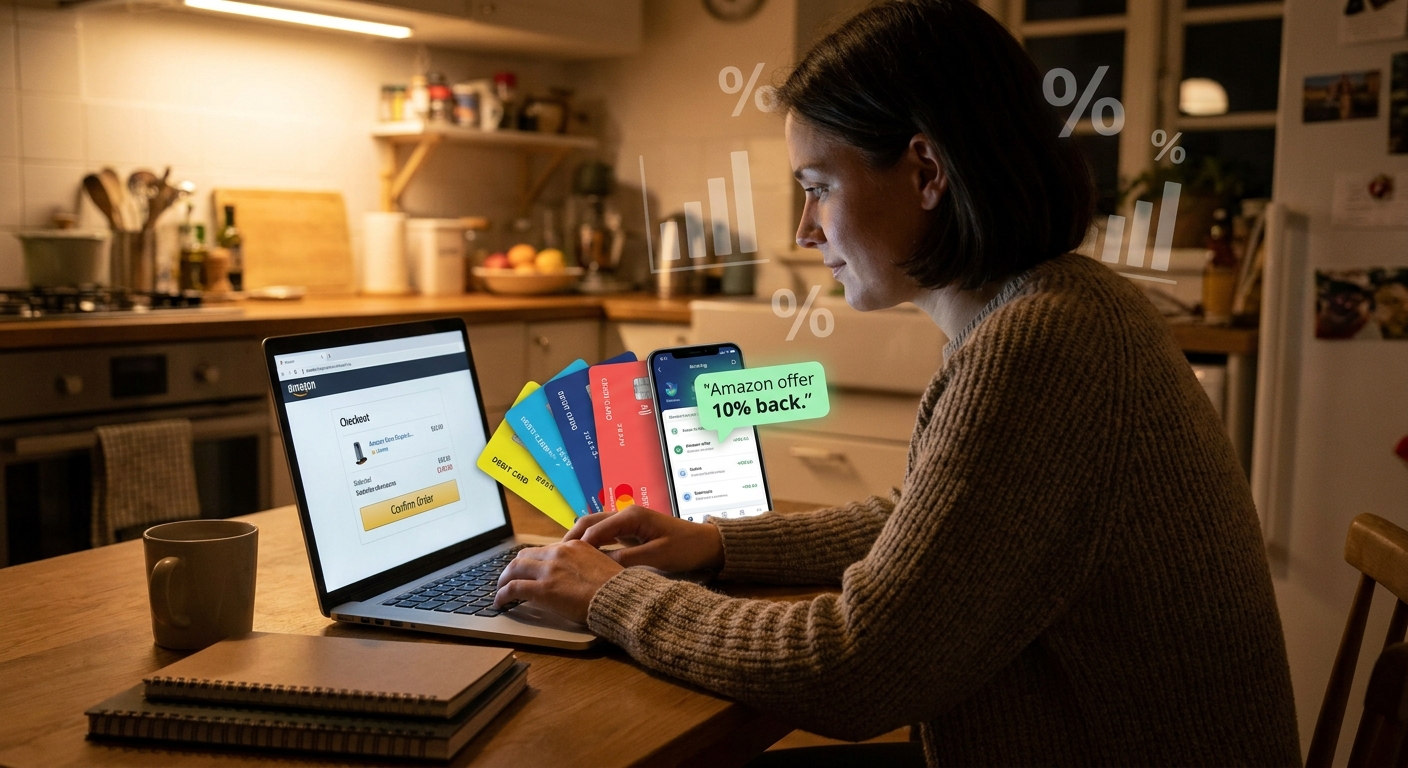
Most people are tired of the Amazon coupon circus. You click a promising code, hit checkout, and get nothing. Expired. New customers only. Wrong category. It is enough to make you stop trying altogether. The good news is the best savings right now often are not public promo codes at all. They are hidden bank and card issuer offers sitting inside your credit card app, waiting to be activated before you buy. That is the real amazon credit card offers hack shoppers should know ahead of Prime Day 2026. You check your card offers, add the Amazon deal if one is there, then stack it with Amazon’s own coupon checkboxes, deal badges, and event pricing. It feels like a secret discount tied to your account. Better yet, it is repeatable. Once you learn the quick “bank card shuffle,” you can scan your cards in a minute or two before every order and stop wasting time on dead coupon sites.
⚡ In a Hurry? Key Takeaways
- Hidden issuer offers can cut 10 to 30 percent off Amazon orders when you activate them before checkout.
- Before every purchase, scan the Offers tab in each card app, then stack any rebate with Amazon coupons, deal badges, and sale pricing.
- Stick to real bank apps and Amazon pages, not random coupon sites, and always read the offer terms for spending caps and category limits.
What the “Bank Card Shuffle” actually is
This is not a hack in the shady sense. You are not tricking Amazon. You are simply checking whether your bank, card issuer, or payment app has targeted an Amazon offer to one of your cards.
That offer might say things like:
- Get 20% back at Amazon, up to $20
- Spend $75 at Amazon, get $15 back
- Use points plus your card and save on an eligible order
- Get bonus cash back on Amazon purchases this week
The “shuffle” part is simple. You look across all your payment cards before you buy. Not just your favorite one. Sometimes the boring backup card has the best Amazon deal.
Why so many shoppers miss it
Because these offers are buried.
They live in tiny tabs labeled “Offers,” “Benefits,” “Merchant Deals,” or “Cash Back.” Sometimes they show up as a banner in your bank app. Sometimes they are hidden inside the card issuer website. And often they are targeted, which means your friend may get 25% back while you get nothing on the same day.
That is why public coupon hunting feels so useless. The best discounts are often private.
Why this matters right now before Prime Day 2026
Ahead of big shopping events, issuers want spending. Amazon wants momentum. So both sides start rolling out overlapping promos early.
That creates a sweet spot:
- Card issuer offer on Amazon
- Amazon on-page coupon checkbox
- Early Prime Day pricing or Lightning Deal
- Occasional brand-specific promo on the product page
Stack those together, and a regular household item can quietly drop by 10 to 30 percent, sometimes more if the cap is generous.
Your 2-minute card scan before every Amazon order
1. Open every bank and card app you actually use
Check your main credit cards, store cards, and payment apps with merchant offers. Look for sections named Offers, Rewards, Deals, or Benefits.
2. Search for Amazon
If the app has a search bar, type “Amazon.” If not, scroll the shopping offers manually. Add or activate any Amazon offer you see.
3. Read the fine print fast
This part matters. Check:
- Minimum spend
- Expiration date
- Maximum rebate
- Whether it works on the full order or select items only
- Whether it excludes gift cards, digital purchases, or third-party sellers
4. Go back to Amazon and inspect the item page
Look for a coupon checkbox under the price. Check for deal badges, sale pricing, and any “Save more” promotions on the listing.
5. Pick the best card for that order
This is the whole point of the bank card shuffle. Do not assume your default card is best. Use the one with the active Amazon offer.
6. Screenshot the offer before you buy
It takes two seconds and can save a headache if the statement credit is slow to post.
Examples of how the savings stack
Say you are buying $80 worth of basics.
- Amazon item is already 10% off during an early event sale
- There is a $5 on-page coupon to clip
- Your card app has “Spend $75, get $15 back at Amazon”
You are no longer chasing a mystery code. You are stacking known discounts. On an $80 order, that can turn into a very real reduction that feels like a private promo attached to your card.
And that is why this works so well for routine shopping. Detergent, phone chargers, vitamins, coffee filters, pet supplies. The boring stuff adds up.
Where to look for these offers
Different issuers hide them in different places, but the pattern is the same. Check the issuer app, the website account dashboard, and sometimes the rewards section attached to a specific card.
Common places include:
- Credit card issuer “Offers” tab
- Bank mobile app merchant deals section
- Card-linked rewards portals
- Payment wallet promotions tied to a stored card
If you have multiple cards in one household, check them all. One spouse may get the Amazon offer while the other does not.
What this is not
It is not a universal code. It is not guaranteed on every card. And it is not worth opening a bunch of random new accounts just to chase a single order.
This is about using offers already sitting on cards you have.
Pair it with hidden Amazon account promos too
There is another layer here. Sometimes Amazon itself has targeted account bonuses that do not show up until you trigger the right page or payment setup. If you want to check that angle too, read The ‘Targeted Credit Unlock’ Hack: How To Trigger Hidden Amazon Account Bonuses Before Prime Day 2026. It pairs nicely with the card scan method because one targets your Amazon account, while the other targets your payment cards.
Common mistakes that kill the discount
Using the wrong card at checkout
This sounds obvious, but it happens all the time. You activate the offer on Card A, then Amazon checks out with your default Card B.
Missing the minimum spend
If the offer says spend $50 and your final charged amount falls below that after coupons or returns, you may not get the credit.
Buying excluded items
Gift cards, digital credits, subscriptions, and some third-party sales can be excluded. Always skim the terms.
Forgetting that some credits post later
Many issuer offers do not appear instantly. Some take a few days. Some take a billing cycle.
Is this safe?
Yes, if you keep it boring.
Use your real bank app. Use your issuer website. Use the Amazon listing itself. Avoid sketchy browser extensions and “secret code” sites that ask for logins or push fake countdowns.
The safest version of the amazon credit card offers hack is not flashy at all. It is just careful checking.
My practical rule for Prime Day season
Do not place an Amazon order, even a small one, without doing a quick card scan first.
It is the same logic as checking the gas price across the street before filling up. You are buying anyway. Spend an extra minute and keep the difference.
Who benefits most from this
- Families making regular household orders
- People with two or more credit cards
- Shoppers who are tired of fake coupon hunting
- Anyone buying during Prime Day build-up when offers tend to overlap
At a Glance: Comparison
| Feature/Aspect | Details | Verdict |
|---|---|---|
| Issuer offer value | Often gives statement credits or bonus cash back like $10 to $25 back, or 10% to 30% off up to a cap. | Best source of “hidden” savings if you remember to activate it first. |
| Amazon stackability | Can often be mixed with clipped coupons, sale pricing, and event deal badges on the same item. | Excellent, and this is where routine orders turn into real discounts. |
| Effort required | Usually takes 1 to 2 minutes to scan apps, activate offers, and confirm the right card at checkout. | Very worth it, especially during Prime Day season. |
Conclusion
The smartest Amazon savings right now are often the ones nobody sees. Ahead of Prime Day 2026, banks and card issuers are quietly rolling out targeted Amazon offers that stay tucked away in little Offers tabs and app banners. At the same time, Amazon is layering on early event promos, clipped coupons, and deal badges that can stack with those outside rebates like a private code tied to your account. That is why a simple, repeatable card scan before every order works so well. It turns normal shopping into quiet 10 to 30 percent wins, even when Amazon is not showing any obvious coupon at checkout. You do not need to camp on Reddit or chase glitchy promo threads. Just check your cards, activate what is there, and use the right one when you buy. It is one of the easiest ways to put real cash back in your pocket all season long.