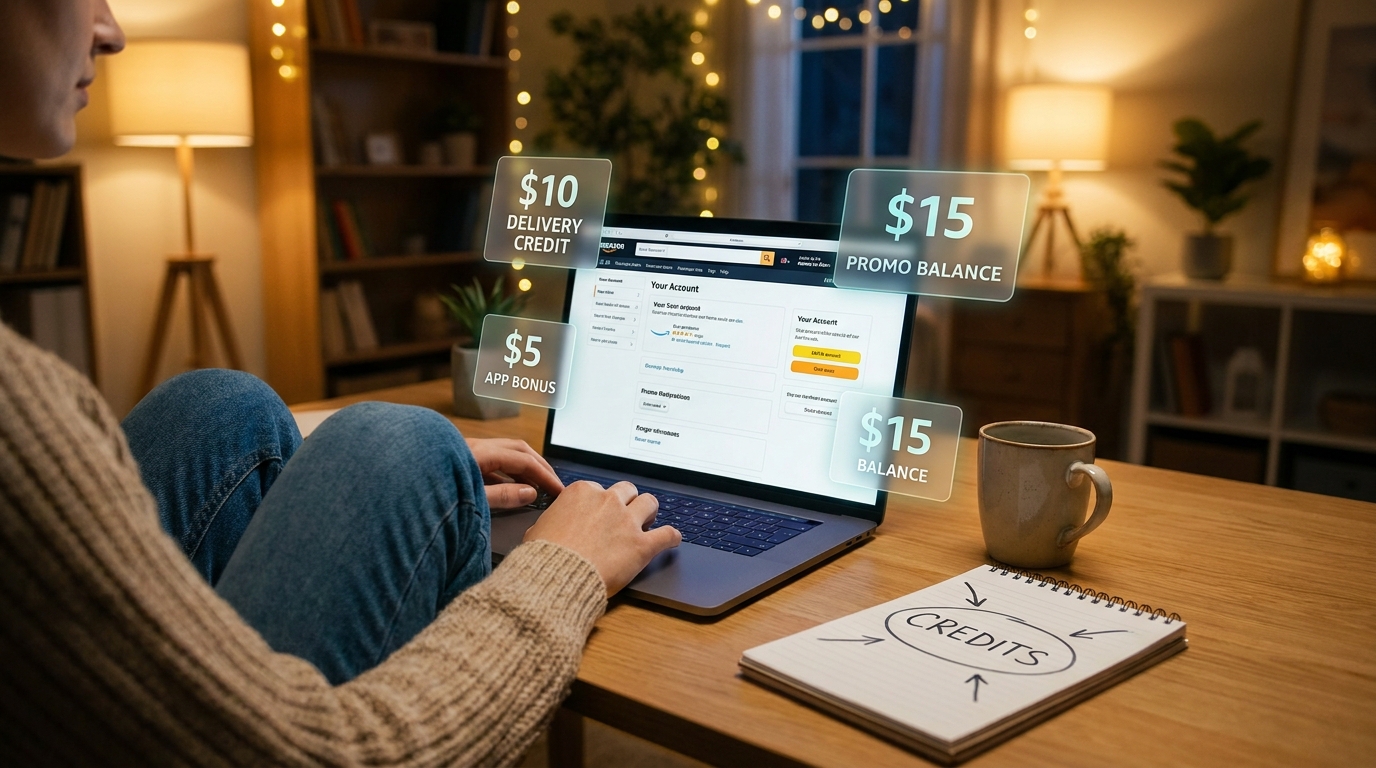
You are not imagining it. Hunting for Amazon promo codes is frustrating, and most of the time it feels like a waste of 20 minutes and a little bit of your soul. The code is expired. It only works in another country. It is for brand-new users. Or it was posted by someone trying to farm clicks. Meanwhile, other shoppers somehow get $5, $10, even $20 credits for things you already do, like choosing a slower shipping option, making a return at a specific place, or trying a service once. The good news is this is not really a “hack” in the shady sense. It is more like knowing where Amazon hides the good stuff. If you want to know how to find hidden amazon account credits, the trick is to stop searching random coupon sites and start checking the parts of your own account where Amazon quietly drops targeted offers before big sales like Prime Day 2026.
⚡ In a Hurry? Key Takeaways
- Hidden Amazon credits are usually account-specific offers, not public promo codes, and they often appear in Your Promotions, Prime benefits, payment offers, and return options.
- Before Prime Day 2026, manually check your account pages, test eligible payment methods, and look for no-rush shipping or return-credit offers before placing an order.
- Stick to Amazon’s own pages only. If a “hack” asks for your login, extension install, or weird code generator, skip it.
What “Targeted Credit Unlock” really means
Let’s clear up the wording first. This is not about breaking rules or tricking Amazon’s system.
It means finding targeted promotions that Amazon has already attached to your account, but has not made obvious. Some shoppers see a credit for using Amazon Photos. Others get a digital credit for picking slower delivery. Someone else gets a bonus for loading a gift card, using a certain card, or returning an item through a partner location.
That is why two people can search the same coupon blog and get completely different results. The deal was never public in the first place.
Why these credits are easy to miss before Prime Day
Amazon is very good at showing giant sale banners. It is much less consistent about showing the small account-specific extras.
And those extras matter. A $10 credit is often better than a 10 percent off code, especially if you were going to buy the item anyway.
Before a major event like Prime Day 2026, Amazon often uses targeted offers to nudge people into trying services, choosing certain delivery speeds, using specific payment methods, or keeping spending inside the Amazon ecosystem.
In plain English, Amazon wants a behavior from you, and it may pay you a little to get it.
How to find hidden amazon account credits
1. Check the “Your Promotions” area first
This is the closest thing to a control panel for account-based offers. Sign in to Amazon and search for “Your Promotions” in the account area or help pages if Amazon has moved the link around again.
Look for:
- Credits already applied to your account
- Offers that require clicking “activate”
- Deals tied to a category like books, household items, or digital products
- Expiration dates, which are often annoyingly short
If you only do one thing after reading this, do this one. A lot of shoppers skip it because they assume Amazon would show anything important on the homepage. It often does not.
2. Open your Prime benefits page
Prime is not just shipping. Amazon sometimes hides trial offers, service bonuses, and little “use this once, get a credit” promos inside the Prime section.
Check for offers tied to:
- Prime Video rentals or channels
- Amazon Music trials
- Amazon Photos backups
- Prime Reading or Kindle offers
- Buy with Prime or grocery-related perks in eligible areas
These are not always cash credits. Sometimes they are “Get $10 off your next qualifying order” offers. Still useful. Money is money.
3. Look at payment method offers before checkout
This is one of the most overlooked spots. Amazon sometimes gives targeted discounts or credits for using a specific payment type.
That could include:
- Using an Amazon Store Card or Prime Visa
- Redeeming just a small amount of Membership Rewards points
- Loading an Amazon gift card balance
- Using a debit card for a one-time promotion
- Choosing monthly payment options on eligible purchases
The key is to check the payment section during checkout, not just the product page. Some offers only appear once Amazon sees what you are buying and how you plan to pay.
4. Watch for no-rush shipping credits
This one has been around in different forms for years, but many people forget to look. If your order qualifies, Amazon may offer a small digital credit if you choose slower shipping instead of the fastest option.
These credits are often limited to digital purchases or selected categories, but they still count. If you rent movies, buy Kindle books, or use digital services, it is basically free money for waiting an extra day or two.
Always pause at the delivery-speed screen. Don’t click through on autopilot.
5. Check return options carefully
This is the part people talk about like it is some secret trick. Sometimes, when you return an item, Amazon offers different refund choices depending on how and where you return it.
You might see:
- A refund to your original payment method
- A faster refund to Amazon balance
- A bonus or credit for choosing a certain drop-off method
Not every return gets this. Not every account sees the same thing. But before Prime Day, when Amazon wants people engaged and spending, these little incentives can pop up more often.
The smart move is simple. Before finalizing the return, read every option on the screen. The best value is not always the default one Amazon highlights first.
6. Search Amazon’s own promo pages, not random code farms
If you want real results, stay on Amazon-owned pages. Search inside Amazon for things like:
- Promotional credit
- Amazon balance offers
- Prime member offers
- Digital credit
- Shop with points offer
Most coupon sites are just scraping old public promos and hoping one still works. That is why they feel so useless.
What kinds of hidden credits show up most often
The pattern is pretty consistent. Amazon usually rewards one of these behaviors:
- Trying a service for the first time
- Using a preferred payment method
- Accepting slower shipping
- Keeping refunds or spending inside Amazon
- Shopping in a category Amazon wants to boost
So if you are wondering why your friend got a credit for one thing and you did not, it is probably because Amazon is testing different offers on different customer groups.
A simple 5-minute routine before you buy anything big
If you want a repeatable system, use this before Prime Day and during the sale itself.
Step 1
Open Your Promotions and scan for active offers.
Step 2
Check Prime benefits for service-related credits.
Step 3
Add your item to cart and go far enough into checkout to review shipping and payment offers.
Step 4
Look for a no-rush delivery credit.
Step 5
If you are making a return around the same time, compare refund methods and drop-off choices.
That is it. No browser voodoo. No fake “secret code” threads. Just checking the places where Amazon actually puts the offers.
What not to do
This part matters.
- Do not enter your Amazon login on third-party “promo unlock” sites.
- Do not install sketchy browser extensions that promise hidden coupons.
- Do not buy gift cards or services just to chase a rumor unless the offer is clearly shown in your account.
- Do not assume a viral social post still works. These promotions expire fast.
If the offer is real, you should be able to see it somewhere on Amazon before you spend money to trigger it.
Who benefits the most from this?
Honestly, regular shoppers. Not extreme couponers.
If you already use Prime, place a few orders a month, do the occasional return, and sometimes rent or buy digital content, you are exactly the kind of person who should be checking for targeted credits. You already have the shopping habits. You just may not be collecting the little bonuses attached to them.
At a Glance: Comparison
| Feature/Aspect | Details | Verdict |
|---|---|---|
| Your Promotions page | Best place to find account-specific credits, activation offers, and expiration dates. | Check this first. |
| Checkout payment and shipping screens | Often where no-rush credits, card offers, and balance-based discounts appear. | Worth checking every order. |
| Third-party coupon code sites | Usually full of expired, public, region-limited, or misleading codes. | Low value. Avoid relying on them. |
Conclusion
The big lesson here is simple. The best Amazon savings right now are often the ones attached to your account, not the ones blasted across coupon blogs. With Prime Day 2026 getting closer, Amazon is likely to keep pushing targeted promos that reward specific actions, but many of them never show up in giant banners. If you manually check your Prime benefits, Your Promotions page, payment offers, and return-based credits, you give yourself a much better shot at finding real savings fast. That is a lot better than gambling on shady code lists or waiting for a TikTok trick that stopped working two weeks ago. Spend five minutes checking your own account first. You may already have money sitting there.