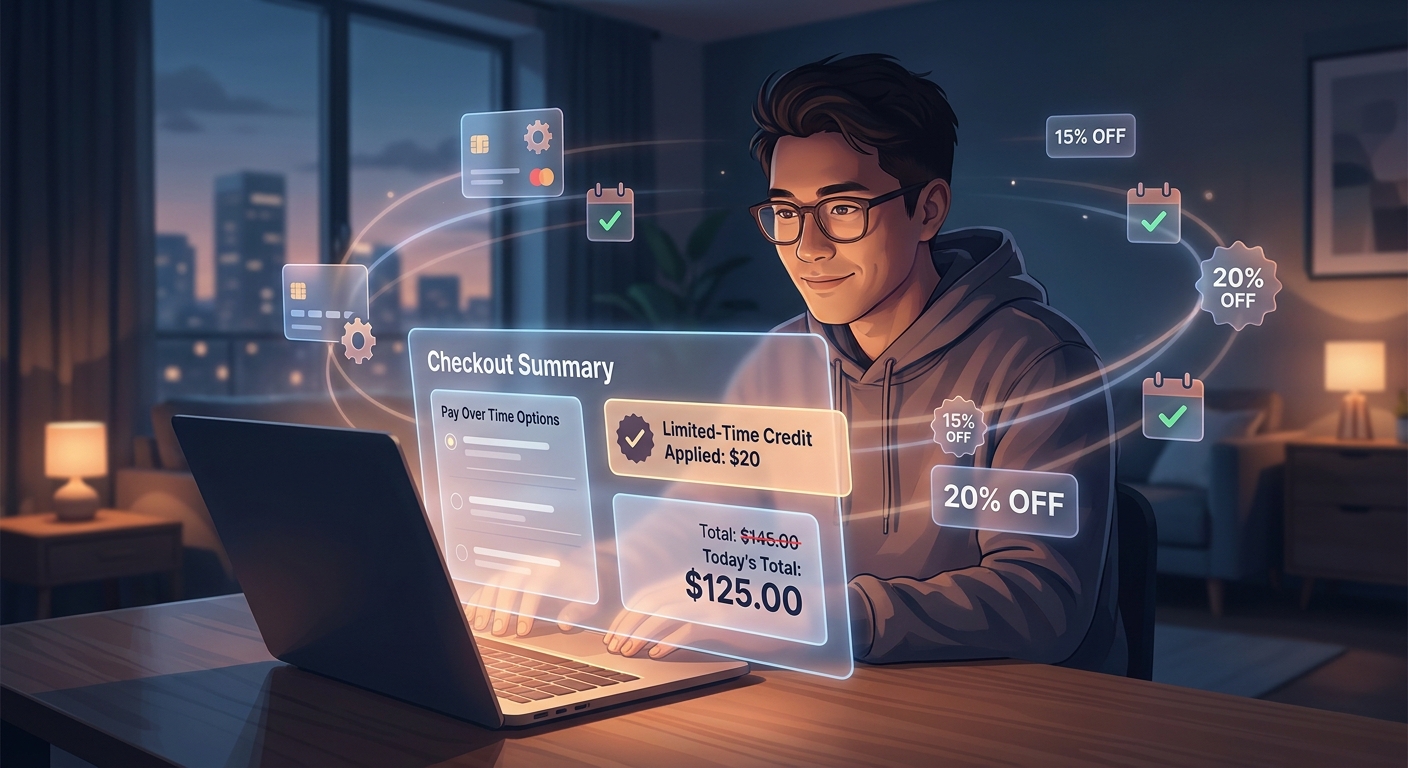
You clip the coupon. You wait for Prime Day. You try the usual promo code box. Then Amazon still shows a total that feels rude. If that sounds familiar, you are not alone. A lot of shoppers are staring at carts they need, not carts they want, and wondering why the “pay over time” buttons keep popping up. Here is the part many people miss. Some Amazon buy now pay later promo code hack savings are not really promo codes at all. They are targeted checkout credits tied to installment offers from Affirm, monthly payment plans on certain items, or card-linked pay-over-time promos that only appear when you click the financing route first. That means the normal checkout path can hide the best discount. The trick is not borrowing blindly. It is knowing where to look, what wording signals a real discount, and how to back out safely if the deal is junk.
⚡ In a Hurry? Key Takeaways
- Extra Amazon discounts sometimes appear only after you choose a buy now, pay later or monthly payment option at checkout.
- Test the installment path before placing the order. Look for real phrases like “instant credit,” “applied at checkout,” or a lower final total.
- Do not take on debt for a small discount. If the offer adds interest or a credit check, compare the savings to the true cost.
What the “BNPL Double Dip” really means
The phrase sounds sneaky, but the idea is simple. You get one deal from the product page, like a coupon or sale price, then a second deal appears only when you choose a pay-over-time option.
That second deal might be a statement credit, a fixed dollar discount, a percentage off, or a “pay in installments and get X off” promo. Amazon does not always put that front and center on the item page. Sometimes it shows up in small text near the payment method. Sometimes it appears in the checkout flow. Sometimes it is targeted to your account and your neighbor will never see it.
So yes, an amazon buy now pay later promo code hack can be real. But it usually is not a code. It is a hidden payment-path discount.
Why Amazon and BNPL providers do this
Because they want you to try the payment option.
Amazon wants more completed orders. BNPL companies want new users. Banks want you to use their financing tools. So they quietly fund “try it and save” offers. It is marketing money disguised as convenience.
That is why the offer can feel oddly specific. You might see “Choose monthly payments and get $30 off,” while someone else sees nothing. It is not random. It is targeted.
Where these hidden offers usually live
1. On the product page under the main price
Look for lines like “Pay over time with Affirm,” “Monthly payments available,” or “Get $X off when you choose installments.” The wording is often smaller than the coupon box, which is why people miss it.
2. In the payment section at checkout
This is the big one. A normal checkout might show your usual card and gift card balance. But if you open payment options, you may suddenly see a financing tile with a bonus attached.
3. Inside your Amazon account promotions area or app banners
Some offers are account-specific. They may show up in the app homepage, checkout banners, or on a product detail page only after you sign in.
4. Through partner offers from Affirm or card issuers
Sometimes the incentive comes from the payment provider, not Amazon itself. In that case the offer language can still show inside Amazon checkout, but the fine print names the partner.
How to test for a hidden checkout discount without making a mistake
This is the calm, boring method. Boring is good when money is tight.
Step 1. Add the item to your cart as usual
Clip any visible coupon first. Keep screenshots if the price is moving around.
Step 2. Go to checkout and note the normal total
Write it down or take a screenshot. This is your baseline.
Step 3. Open payment methods and look for installment options
Tap every legitimate pay-over-time option available to you. You are not committing just by looking. Read the text under each one carefully.
Step 4. Hunt for real savings language
Good signs include:
- “Instant discount applied”
- “$X promotional credit”
- “Your new total” showing a lower amount
- “No interest” if paid on schedule
Weak signs include:
- “As low as $X per month” with no mention of a discount
- “Prequalify now” with nothing about savings
- “Eligible customers may receive offers” with no dollar figure
Step 5. Compare the final cost, not the monthly payment
This matters. A $20 discount is not a win if the plan adds $34 in interest or fees.
Step 6. Back out if the math is bad
You do not owe loyalty to a checkout screen. If the discount is smoke and mirrors, exit and wait.
What language means the discount is probably real
When Amazon is just advertising financing, the words are soft and vague. When money is actually coming off the order, the language gets specific.
Look for:
- “Applied at checkout”
- “Order total reduced by”
- “Promotional balance”
- “Instant credit”
- “Eligible purchase receives”
Be careful with phrases like “could save,” “estimated payment,” or “you may qualify.” Those are invitations, not discounts.
The safest way to use this without turning a deal into debt
This is the part people skip, then regret.
If you can pay the item off right away or within a true zero-interest term, the hidden discount may be worth testing. If you are stretching your budget just to trigger a promo, it can backfire fast.
Ask yourself three questions:
- Would I buy this at the non-financed price?
- Does this plan charge interest, late fees, or trigger a hard credit pull?
- Is the discount larger than any extra cost?
If the answer to the first question is no, close the tab. That is not savings. That is a shopping trap with nice branding.
Why this works better than random promo-code hunting
Old-school promo code hunting still works sometimes, but it has gotten messy. Codes expire. Influencer posts get copied. Screenshots get recycled. One of the smartest ways to avoid that chaos is to understand how hidden deal paths work on Amazon itself.
If you have ever clicked a social deal and wondered why your checkout looked different from the video, read The “Hidden Social Code Drop” Hack: How Amazon’s Quiet ‘Share‑Only’ Promo Links Turn Influencer Deals Into Public Checkout Discounts. It explains another weird little corner of Amazon discounts where the link matters as much as the price.
Common red flags to watch for
The monthly payment is highlighted, but the total cost is buried
That is a classic nudge tactic. Always expand the details.
The offer disappears when you switch shipping speed or seller
That usually means the promo only applies to a specific item, seller, or fulfillment type.
You see “starting at” language but no guaranteed discount
That is not your deal yet. It is an ad.
The item is already heavily discounted, but the BNPL “bonus” vanishes at final review
Some promos do not stack. If the second discount does not survive to the last checkout screen, it does not count.
A simple routine you can reuse every month
Here is the repeatable version:
- Clip visible coupons.
- Screenshot the standard total.
- Open all payment options.
- Check for exact discount wording.
- Compare final total against any fees or interest.
- Place the order only if the savings are real.
Once you do this a few times, it stops feeling like a scavenger hunt and starts feeling like a system.
At a Glance: Comparison
| Feature/Aspect | Details | Verdict |
|---|---|---|
| Visible coupon vs BNPL offer | Visible coupons show on the product page. BNPL promos may appear only in payment selection or final checkout. | Check both. The second path can hide extra savings. |
| Real discount vs marketing fluff | Real discounts use exact wording like “applied at checkout” and lower your total. Fluff just shows monthly estimates. | Trust the final total, not the ad copy. |
| Short-term savings vs long-term cost | A small checkout credit can be wiped out by interest, fees, or missed payments. | Only use pay-over-time when the math still favors you. |
Conclusion
Amazon is pushing installments harder, and the companies behind those plans are still paying to get shoppers to try them. That means the old routine of adding items to your cart and hoping a code appears is no longer enough. The better move is to check the payment path on purpose. Look for where the pay-over-time links live, test them carefully, and only trust wording that shows a real credit and a lower final total. Done right, this can pull actual cash off your next order. Done carelessly, it just adds debt with prettier packaging. The good news is that once you learn the routine, it becomes easy to repeat whenever new targeted offers roll in. Less panic. Better math. More control.