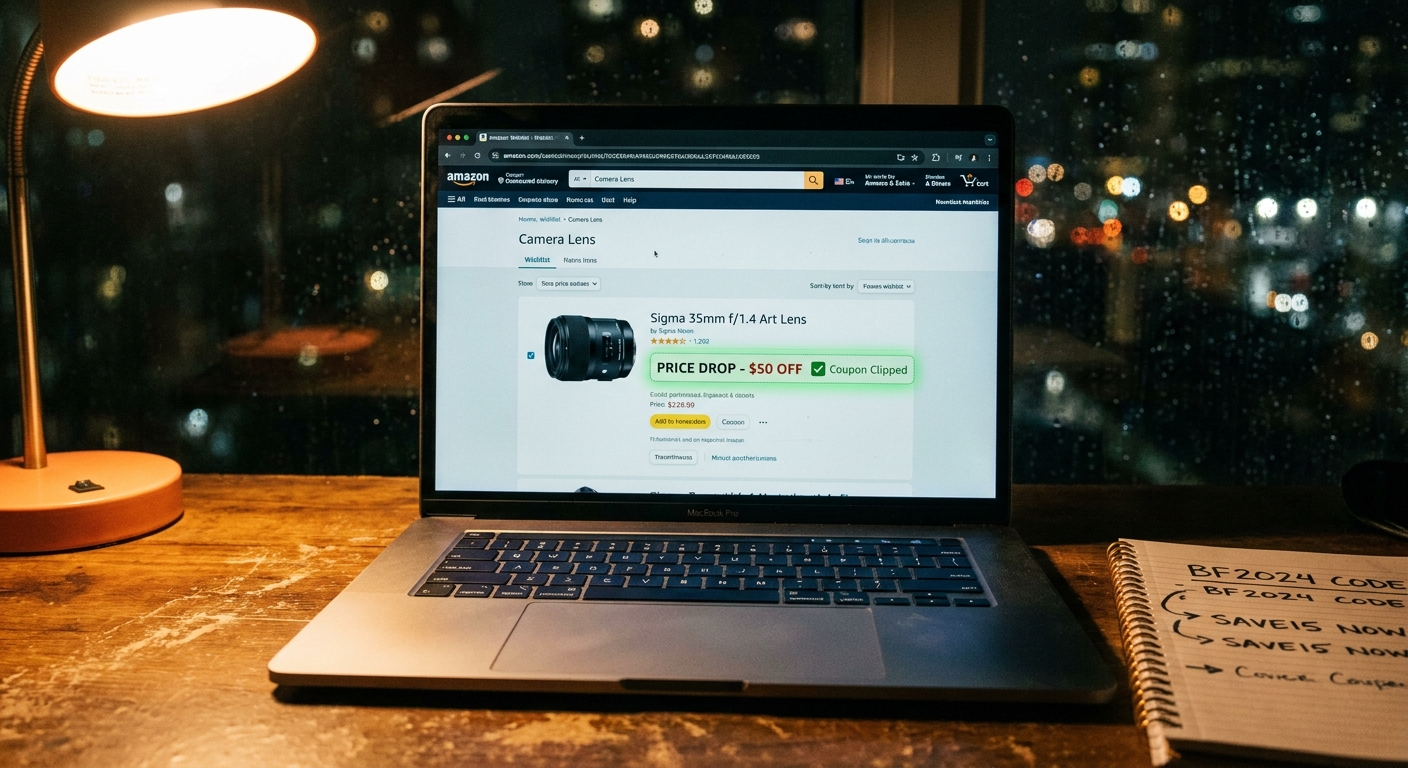
If you’ve ever gone looking for an Amazon promo code only after you were ready to check out, you already know how this usually ends. You bounce between expired coupon sites, random deal threads, and “limited-time” offers for things you never planned to buy. Meanwhile, the real discount on the exact air fryer, headphones, or dog food you actually wanted shows up quietly, then disappears before you even know it existed. That is why the smarter move is not code-first shopping. It is wishlist-first shopping. The little hack is simple. Turn on Amazon list settings and notifications so your wishlist becomes a kind of watchdog. Then, instead of chasing random promo codes, you watch a short list of items you already want and wait for seller promos, clippable coupons, and sudden markdowns to ambush the price in your favor.
⚡ In a Hurry? Key Takeaways
- Yes, the best amazon wishlist promo code hack is to build a wishlist first, then monitor it for hidden coupons, seller promos, and short-term price drops.
- Turn on list notifications, check the item page for the little coupon box, and revisit saved items during flash events because discounts often stack.
- Skip sketchy coupon sites and browser spam. The safest savings usually come from Amazon item pages, seller promos, and trusted price tracking habits.
Why this works better than hunting codes at the last minute
Most people shop backward. They decide to buy something, then go searching for a code. By then, they are in a hurry, which makes them easy prey for junk coupon sites and fake urgency.
The better system is the reverse. Make a wishlist of items you genuinely plan to buy. Then let price cuts, coupons, and promos come to you.
This matters because Amazon discounts are messy now. Some are clipped on the page. Some are seller-funded promos. Some appear only during short windows. Some stack. If you only start looking when you are checking out, you miss half the game.
What the “hidden wishlist watchdog” hack actually is
The hack is not some secret code generator. It is a smarter setup.
You create a focused Amazon wishlist, keep it trimmed to things you truly want, and turn on the settings and alerts that make changes easier to catch. Then you check those saved items regularly, especially during sales events, weekend promos, and weird off-hour markdowns.
Think of it like putting your wanted items under surveillance.
The tiny toggle people ignore
The exact wording can vary depending on the Amazon app or site version, but the key idea is the same. Make sure your list is active, easy to revisit, and tied to notifications in the Amazon app. In many cases, shoppers also miss “Keep purchased items on this list,” “Don’t spoil my surprises,” and related list settings that make tracking cleaner for gift lists or repeat-buy items.
The bigger point is not one magical button. It is making your wishlist a living shortlist instead of a graveyard of random stuff.
How to set it up in a way that actually helps
1. Build a tight wishlist
Do not dump 200 items into one list. That turns useful alerts into wallpaper.
Start with 10 to 25 products you would realistically buy in the next month or two. Keep separate lists if needed. One for household basics. One for tech. One for gifts.
2. Turn on app notifications
Open the Amazon app and make sure notifications are allowed on your phone. Then check Amazon’s own notification settings for deal and order-related updates. Amazon will not always spell out “promo code alert,” but price and shopping notifications can still help surface changes faster than casual browsing.
3. Revisit product pages, not just the list view
This is where people miss the best savings. The wishlist itself may show a lower price, but the item page often reveals extra goodies, like a 20 percent checkbox coupon or a seller promo that appears only after you choose a color, size, or quantity.
4. Watch for stacking
The sweet spot is when a list item gets hit by more than one discount at once. For example:
- A price drop from $49.99 to $39.99
- A clippable $10 coupon on the page
- A seller promo such as “save 5% when you buy 2”
That is how ordinary products suddenly become “where did you find that?” deals.
Where the real promo code wins usually hide
When people say “Amazon promo code,” they often mean any discount that lowers the final price. But on Amazon, the best cuts do not always look like a classic promo code box.
Here is what to watch for on wishlist items:
- Clippable coupons under the price
- Seller promotions listed in the offers area
- Prime-only discounts
- Multi-buy deals
- Lightning deals and short flash markdowns
- Color or size-specific discounts hidden on a variation
If you want to pair this with a broader tracking habit, The “Auto Wishlist Price-Trip” Hack: How To Turn Amazon’s Price Alerts Into Secret Promo-Code Level Drops is a smart companion read. It covers the part many shoppers miss, which is that a plain old price dip can act like a promo code if you catch it at the right moment.
A simple example of the hack in real life
Let’s say you want a blender. You add three models to your wishlist instead of buying the first one you see.
On Tuesday, one blender drops by 15 percent. Nice, but not amazing. On Thursday night, that same blender gets a 25 percent page coupon. On Friday morning, the seller adds a limited promo for an extra discount if you also buy replacement bottles.
Suddenly, your “I’ll wait” item is 35 to 45 percent cheaper, depending on the combo.
That is the point of the amazon wishlist promo code hack. You are not trying to guess the future. You are just putting yourself in position when the discount chaos finally lines up.
Common mistakes that kill this strategy
Using the wishlist like a dumping ground
If everything goes on the list, nothing stands out. Keep it focused.
Checking only once
Promos can appear and vanish fast. Morning, lunchtime, and evening checks during major sales periods can make a real difference.
Ignoring item variations
The blue version might be full price while the black version has a coupon. Same product family, very different deal.
Trusting third-party code sites too much
Many are outdated, padded with affiliate links, or simply wrong. They are fine as a side glance. They should not be your main system.
How to make this less annoying
You do not need to camp on Amazon all day.
Try this routine:
- Add only products you actually expect to buy
- Check the wishlist once a day during normal weeks
- Check two or three times a day during Prime events or holiday sales
- Open the actual product page before buying
- Clip every visible coupon before checkout
That gives you most of the benefit without turning bargain hunting into a part-time job.
Is this safe?
Yes, because you are mostly using Amazon’s own pages, your own lists, and normal app notifications.
The only caution is the usual one. Be careful with browser extensions, fake “code finder” tools, and coupon sites that ask for odd permissions or account logins. If a deal tool feels pushy or shady, skip it.
When this hack works best
This approach shines during:
- Prime Day and Prime Big Deal style events
- Black Friday and Cyber Monday
- Back-to-school and holiday gift periods
- Random seller promo weekends
- Everyday household restocks
It is especially useful for items you do not need this second, but know you will buy soon. That waiting room is where the best savings show up.
At a Glance: Comparison
| Feature/Aspect | Details | Verdict |
|---|---|---|
| Random promo code search | Often leads to expired codes, unrelated deals, and wasted time after you already decided to buy. | Low success rate |
| Wishlist-first tracking | Keeps your attention on products you already want, so surprise coupons and seller promos matter more. | Best overall method |
| Stacking discounts | Combines markdowns, clippable coupons, Prime discounts, or seller offers on one item page. | Highest savings potential |
Conclusion
The best part of this hack is that it cuts through the noise. Amazon promo codes and coupons are more chaotic and time-sensitive than ever, especially during flash events and surprise seller promos. A wishlist-first, code-second system helps you stop wasting time on random lightning deals and start catching the discounts that actually matter to you. If you set up your list, keep it tight, and check item pages for stackable coupons and hidden promos, your wishlist stops being a parking lot and starts acting like a watchdog for real savings.