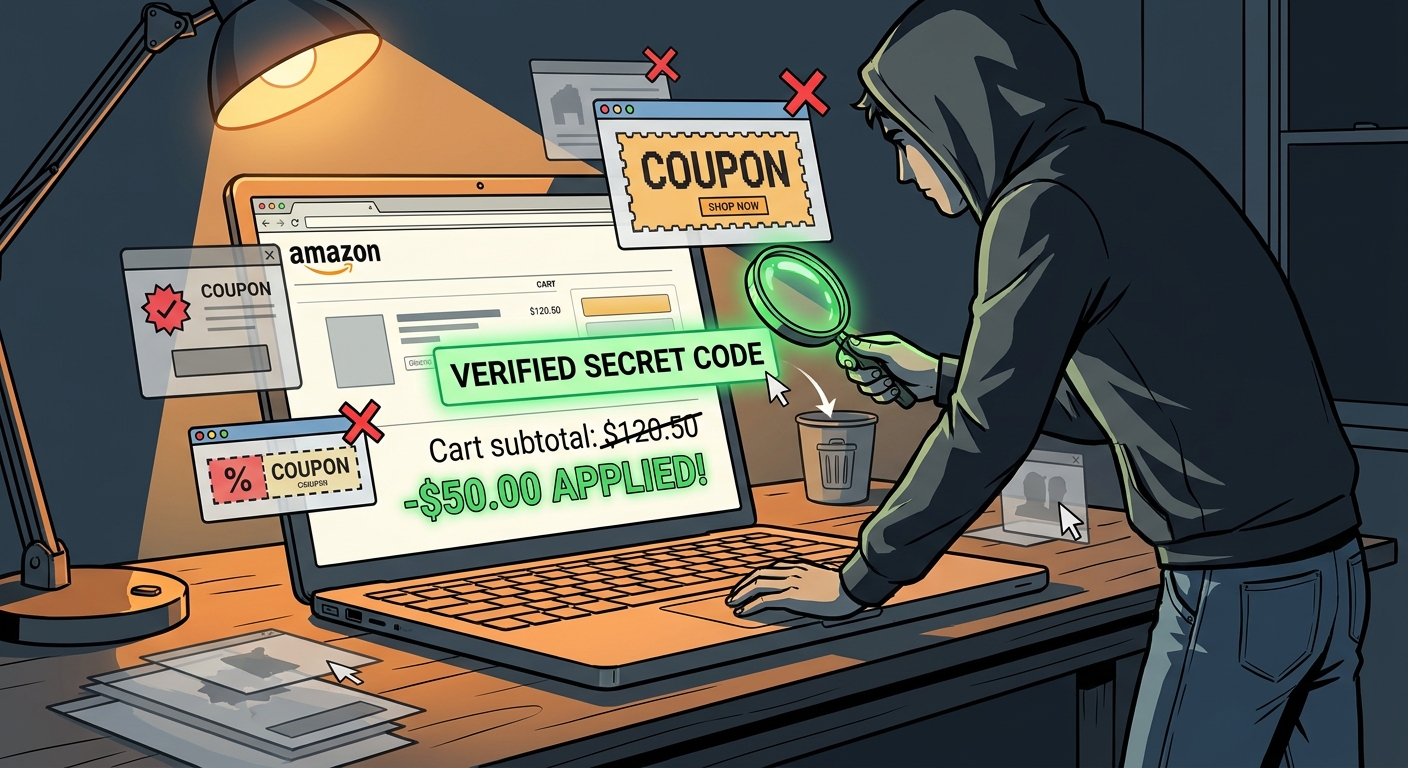
If you have ever watched three coupon extensions fight over the same Amazon checkout box, you already know the problem. One claims it found a “secret” code. Another tries 27 expired ones. A third pops up asking for more permissions than your banking app. It is annoying, slow, and honestly a little shady. The good news is that you do not need to trust every add-on that promises magic savings. You just need a simple filter system. In about 15 minutes, you can cut the junk, keep the one or two tools that actually help, and make it much easier to spot real Amazon promo codes instead of recycled nonsense. The short answer to “are amazon coupon extensions safe and how to find real secret promo codes” is this: some are fine, many are noisy, and the safest move is to check permissions, test results against the final checkout total, and remove anything that cannot prove it saves real money.
⚡ In a Hurry? Key Takeaways
- Amazon coupon extensions are not automatically unsafe, but many are inaccurate, intrusive, or padded with expired and low-value codes.
- Keep only one or two extensions, check their browser permissions, and test whether their “savings” still appear on the final Amazon checkout screen.
- The best real promo code tools are the ones that show current, verifiable discounts without breaking cashback, adding spam, or asking for excessive access.
Why coupon extensions feel worse lately
A few years ago, coupon add-ons were mostly a harmless gamble. Maybe they found a code. Maybe they did not. Now the stakes are a bit higher.
Many extensions are pushing Amazon-specific promises like “hidden deals,” “exclusive promo codes,” or “secret discounts.” That sounds great until you notice what is really happening. They may apply public codes you could have found yourself, test expired offers, or count tiny 1% to 2% discounts like they discovered buried treasure.
Worse, some tools make money by tracking what you shop for, dropping affiliate tags, or steering you away from cashback options. So when people ask, “are amazon coupon extensions safe and how to find real secret promo codes,” the answer is not a simple yes or no. Safety and usefulness are two different tests, and an extension needs to pass both.
The “secret extension filter” hack
This is the simple rule. Do not judge a coupon extension by what it promises. Judge it by what it can prove.
Your filter has four parts:
1. Permission check
Open your browser’s extensions page and look at what each coupon add-on can access. If an extension wants to “read and change all your data on all websites,” that does not always mean it is malicious, but it should make you pause.
Ask a basic question. Does this tool need broad access to do its job, or is it just asking because it can?
Be especially careful with extensions that:
- Run on every website, not just shopping pages
- Read browsing history
- Ask to manage downloads, tabs, or clipboard without a clear reason
- Prompt you to create an account before showing any savings
If it feels too nosy for a coupon tool, remove it.
2. Real savings check
This is where most extensions fail. They show a flashy “we found deals” message, but the final total barely moves.
Test the extension on three Amazon items you were already considering. Not random stuff. Real items. Then check:
- Did the price drop before checkout, or only in the extension popup?
- Did the discount still exist on the final payment screen?
- Was the code actually exclusive, or was it just an on-page coupon you could click yourself?
- Did shipping, seller changes, or bundle tricks cancel out the “savings”?
If an extension claims $12 in savings but your real total only dropped by $1.84, that tool is padding its report card.
3. Noise check
A good coupon extension should be quiet until it has something useful to say. If it is constantly popping up, opening side panels, or interrupting normal browsing, it is costing you time even when it saves money.
My rule is simple. If a tool interrupts me more than once per shopping session without proving value, it is gone.
4. Conflict check
Running multiple coupon tools at once is where things get messy. They can overlap, slow down pages, and compete for the same checkout fields. Sometimes one extension even blocks another from applying a code correctly.
If you have three Amazon coupon add-ons installed, you probably have one too many. In most cases, one general coupon extension and maybe one price-tracking tool is enough.
How to clean up your extensions in under 15 minutes
Minute 1 to 5. Audit what is installed
In Chrome, Edge, or Firefox, open your extensions or add-ons page. Make a quick list of every shopping helper installed. Include coupon tools, price trackers, cashback assistants, and Amazon-specific deal finders.
You may be surprised how many are sitting there quietly.
Minute 6 to 8. Remove obvious junk
Delete any extension you do not remember installing, no longer use, or cannot clearly explain. Also remove duplicates. If two tools both claim to auto-apply coupons, pick one for testing and dump the other for now.
Minute 9 to 12. Test one by one
Go to Amazon with one extension enabled at a time. Try the same product in each test. Look at the final checkout math, not the extension’s own pop-up claims.
Write down three things:
- Did it find a code?
- Did the code work?
- Did the final price beat Amazon’s built-in coupon or Subscribe & Save option?
If the answer is mostly no, that extension is clutter.
Minute 13 to 15. Lock down what stays
For the one or two tools you keep, tighten permissions if your browser allows it. Some browsers let you switch extension access to “on click” or “only on specific sites.” That is a smart middle ground.
You still get the tool when needed, but it is not watching every page you visit.
How to spot real Amazon promo codes versus fake “secret” ones
Here is the part most people care about. How do you tell if a code is actually special?
Real promo codes usually have these signs
- The discount changes the final checkout total, not just the extension display
- The code has a clear seller or product restriction
- The offer is time-limited and recent
- Multiple shoppers confirm it works right now
- The discount stacks cleanly with Amazon’s own coupon box only when stated
Fake or weak promo codes usually look like this
- The extension says “code applied” but the total does not meaningfully change
- The “secret” deal is really just a standard on-page coupon
- The code works only after switching to a different seller with worse shipping or return terms
- The savings are tiny but presented like a major win
- The code breaks cashback or changes warranty coverage through a third-party seller
That last point matters more than people think. A cheaper listing is not always a better buy if it comes from an unknown seller with weaker returns or questionable warranty support.
Are amazon coupon extensions safe?
Some are safe enough. Some are just annoying. A few are not worth the risk.
Here is the practical version. A coupon extension is safer when it has:
- A long track record in the browser store
- Recent reviews that mention real results, not vague praise
- A clear privacy policy written in plain language
- Limited permissions or the option to run only when clicked
- No pressure to install extra apps, sign up for texts, or invite friends
It is less safe when it has:
- Very broad permissions with no clear reason
- A flood of affiliate-style popups and redirects
- Lots of complaints about expired codes
- Confusing ownership or no clear company information
- Big savings claims that do not match checkout reality
Safety is not just about malware. It is also about data collection, bad seller routing, and whether the extension quietly interferes with other savings methods.
The one-two setup that works best for most people
If you want the least hassle, keep your setup boring.
Option A. One coupon extension only
Best for casual shoppers. Pick the one that consistently shows verified checkout savings and does not bombard you with junk.
Option B. One coupon extension plus one price tracker
Best for frequent Amazon buyers. A coupon tool can help with codes, while a price tracker helps you avoid fake urgency and spot whether the “deal” is actually a deal.
That mix usually works better than stacking multiple coupon hunters on top of each other.
What to do if you suspect an extension is sketchy
Remove it first. Then do a quick cleanup.
- Log out and back into Amazon
- Clear cookies for shopping sites if you are seeing strange redirects
- Check your default search engine and homepage in case they changed
- Review saved payment and address details on Amazon
- Change your Amazon password if anything feels off
This is usually enough for garden-variety extension weirdness. If your browser starts acting truly strange, scan the system and review any recently installed software too.
At a Glance: Comparison
| Feature/Aspect | Details | Verdict |
|---|---|---|
| Permissions | Extensions that want access to all sites and browsing data may work, but they should justify it clearly. | Keep only tools with reasonable access and clear privacy terms. |
| Coupon Quality | Many “secret” Amazon codes are expired, public, tiny, or only valid with seller trade-offs. | Trust final checkout savings, not marketing claims. |
| Best Setup | One tested coupon extension, or one coupon tool plus one price tracker, usually beats a pile of overlapping add-ons. | Less is better. Fewer tools mean less noise and fewer conflicts. |
Conclusion
Coupon extensions are turning into the new fake-deal problem on Amazon, and that is exactly why this cleanup matters right now. A lot of tools promise secret promo code magic, but too many are serving up expired offers, standard discounts dressed up as exclusives, or deals that create new problems with cashback, seller quality, or warranty coverage. The good news is that you do not need to become a security expert to handle this. Spend 15 minutes pressure-testing what you have installed. Remove the noisy add-ons. Keep the one or two that can prove real, current savings on the final checkout page. That gives you a system you can keep using, not just a one-time fix. You end up with fewer sketchy permissions, less checkout clutter, and a much better shot at finding genuine Amazon promo code wins instead of wasting time on digital confetti.