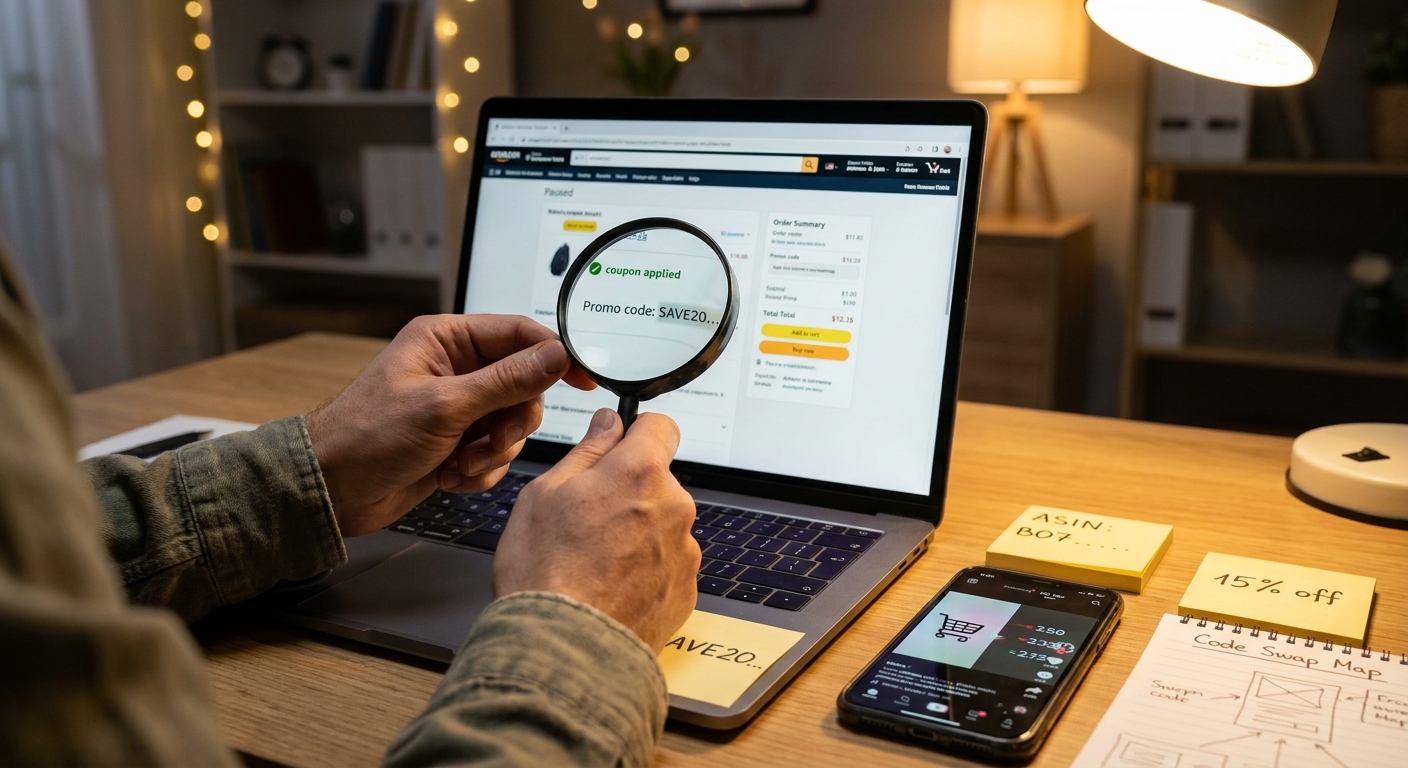
You have probably seen it. A TikTok clip or Facebook post shows an Amazon cart dropping from $39.99 to $11.47, everybody in the comments is begging for the code, and the creator just says “check the screenshot” or “it’s in the cart.” That is frustrating for a reason. The code is often real, but social apps are getting stricter about obvious promo sharing, so people now hide the clue inside cropped checkout images instead of posting the full discount text. The good news is you can often reverse-engineer those deals. If you know how to read the screenshot, match the exact item variant, and test the usual stacking pieces, you can recreate a lot of these “secret” Amazon discounts before they die. You do not need hacker skills. You just need a sharp eye, a few habits, and a fast checkout finger.
⚡ In a Hurry? Key Takeaways
- The fastest way to find hidden Amazon promo codes from TikTok and Facebook screenshots is to identify the exact product variant, then recreate the stack using on-page coupons, Subscribe & Save, and common promo-code patterns shown in the cart total.
- Focus on clues in the screenshot like color, pack size, seller name, coupon checkbox, and the discount line wording. Those details usually matter more than the missing code itself.
- Stay safe. Never use off-Amazon links from random comments, and do not buy the wrong size or version just because the headline discount looks huge.
Why these screenshots matter now
The old way was simple. Someone shared a code, everyone copied it, and the deal either worked or it did not. That is changing.
Social platforms are cracking down on spammy-looking coupon posts. At the same time, Amazon seems to be showing fewer easy public promotion links for some deals. So now the best discounts often surface as proof-of-purchase screenshots instead of clean code lists.
That is why you keep seeing half-hidden screenshots. The creator wants to show the bargain without posting the full promo code in plain text. It is annoying, but it also leaves a trail.
How the “social media code swap” usually works
Most of these posts are not magic. They are usually one of these common stacks:
- A clipped on-page coupon plus a promo code at checkout
- A discount that only works on one color, scent, size, or pack count
- Subscribe & Save stacked with a code
- A seller-specific deal that only works when the item is sold by a certain brand storefront
- A short-lived promotion that works after you add the item to cart, not on the product page
The screenshot is your cheat sheet. It tells you which of those stacks probably happened.
How to find hidden Amazon promo codes from TikTok and Facebook screenshots
1. Start with the exact product, not the broad product
This is where most people go wrong. They search “protein powder” or “air fryer liners” and assume any listing will do. It will not.
Amazon discounts are often tied to one exact variation. Not just the brand. The exact flavor, count, color, bundle, or size.
Look closely for clues in the screenshot:
- Color swatch selected
- Pack of 2 or pack of 4
- Scent or flavor
- Ounces, inches, or model number
- Prime badge and seller name
If the screenshot says “blue” and you try “black,” the code may fail. If the cart shows a two-pack and you click the single item, same problem.
2. Read the cart math like a receipt detective
The total tells a story. You can often estimate what stack was used just by the numbers.
For example:
- If the item drops by a flat dollar amount, it may be a clipped coupon
- If the discount line is huge and oddly specific, it may be a percentage promo code
- If the total is lower by an extra 5 percent or 15 percent, Subscribe & Save may be part of the stack
Try to spot labels such as “promotion applied,” “coupon savings,” or “Subscribe & Save.” Even if the screenshot cuts off the full wording, the presence of more than one discount line is a big clue.
3. Match the seller, because that can make or break it
Amazon has many listings that look identical. But the promo might only work if the item is sold by the brand itself, or by one specific third-party seller.
If the screenshot shows “Sold by” or a storefront name, match it exactly if you can. If you cannot see it, check other variants on the listing. Sometimes one seller has the discount and another does not.
4. Check the product page for a hidden checkbox coupon
This sounds basic, but it is easy to miss. A lot of people jump right to “where is the code?” and skip the green coupon checkbox on the listing.
That checkbox can be worth 5 percent, 20 percent, or much more. And yes, influencers often leave it out when they say “secret code” because the final discount came from several pieces stacked together.
If you want to get more selective about stacking only deals you would actually buy, our guide to The “Hidden Code Stack Filter” Hack: How To Turn Today’s Random Amazon Promo Codes Into Only-What-You-Actually-Buy Deals is a useful next step.
5. Add it to cart before you give up
Some promotions do not fully show on the product page. They appear in the cart or at checkout. That is why creators often flash the cart screen instead of the listing itself.
So if the screenshot looks legit, add the exact item to cart and continue to checkout. Do not place the order yet. Just see whether Amazon reveals an automatic promotion or gives you a promo code field to test.
6. Use the screenshot’s timing clues
If the post says “just posted,” “run,” or “today only,” treat it like a live fire drill. These deals disappear fast. If the post is two days old, the code may already be gone, even if your item match is perfect.
Look at comment timestamps too. If early comments say “worked” and newer ones say “dead,” you are probably too late. If comments say “only works on the lavender one,” that is gold.
The clues hidden in plain sight
Cart line wording
If you can zoom in and read any part of the discount lines, do it. “Coupon” and “promotion” are not the same thing. One usually means a checkbox coupon. The other often means a code or automatic seller promotion.
Price endings
A weird final price like $13.42 often hints at stacked percentages. A neat round drop like $10 off may suggest a flat coupon.
Quantity
Sometimes the person bought two items, and the screenshot makes it look like one super-cheap item. Check the quantity in the cart. If it says 2, recalculate before you get excited.
Variant thumbnails
Tiny thumbnails matter. If one bottle has a gold cap and the screenshot shows a white cap, you may be on the wrong variation.
A simple step-by-step method that actually works
Here is the easiest repeatable process:
- Pause the video or screenshot and zoom in.
- Write down the exact product name, size, color, and pack count.
- Search Amazon for that item and open the closest match.
- Check every variant that looks similar.
- Clip any on-page coupon.
- Add the item to cart.
- Look for automatic promotions at checkout.
- Test Subscribe & Save if the item allows it and if it makes sense for you.
- Read comments on the original social post for variant hints.
- Move fast if the numbers line up.
This is less about finding one leaked code and more about recreating the seller’s stack.
What usually trips people up
Buying the wrong variant
This is the biggest problem. One flavor qualifies. The others do not.
Forgetting Subscribe & Save
That extra 5 percent or 15 percent is often the missing piece that makes the screenshot total make sense.
Assuming every deal uses a code field
Many do not. Some are auto-applied. Some only show in cart. Some are clip-and-checkout deals.
Trusting screenshots without checking quantity
If the cart has two units, the “amazing price” may not be amazing after all.
Safety rules worth following
There is a big difference between decoding a screenshot and following random links from the comments.
- Stick to Amazon directly when possible
- Avoid shortened links from unknown accounts
- Double-check seller ratings and return policy
- Watch out for inflated list prices that make the discount look bigger than it really is
- Do not subscribe to recurring deliveries unless you actually want them
A real deal is only a deal if it is the right product at a price you would still feel good about tomorrow.
When this trick is most likely to work
You will have the best luck when:
- The social post is fresh
- The screenshot clearly shows the exact variant
- The discount appears to be a stack, not one mystery code
- Comments confirm a specific size, color, or flavor
- The item has a visible coupon and offers Subscribe & Save
You will have less luck when the screenshot is heavily cropped, the product is from a random no-name seller with many duplicate listings, or the comments are already full of “dead.”
At a Glance: Comparison
| Feature/Aspect | Details | Verdict |
|---|---|---|
| Exact variant matching | Color, size, scent, quantity, and seller often decide whether the hidden deal works. | Most important step |
| Coupon plus Subscribe & Save stacking | Many viral “secret code” totals are really a mix of a clipped coupon, a promotion, and recurring-delivery savings. | Best value when it fits your needs |
| Random comment links | Can lead to the wrong listing, expired deals, or sketchy tracking links. | Use caution or skip |
Conclusion
The trick here is not finding one magic code. It is learning how to read the clues people leave behind. That matters right now because social platforms are making direct code sharing harder, and Amazon is not always handing out neat public promo links the way shoppers would like. So the best bargains are often leaking out through screenshots, cart totals, and half-hidden checkout lines. Once you know how to decode the item variant, spot the coupon stack, and add Subscribe & Save when it makes sense, you stop waiting for someone in the comments to rescue you. You can rebuild the deal yourself. And in the current coupon mess, that is a very handy skill to have.