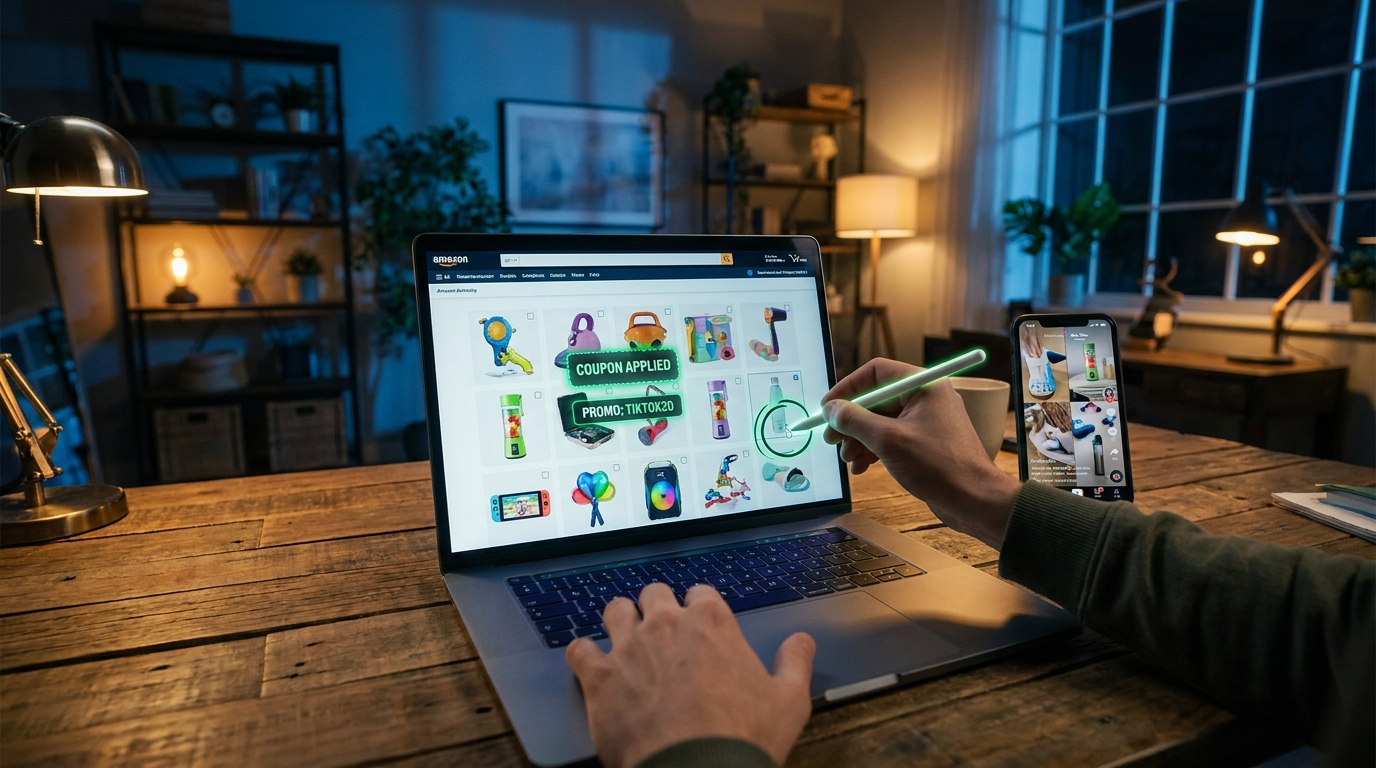
You are not imagining it. You click a TikTok-viral gadget on Amazon, see a flashy product page, and somehow the price still looks weirdly full. Maybe there is a tiny checkbox coupon hiding under the price. Maybe there is nothing at all. Meanwhile, the comments on social media make it sound like everyone else got some magic deal you missed. That frustration is exactly why this Amazon Internet Famous TikTok promo code hack matters. Amazon’s newer “Internet Famous” hub is not just a trend wall. It can be a starting point for finding alternate listings, seller storefront deals, and creator-posted codes that do not always show up on the first page you land on. The trick is simple. Do not stop at the viral page. Start there, then branch out. That small change can turn a full-price impulse buy into a much more organized deal hunt.
⚡ In a Hurry? Key Takeaways
- The “Internet Famous” hub can reveal viral products, but the best discounts often appear only after you search the same item through regular Amazon results, storefronts, or creator posts.
- Check for three layers of savings on the same product: price drop, on-page coupon checkbox, and a social or storefront promo code.
- Stick to codes shown on Amazon, brand storefronts, or the creator’s own social pages. Skip random coupon sites that look spammy or ask for strange permissions.
What the “Internet Famous” hub really is
Amazon’s “Internet Famous” section is basically a shortcut to products that are already getting attention on TikTok and other social apps. That is why it feels familiar when you browse it. You have probably already seen the heatless curlers, mini label makers, LED desk lights, stain removers, and oddly specific kitchen tools there.
Most people use this page like a digital window-shopping board. They scroll, tap, and either buy or move on. That is the mistake.
If you treat the hub as your first clue instead of your final stop, it becomes much more useful. It tells you what item is trending. Then you can go find where Amazon or the seller may be hiding the better discount.
Why the viral page is not always the cheapest page
This is where things get interesting. On Amazon, the first listing you see is not always the only listing for that product. It is sometimes not even the best one.
Sellers can test different offers across variations, bundles, colors, and even separate listings that look nearly identical. One version may have a 10 percent coupon box. Another might be sitting at a lower base price. A third may be linked from a creator storefront with a promo code in the caption or image tiles.
That means the TikTok-facing product page can act like the front door, while the real discount is hiding around the side.
The “reverse the flow” method
Here is the repeatable part of the Amazon Internet Famous TikTok promo code hack. Start with the viral hub, but do not buy from that page right away.
Step 1: Open the product from the Internet Famous hub
Use the hub to identify the exact item, brand name, seller name, size, and color. Those details matter because they help you search more accurately later.
Step 2: Copy the product name and search it in regular Amazon search
Now search the same item the normal way. Try the brand plus the product type, not just the long official title. For example, search “Brand mini printer” instead of the entire headline.
You may spot:
- A duplicate or near-duplicate listing
- A different color with a better coupon
- A bundle that ends up cheaper per item
- A storefront feature page with a code banner
Step 3: Tap the brand storefront
If the listing has a brand link, open it. Storefronts often group products into deal sections that do not always appear clearly from the viral page. Some brands also use storefront graphics to advertise limited promo codes, especially after major shopping events when they want to keep social traffic warm.
Step 4: Check the creator or influencer source
If the product came from TikTok, Instagram, or a creator’s Amazon storefront, look at the creator’s recent posts. Sometimes the code is not on Amazon at all. It is in the social caption, comment reply, Linktree, or storefront banner.
This is one reason shoppers feel like “everyone else” got a better deal. The discount was real. It just was not sitting in the most obvious spot.
Step 5: Stack what you can
Look for three separate discount layers:
- Lower base price
- Clip-on coupon checkbox
- Promo code at checkout or on a creator page
Not every product allows stacking, but enough do that it is worth checking every time.
Where hidden discounts usually show up
Amazon does not always make deals easy to see. Here are the most common hiding spots.
1. The tiny coupon checkbox under the price
This one is easy to miss, especially on mobile. It can appear in small text with wording like “Save 15%” or “Apply $5 coupon.” If you are moving too fast, you skip right over it.
2. Alternate colors or sizes
One color may have a coupon while another does not. Annoying, yes. But if you do not care whether your desk fan is sage green or white, this is easy money.
3. The seller’s storefront page
Brands sometimes run promo blocks or themed collections with discounts that are easier to find there than on the main listing.
4. Social-only creator codes
These are often short-lived and may only appear in a recent TikTok caption, pinned comment, or Instagram story highlight.
5. Subscribe & Save on repeat-buy items
For things like cleaning pods, supplements, beauty basics, or pet items, Subscribe & Save can stack with a coupon. Just remember to cancel later if you do not need repeat shipments.
How to tell if you found the same item or a lookalike
This part matters because social shopping is full of close-enough clones.
Before you assume two listings are identical, check these details:
- Brand name
- Seller name
- Model number
- Included accessories
- Size or capacity
- Review count and review photos
If the “cheaper version” is actually missing a case, charger, refill pack, or warranty support, it is not a real deal. It is just a stripped-down listing.
Post-Prime Day is the sweet spot for this trick
Right after Prime Day 2026, Amazon has extra reason to keep shoppers in buying mode. Brands still want momentum. Influencers still want clicks. Amazon still wants that social traffic flowing.
That creates a messy but useful window for bargain hunters. Sellers may test smaller coupons, silent markdowns, and creator-specific codes after the big event ends. Those offers often fly under the radar because the major deal roundups are already moving on.
In plain English, this is when the leftovers can get interesting.
A quick example of how the hack works
Let’s say you spot a viral ice roller in the Internet Famous hub for $24.99.
You open the listing and see no obvious deal.
Now you search the product name manually. A second listing from the same brand appears at $22.99 with a 10 percent coupon box. Then you click the brand storefront and find a “summer skin care picks” banner that mentions an extra code. Finally, you check the creator who posted about it and see the code in a pinned comment.
Maybe the code stacks, maybe it does not. But instead of assuming the first listing was the final price, you gave yourself three more chances to save.
Use Amazon’s own tools to do some of the work
If you are tired of manually testing questionable codes one by one, pair this trick with Amazon’s own checkout process. Add the item after clipping any coupon, then test the code at checkout.
If you want a faster way to check whether codes are dead or still active, this is a good moment to read The ‘Auto‑Apply Cart Sweep’ Hack: How To Make Amazon Test Every Hidden Promo Code For You In 30 Seconds. It fits nicely with the viral-product method because it saves you from wasting time on expired promo codes.
Red flags to watch for
Not every “deal” is a deal. A few things should make you pause.
Fake strike-through pricing
If the “original price” looks inflated and the current price is what the item seems to cost every week, the savings are mostly for show.
Off-platform coupon sites
If a site looks sketchy, floods you with pop-ups, or asks you to install extensions, back out. A deal is not worth turning your browser into a mess.
Listings with weak reviews or suspicious review patterns
A low price does not help if the item arrives flimsy, wrong, or clearly not as shown in the videos.
Codes that only work after extra spending
Read the terms. Some codes only apply if you buy two items, spend over a minimum amount, or choose a non-obvious variation.
Best product categories for this hack
This method tends to work best in categories that live and die by social buzz:
- Beauty tools
- Kitchen gadgets
- Cleaning helpers
- Desk accessories
- Phone add-ons
- Storage and organization items
- Pet gadgets
Why these? Because brands in these areas often push hard through creators, which means more chance of storefront promos, creator codes, and listing experiments.
At a Glance: Comparison
| Feature/Aspect | Details | Verdict |
|---|---|---|
| Internet Famous hub | Great for spotting trending products fast, but not always the cheapest route to buy them. | Use it as a starting point, not the checkout page. |
| Regular Amazon search and storefronts | Can reveal alternate listings, better coupons, color-specific deals, and brand promo pages. | Usually the best place to find hidden savings. |
| Creator social posts | Often where short-term promo codes live, especially in captions, comments, and bio links. | Worth checking, but verify the code before you build your cart around it. |
Conclusion
The big takeaway is simple. Amazon’s “Internet Famous” page looks like a fun trend feed, but it can work much better as a promo map. Right after Prime Day 2026, when Amazon is pushing influencer traffic hard, there is a real chance that the first viral listing you see is not the best-priced version of that item. By starting at the hub and then jumping into regular search, storefronts, and creator posts, you give yourself a better shot at finding extra coupons, stacking a small on-page discount with a price drop, or catching social-only codes that never make the big deal blogs. If you are tired of fake sale tags and mystery pricing, this is the practical part. You now have a repeatable system. Use the viral page to discover the item. Then do the extra minute of digging before you buy. That is where the real savings usually start.