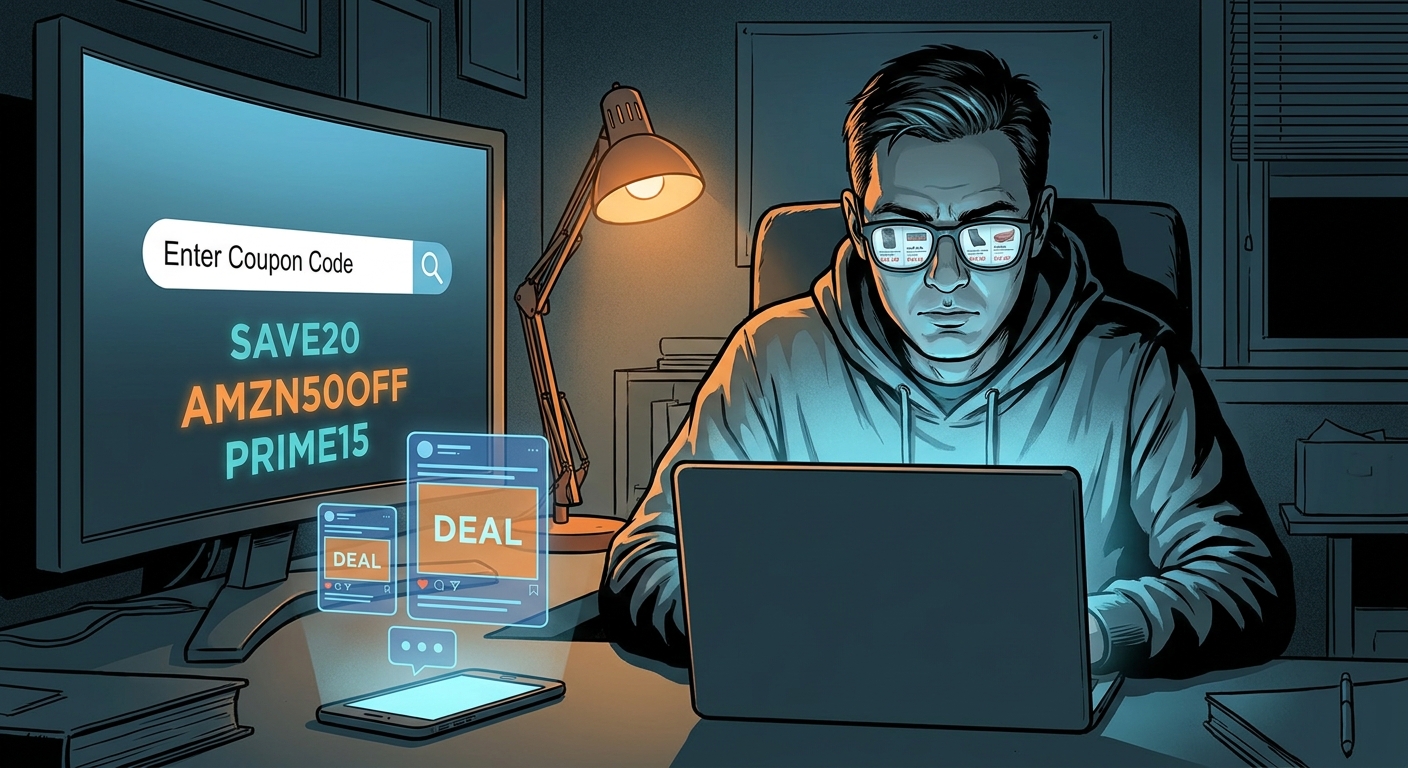
You’ve probably seen the reel. Some creator flashes a kitchen gadget or random home find, says “comment DEAL,” and promises a secret Amazon promo list in your DMs. Then you wait. And wait. By the time the message shows up, the best code is dead, the product is gone, or the “deal” was never that great in the first place. It’s annoying for a reason. These lists often come from public deal databases, and the social post is just the bait. The good news is you do not need to play the comment game. If you want to know how to use DealSeek with viral amazon promo code videos, there’s a much faster shortcut. You can usually find the same product and the same live promo code in about 30 seconds by doing a direct search inside DealSeek. No begging for DMs. No mystery link trees. No expired-code roulette.
⚡ In a Hurry? Key Takeaways
- Most viral “comment DEAL” Amazon videos are pointing to deals you can often find yourself by searching DealSeek with the product name or exact keywords from the clip.
- Pause the video, grab 2 to 5 specific words from the item title, then search DealSeek and sort through matching Amazon promo posts before the code gets burned out.
- This is safer than chasing DMs because you can compare prices, skip sketchy links, and spot fake markdowns before you buy.
What the “Shadow Search” trick actually is
“Shadow Search” sounds dramatic, but it’s really just a smart shortcut.
Instead of waiting for an influencer to send you a deal list, you search the likely source yourself. In many cases, that source is DealSeek or a similar deal-tracking site where Amazon promo codes are posted publicly. The creator is just repackaging the find into a short video.
That means if the reel shows a rechargeable frother, a foldable walking pad, or a 12-piece storage set, you can often find the exact listing by searching those same words directly.
The big win is speed. Every minute matters when a promo code is going viral.
How to use DealSeek with viral amazon promo code videos
Step 1: Pause the video and ignore the hype
Do not focus on the “80% off” text splashed across the screen. Focus on the product details.
You want the clues that actually identify the item, such as:
- Brand name
- Product type
- Color or size
- Unique feature, like “magnetic lid” or “cordless”
- Pack count, like 2-pack or 24-piece
If the caption says “comment DEAL for the standing desk walking pad combo,” your useful search terms are “walking pad standing desk combo,” not “secret Amazon code.”
Step 2: Pull out 2 to 5 exact keywords
This is the part that makes the difference.
Use very specific words from the video. “Blender” is too broad. “Portable smoothie blender glass” is much better. “Lamp” is weak. “Cordless mushroom table lamp gold” is stronger.
If the creator shows the Amazon product page for half a second, pause it and read whatever you can from the title. Even partial titles help.
Step 3: Search DealSeek directly
Go to DealSeek and type those exact product words into the search bar.
Start with the cleanest version of the phrase. For example:
- “stainless steel bento box kids”
- “queen cooling blanket gray”
- “under cabinet lights motion sensor 6 pack”
If nothing shows up, remove one word and try again. If you get too many results, add one more descriptive word.
This is why I call it a shadow search. You’re following the shape of the viral post back to the source.
Step 4: Look for signs you found the same deal
You do not need an exact screenshot match. You need enough overlap to be confident it’s the same item.
Good signs include:
- Same product photo
- Same color variation
- Same pack size
- Same before-and-after price range
- Same unusual feature mentioned in the reel
Once you find the matching deal post, you can usually see whether there’s a coupon box to check, a promo code to copy, or both.
Step 5: Test the code at checkout, fast
This part matters because viral codes die quickly.
Add the item to your Amazon cart. Check the on-page coupon if there is one. Copy the promo code from the deal listing. Then go to checkout and test it right away.
If it works, great. If it does not, try one more variation of your search because there may be a newer post for the same product from another seller.
If two or three tries fail, move on. Do not force a bad “deal” just because the video made it look urgent.
Why this works so often
Most of these creators are not getting private magic discounts made just for their followers. They are pulling from public promo feeds, affiliate deal sites, seller promotions, or bulk lists that many people can access.
The social trick is the delay. You comment. Their engagement goes up. They send the list later. Meanwhile, the clock is ticking on the code.
By searching yourself, you cut out the slow part.
How to spot fake savings before you buy
This is the part many people skip.
Some viral Amazon videos mix real promo codes with inflated list prices, weak products, or random links that route you somewhere you did not expect. So before you hit Buy Now, do a quick reality check.
Check the final price, not the claimed discount
A product that is “70% off” can still be overpriced. Ignore the dramatic percentage. Ask one question instead. Is the final price actually good for what this item is?
Compare seller and ratings
If a listing has a brand-new seller name, thin reviews, or a suspiciously generic title, slow down. A real discount on a bad listing is still a bad buy.
Watch for off-site links
If the creator pushes you to a strange site first, skip it. The safest path is to find the product yourself, then apply the code inside Amazon checkout.
Best search patterns when the video is vague
Sometimes the reel barely tells you anything. That’s when search style matters.
Use product-plus-feature
Try a combo like “air fryer liners square parchment” instead of just “air fryer.”
Use product-plus-color
For home goods especially, color can narrow things down fast. “Velvet hanger beige 50 pack” works better than “hangers.”
Use product-plus-count
Pack size is one of the easiest ways to locate the exact post. “Food storage bags reusable 10 pack” is much more useful than “reusable bags.”
Use product-plus-weird detail
If the host mentions something oddly specific, that’s gold. Words like “self-stirring,” “mushroom-shaped,” “magnetic,” or “telescoping” can help you find the right listing much faster.
When DealSeek search will not find it
This trick works a lot, not always.
You may come up empty if:
- The product title in the reel was cropped or hidden
- The deal already expired and was removed
- The creator used a different deal source
- The seller changed the listing title after the video went up
If that happens, try searching a more distinctive product phrase. Also try the brand name plus one feature. If the reel showed a coupon percentage or a final price, use that as a clue too.
Why this is better than the DM chase game
It saves time, obviously. But it also gives you more control.
You are not relying on someone else to answer comments. You are not clicking whatever link they paste into a bot reply. And you are not stuck with a screenshot that hides the important parts.
Instead, you can inspect the listing yourself, compare options, and decide whether the discount is real.
A simple 30-second example
Let’s say a reel shows a “2-pack cordless wall sconces” and says “comment DEAL.”
- Pause the video.
- Grab the phrase “cordless wall sconces 2 pack gold” if that matches what you see.
- Search DealSeek using that phrase.
- Open the matching deal post.
- Copy the code and test it in Amazon checkout.
That is usually faster than typing “DEAL” and waiting for a bot or an overworked creator to reply.
Smart habits if you do this regularly
If you like bargain hunting, a few habits make this much more useful.
Do not impulse buy just because you found the code
Finding the deal is not the same as needing the item.
Save your best search phrases
If certain keywords work well for home gadgets, beauty tools, or kitchen gear, keep a short note on your phone. It speeds things up next time.
Move early in the day
Fresh promo posts tend to be strongest before a viral video sends a crowd toward them.
Expect some misses
Not every code will work. That’s normal. The goal is not perfection. It’s cutting out the wasted time and finding the real ones faster.
At a Glance: Comparison
| Feature/Aspect | Details | Verdict |
|---|---|---|
| Waiting for “comment DEAL” replies | Slow, crowded, and often hits after the promo code has already been used up by everyone else. | Convenient for creators, not for you. |
| DealSeek shadow search | Use the product keywords from the video to search DealSeek directly and test the code yourself right away. | Fastest way to reach the same public deal. |
| Safety and deal quality | Direct searching lets you inspect the Amazon listing, compare final price, and avoid risky off-site links or fake markdowns. | Much smarter than buying on hype. |
Conclusion
The best part of this trick is that it puts you back in control. Right now those “comment DEAL for my Amazon code list” clips are everywhere, and that means crowds of shoppers are burning through the same codes faster than ever. If you know how to use DealSeek with viral amazon promo code videos, you can skip the waiting, reverse engineer the list yourself, and get to the exact same hidden discount while it still works. You also cut down the risk of falling for expired junk, fake markdowns, or sketchy links dressed up as savings. Once you get the hang of it, this stops feeling like a social media scavenger hunt and starts working like a simple daily method for finding real Amazon promo codes before the herd gets there.