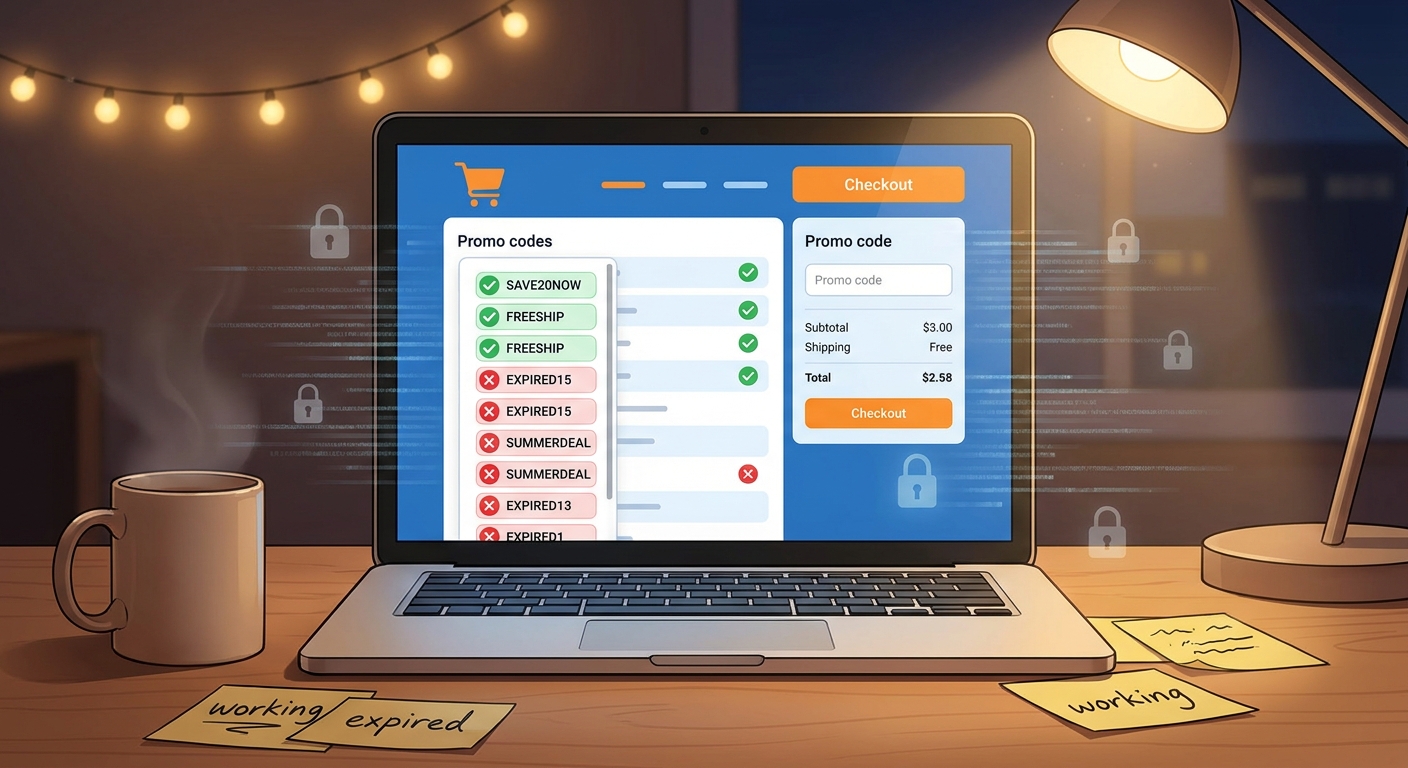
You find a promising Amazon deal, open six coupon tabs, copy three codes, fight through pop-ups, get to checkout, and see the same message again. “This promotion cannot be applied.” That is the moment most people give up and just pay full price. Fair enough. Coupon hunting has started to feel like a part-time job with terrible pay.
The better move is not to collect more promo codes. It is to verify them faster. Think of the internet as the messy pile, and a real-time checker as the filter. Instead of trusting whatever “Amazon promo codes June 2026” page ranks highest on Google, you use a tool or method that tests whether a code is still alive, whether it only works on a certain seller, and whether it applies to the exact item in your cart. If you want an amazon promo code checker that actually works, the goal is simple. Kill dead codes quickly, spot seller restrictions before checkout, and spend two minutes saving money instead of thirty minutes getting annoyed.
⚡ In a Hurry? Key Takeaways
- Use a real-time promo code checker or live-tested deal page, not random Google results full of stale Amazon codes.
- Check seller, item variation, region, and coupon timing before you assume a code is broken.
- Never hand your Amazon password to a coupon site. A safe checker should verify deals, not ask for account access.
Why Amazon promo codes fail so often
Most “bad” codes are not really fake. They are just limited in annoying ways.
One code might only work on the blue version of a product. Another only works if the item is sold by a specific third-party seller, not Amazon itself. Some have a tiny redemption cap, so the first few hundred shoppers get the deal and everyone else gets nothing. Others are region-locked or expire without the coupon page being updated.
That is why the usual coupon-site routine feels so useless. You are not just checking if a code exists. You are checking if it works right now, on your exact item, from your seller, in your location.
What the “real-time code scanner” hack actually means
This is less “hack” in the movie sense and more “smart shortcut.”
The idea is simple. Treat Reddit threads, Telegram deal channels, coupon sites, browser extensions, and promo blogs as a raw feed. Then use a live verification layer to sort the junk from the working offers. A good checker does not just show codes. It tests or confirms whether people are successfully applying them at checkout in near real time.
In plain English, you want three things:
- Fresh timestamps
- Clear notes about item and seller restrictions
- A visible success or failure rate based on recent tests
That is what separates a useful tool from another glorified list of expired codes.
How to use an amazon promo code checker that actually works
1. Start with the exact product page, not a generic coupon page
Open the Amazon item you want first. Check the seller name, price, color or size variation, and whether there is already a tick-box coupon on the page. Amazon often hides the easiest discount in plain sight.
If the product page already has a “Save 10% with coupon” box, clip that before doing anything else. It matters because many external promo codes do not stack.
2. Copy the full product title or ASIN
If your checker lets you search by product link or ASIN, use that. This is much better than searching broad terms like “air fryer” or “Bluetooth earbuds.” Broad searches flood you with close-enough offers that fail at checkout.
The more specific you are, the fewer dead ends you hit.
3. Check the code’s last verified time
A live checker should tell you whether a code was verified five minutes ago, this morning, or three weeks ago. Three weeks ago might as well be ancient history in coupon land.
If there is no timestamp, be skeptical.
4. Read the fine print people skip
Look for notes like:
- Only works on first order
- Only works for Prime members
- Only works when sold by Brand X Store
- Only applies after a minimum spend
- Only valid in the US or UK
This is where most “failed” codes die. Not because they are dead, but because they were never meant for your order.
5. Test the best one or two codes only
Do not paste in ten random promo codes. Amazon may limit repeated promo attempts, and you will waste time. Start with the codes showing the most recent successful verification and the clearest match to your product.
If one fails, move on quickly.
The fastest manual method if you do not trust coupon sites
If you want to do your own filtering, here is the low-drama version.
- Search for the product plus “promo code” on Google, Reddit, and deal forums.
- Ignore pages with giant walls of generic codes.
- Look for exact product matches and recent comments from actual users.
- Cross-check the seller and variation on Amazon.
- Try only the most recent, best-matched code.
This still takes a few minutes, but it beats copying stale codes from ten SEO pages built to trap search traffic.
Red flags that a promo site is wasting your time
Some coupon sites are not dangerous. They are just lazy. Others are a bit sketchy. Watch for these signs:
- No last-tested date
- The same Amazon code repeated across dozens of products
- Claims like “100% success” with no proof
- Buttons that say “Reveal Code” but only open ads
- Requests to install unknown browser extensions
- Requests for your Amazon login details
If a site wants your password, close it. Immediately. A legitimate checker should help you verify savings, not stand between you and your Amazon account.
Why browser extensions sometimes help, and sometimes make things worse
Auto-apply extensions can be handy. They save time by trying multiple codes in the background. But they are not magic.
Some are great at testing public coupon databases. Others just repeat the same stale code lists faster than you can. You still need a little common sense. If the extension cannot tell you when a code was last tested or what item it applies to, it is basically spray-and-pray couponing.
The best ones do two things well. They test quickly, and they explain why an offer is relevant.
The seller problem most shoppers miss
Here is the part that tricks a lot of people. On Amazon, the product page can look identical while the actual seller changes.
One code may work only when the item is sold by the brand’s own storefront. If Amazon rotates the Buy Box to another seller, your code suddenly fails even though the item name and photo look the same.
So before blaming the code, check:
- Who is selling the item
- Who is shipping it
- Whether a different seller is available on the same listing
Sometimes switching sellers is the difference between “code invalid” and 20% off.
Can you trust crowd-sourced verification?
Usually, yes, if it is recent and specific.
A real comment saying “Worked on the 64GB black model from ABC seller at 2:15 p.m.” is far more useful than a polished coupon page with no testing details. Crowd reports are not perfect, but they often reflect reality faster than coupon databases do.
The trick is to trust fresh, detailed reports, not vague cheerleading.
How to build your own simple verification routine
If you shop Amazon a lot, create a repeatable system.
Use this 2-minute checklist
- Clip the on-page Amazon coupon first
- Confirm seller and item variation
- Search by exact product or ASIN
- Use only recently verified codes
- Try one or two high-confidence codes, then stop
That “then stop” part matters. Coupon fatigue kicks in when you keep chasing a maybe. If the code is not verified, move on and decide whether the current price is still good enough.
Safety matters more than an extra 5%
People get so focused on savings that they click through anything promising “hidden Amazon discount.” Slow down.
A safe deal workflow should never require:
- Your Amazon password
- Turning off browser security warnings
- Installing random software from a pop-up
- Giving a coupon site permission to manage your account
If your site or tool is acting as the live filter, that is the sweet spot. It does the boring verification work and leaves the checkout control in your hands.
What this means for frustrated shoppers right now
The big shift is mental. Stop expecting coupon sites to be libraries. Think of them as noisy tip lines.
Your job is not to read everything. Your job is to find the few signals that are current, specific, and proven. A real-time code checker makes that possible by sorting for what still works now, not what worked last month.
That is why this method feels better. It saves money, sure. But it also saves your patience.
At a Glance: Comparison
| Feature/Aspect | Details | Verdict |
|---|---|---|
| Generic coupon site | Often packed with expired, copied, or poorly labeled Amazon promo codes. | Low trust unless it shows recent verification. |
| Real-time code checker | Filters codes by recent success, seller match, item match, and timing. | Best option for fast, practical savings. |
| Manual Reddit/forum search | Can uncover real working deals, but takes more time and needs careful cross-checking. | Good backup method if you want more control. |
Conclusion
Coupon fatigue is real, and it is not because people are lazy. It is because too many Amazon promo pages are stuffed with codes that are expired, geo-locked, seller-specific, or barely relevant to the item in your cart. The fix is not more hunting. It is smarter filtering. If you use an amazon promo code checker that actually works, you can treat the whole web as a messy stream of deal tips while relying on a live verification layer to throw out the dead stuff and surface the few offers that still apply. That means less copy-paste nonsense, fewer checkout surprises, and a much better shot at saving money before you lose patience and pay full price. Quietly verifying the boring details is what really helps shoppers, and honestly, that is the part most coupon sites never bother to do.