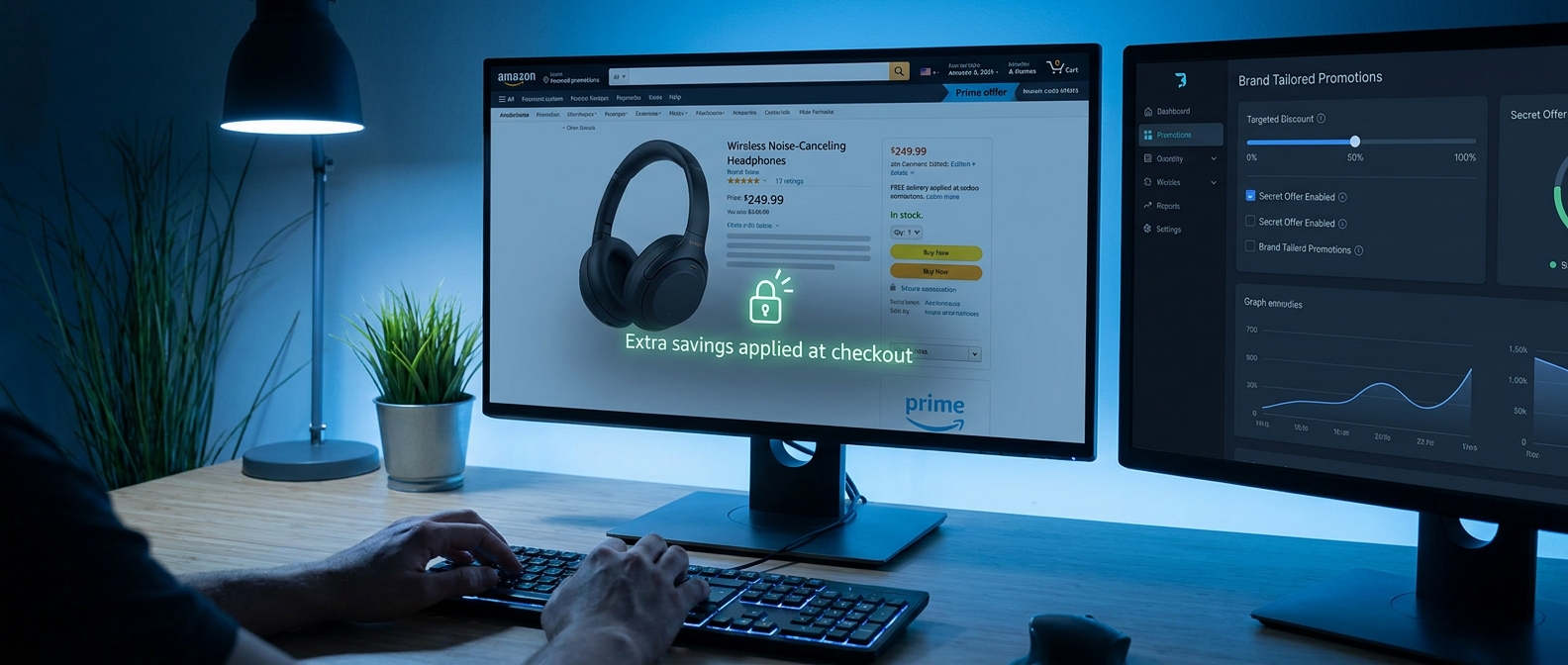
You are not crazy. Amazon promo code hunting really has gotten worse. You paste in a code from a blog or coupon site, head to checkout, and get the usual bad news. Expired. Not valid for your account. Only works on some odd variation nobody wants. Then you see another shopper getting 20 to 40 percent off on the exact same product, with no code at all. That is the part that feels rigged.
What is happening is simpler than it looks. More Amazon sellers are moving discounts into targeted systems like Brand Tailored Promotions, Prime-only offers, and account-based checkout deals. In plain English, that means the discount is often tied to shopper behavior, not to a public coupon page. If you want to know how to trigger hidden Amazon targeted promo codes, the trick is to act like the kind of shopper Amazon and the seller want to reward. A few small actions, including one quiet checkbox, can make those invisible discounts show up on your account instead of someone else’s.
⚡ In a Hurry? Key Takeaways
- Hidden Amazon targeted promo codes are often triggered by your account activity, Prime status, wishlists, follows, and repeat visits, not by public coupon pages.
- To improve your odds, sign in, use Prime if you have it, follow the brand, visit the item more than once, save it to a list, and check for the coupon box before adding it to cart.
- Skip sketchy code generators. The safest savings now come from discounts Amazon applies inside your own account at the product page or checkout.
What the “hidden brand tailored trapdoor” really means
This is not a hacker trick. It is a shopper behavior trick.
Many sellers now use Amazon tools that let them aim promotions at specific groups. That can include recent browsers, past buyers, people who follow a brand, shoppers with Prime, or customers who abandoned a cart. Instead of posting one big public code for everyone, the seller quietly tells Amazon, “Show this offer to these shoppers.”
The “trapdoor” part is that the discount often appears only after you do a small set of things that put you in the right bucket. Sometimes it is a coupon checkbox on the item page. Sometimes it is an automatic discount that appears in the cart. Sometimes it is a line at checkout that says a promotion has been applied.
That is why public coupon blogs miss so much of this. There is often no shareable code to publish.
Why public promo codes are getting worse
Amazon used to be friendlier to broad, reusable coupon pages. Now a lot of the better discounts are moving into smaller, targeted channels. Sellers like this because it gives them more control. They can discount only for likely buyers instead of slashing the price for everyone.
It also explains why your friend gets a lower price than you do on the same item.
If this sounds familiar, you may also like The “Invite‑Only Price Drop” Hack: How Private Amazon Promos Quietly Beat Public Coupon Codes, which shows how private offers are replacing the old public code game.
How to trigger hidden Amazon targeted promo codes
Here is the practical part. None of these steps is magic by itself. Think of them as signals. The more signals you give Amazon and the seller, the better your chances.
1. Stay signed in to your Amazon account
Targeted offers need a target. If you are browsing logged out, Amazon has less to work with. Sign in first, then search and browse normally.
2. Use Prime if you have it
Prime members often get first crack at private discounts, stacked savings, or item-page coupons. Even if the listing does not scream “Prime deal,” Prime status can still be part of the eligibility filter.
3. Follow the brand when possible
This is the quiet checkbox many shoppers miss. On some brand pages or store pages, Amazon lets you follow the brand. That tiny action can help put you into a seller’s audience for future promotions. It is one of the cleanest answers to the question of how to trigger hidden Amazon targeted promo codes, because it tells Amazon you are interested without buying yet.
If the brand has a storefront, visit it. If there is a “Follow” button, use it.
4. Save the item to a wishlist or shopping list
Wishlists are not just for birthdays anymore. Saving an item tells Amazon that you have interest but have not converted yet. That is exactly the sort of shopper sellers want to nudge with a discount.
Try adding the item to a list, then coming back later the same day or the next day.
5. Visit the product more than once
One quick glance may not do much. Two or three visits over a day or two can make you look like a serious buyer who just needs a little push. That push may show up as a coupon box, a Prime-only badge, or a checkout discount.
6. Check the product page carefully before adding to cart
Look for these signs:
- A checkbox coupon under the price
- Prime-exclusive discount text
- “Extra savings” or “Buy 2, save” offers
- A promotion note hidden lower on the page
- A brand-store banner mentioning follower or repeat-buyer offers
These are easy to miss, especially on mobile.
7. Add to cart, then wait a bit
Some discounts do not appear until the cart stage. Others show up after you leave the item sitting there for a while. You do not need to play games for a week. Even 24 hours can be enough to trigger a nudge on some items.
8. Return through Amazon, not through a random ad
If you keep bouncing in from coupon sites, ad links, or browser extensions, you may muddy the trail. For testing, go straight through Amazon search, your browsing history, or your saved list.
9. Try the brand’s storefront and related items
Sellers often think in audiences, not just single products. If you browse a few related products from the same brand, you may look like a stronger prospect. That can matter when a seller is using tailored promotions.
10. Check out with care
Before placing the order, review the final checkout screen. Hidden discounts often appear there as a promotion line rather than a normal coupon code box. If you do not see it, remove the item, revisit later, or compare from your wishlist page.
What usually works best
If you want the shortest version, do this:
- Sign in to Amazon.
- Use a Prime account if available.
- Visit the product and the brand storefront.
- Follow the brand if the option appears.
- Save the item to a wishlist.
- Come back later and check for a coupon box or automatic checkout discount.
That combination gives Amazon several reasons to treat you like an almost-buyer.
What not to do
Do not trust “Amazon code generators”
Most are junk, and some are risky. They waste time at best. At worst, they push spam, fake extensions, or phishing pages.
Do not assume every shopper gets the same deal
That is the old coupon mindset. Amazon is moving toward account-specific pricing and promotions more often now.
Do not ignore the small print
Targeted promotions can be single-use, category-limited, seller-limited, or tied to Prime. Read the details before you build your whole cart around a discount.
Why the quiet checkbox matters so much
That little coupon box, follow button, or Prime badge does more than it seems. It is the visible tip of a much bigger system. Sellers are using Amazon’s own tools to reward shoppers who look engaged. So while everyone else is searching for one giant public code, the smarter play is to become the shopper the algorithm wants to convert.
That sounds a bit cold, but it is actually good news. You do not need secret access. You just need better timing and better signals.
When this trick is most likely to work
- On branded products sold by third-party sellers using Amazon’s promo tools
- When you have Prime
- When the item already has a visible coupon or “extra savings” note
- When the brand has a storefront and follower options
- When you have shown clear interest but have not purchased yet
When it may not work
- On products sold directly by Amazon with tightly controlled pricing
- On hot items with low inventory
- On brands that rarely run promotions
- If the discount is region-locked or limited to a different account segment
At a Glance: Comparison
| Feature/Aspect | Details | Verdict |
|---|---|---|
| Public promo codes | Easy to share, but often expired, single-use, product-specific, or region-locked. | Least reliable now. |
| Targeted item-page offers | Can appear through coupon checkboxes, Prime-only savings, follow prompts, or cart discounts tied to your account behavior. | Best value if you know how to trigger them. |
| Sketchy coupon generators | Usually fake, outdated, or designed to collect clicks and data. | Avoid completely. |
Conclusion
Amazon deal hunting is changing. The old method of copying public codes from blogs is working less often, while the better discounts are moving into private, targeted offers buried inside seller tools, Prime perks, and Brand Tailored Promotions. That sounds annoying, but it also gives regular shoppers a real opening. If you follow the brand, save items to lists, browse while signed in, and check carefully for that small coupon or follow checkbox, you can start turning your own shopping behavior into automatic discounts. Traditional coupon pages often cannot see these offers, which is exactly why they feel invisible. The upside is simple. You can stop wasting time on dead codes and start using the signals Amazon already watches to unlock the savings meant for likely buyers. Right now, that is where the better deals are hiding.