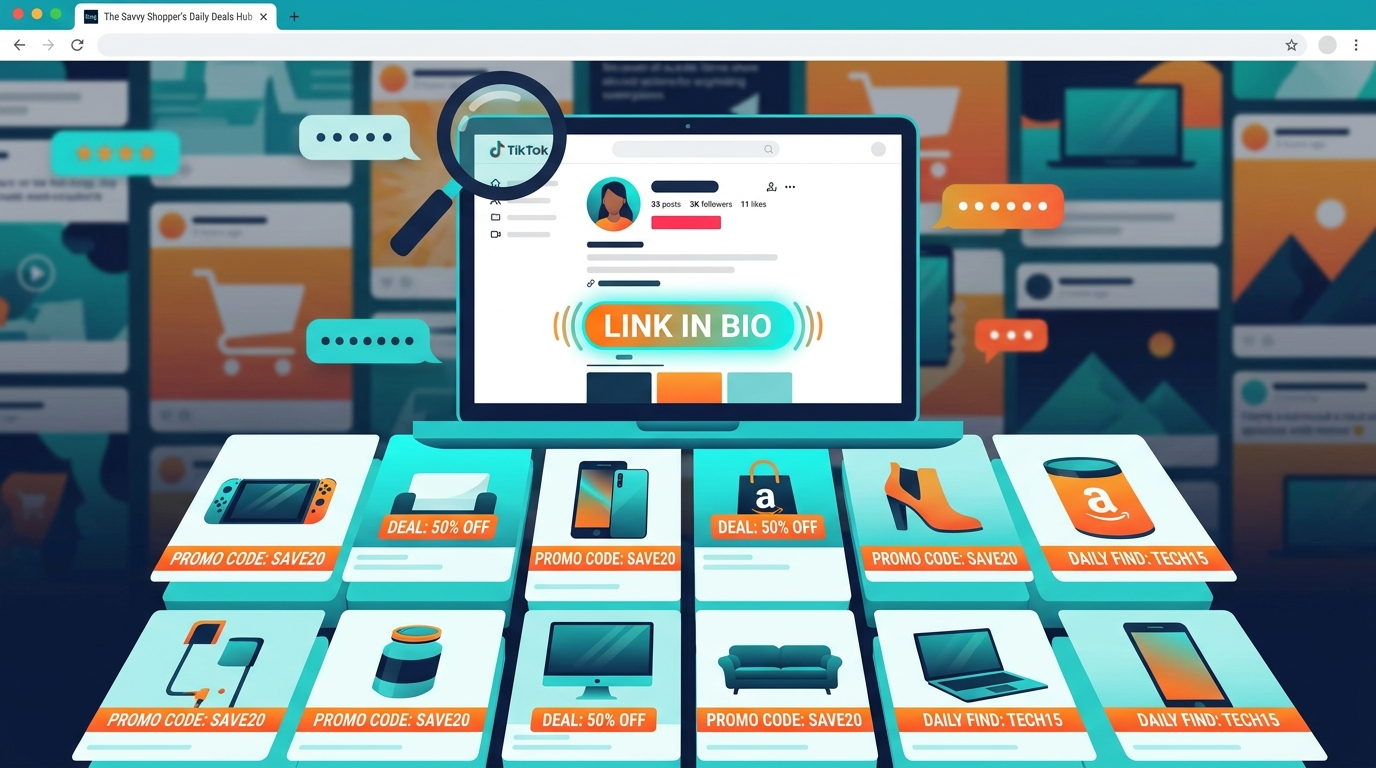
You know the routine. You see a comment that says, “Use my Amazon code in bio,” then you tap over to TikTok or Instagram, get distracted by three new posts, open the wrong link, and somehow ten minutes later you still do not have the code. It is annoying, and worse, the best Amazon promo codes are often short-lived. By the time a big coupon site notices them, the discount is gone or the item is sold out. The good news is the hunt has changed in your favor. Many creators now stash their Amazon deals inside bio link hubs, storefront pages, and daily roundups instead of repeating codes in every caption. If you know what to look for, one good creator link can reveal a pile of fresh discounts in about 30 seconds. That is the real shortcut, and it beats scrolling through a week of Stories hoping a code pops up again.
⚡ In a Hurry? Key Takeaways
- The fastest answer to how to find amazon promo codes from tiktok and instagram creators is to skip old posts and go straight to their bio link hub or daily roundup page.
- Look for deal-focused creators who post Amazon finds regularly, then scan their “today’s deals,” “codes,” or “roundup” links first.
- Stick with creators who clearly label discounts and link directly to Amazon. That cuts down on fake, expired, or bait-and-switch deals.
Why the old way stopped working
Most people still search for Amazon promo codes the slow way. They check a creator’s latest Reel, swipe through captions, tap comments, then repeat that whole process on five more profiles.
That used to work better. Now it often does not.
Creators have a reason for moving their codes. Social platforms do not always love captions stuffed with links, coupon text, and repeated promo details. It is cleaner for creators to say “link in bio” and park everything on one landing page.
For shoppers, that sounds like bad news at first. It is actually the opposite.
Instead of hunting for one code buried in one post, you can often find ten, twenty, or more current Amazon deals on a single roundup page.
The “Hidden Creator Roundup” hack, explained simply
The trick is not finding more posts. The trick is finding the creator’s deal hub.
That hub is usually one of these:
- A Linktree or similar bio page
- A “daily deals” landing page
- An Amazon storefront page with code notes nearby
- A simple website page called “today’s finds,” “Amazon deals,” or “promo codes”
Once you land there, you are not reading a week of social content. You are scanning a menu of current offers.
That is why this method is so much faster.
How to find amazon promo codes from tiktok and instagram creators
1. Start with the right kind of creator
Not every influencer is useful for this. You want creators who post frequent product finds, home deals, beauty bargains, kitchen gadgets, baby items, tech accessories, or daily sale roundups.
Good signs include:
- They post Amazon finds several times a week
- Their comments are full of “code?” or “link?” questions
- Their bio mentions deals, storefront, finds, or daily roundups
- They use phrases like “limited-time code,” “extra coupon,” or “today only”
If a creator mostly posts lifestyle content and only mentions Amazon once a month, you probably will not get much from their bio hub.
2. Ignore the feed at first
This is the part most people get backward.
Do not start with the latest Reel. Go straight to the profile bio. On TikTok or Instagram, tap the website link first. That is where the creator has likely gathered the current stuff.
You are looking for buttons or labels like:
- Today’s Deals
- Amazon Codes
- Daily Roundup
- Shop My Deals
- Current Promos
- Limited-Time Discounts
If you see ten different buttons, do not panic. Usually the best one is the most time-sensitive label, not the general storefront.
3. Open the roundup page before the storefront
This matters.
An Amazon storefront is nice, but it may not show the actual promo code clearly. A roundup page often does. Many creators list the item, the discount, the code, and the expiration note all in one place.
That means less guessing at checkout.
Think of the storefront as the catalog. Think of the roundup page as the cheat sheet.
4. Scan for the freshest clues
Once you are on a creator’s link hub or deal page, look for anything that signals recency:
- “Updated today”
- “This morning’s deals”
- “New codes added”
- Dates or timestamps
- Story highlight names like “Deals 9/18” or “Codes”
If a page has no sign of when it was updated, be a little cautious. It may still have good deals, but stale pages waste time.
5. Copy the code and test it with the on-page coupon
Many Amazon deals stack. That means there may be a clickable coupon on the product page plus a promo code at checkout.
This is where the best savings usually show up.
Before you give up on a deal, check three things:
- Did you clip the coupon box on Amazon?
- Did you paste the code exactly?
- Is the right size, color, or variation selected?
A lot of “this code does not work” complaints are really variation mismatches.
What a good creator roundup page looks like
The best pages are boring, honestly. That is a compliment.
They are easy to scan. They list product names, prices, promo codes, and maybe a quick note like “extra 40% off at checkout.” No treasure hunt. No wall of text. No mystery links.
Strong signs of a useful page:
- Direct Amazon links
- Codes next to the product, not hidden in a caption
- Recent updates
- Simple categories like home, beauty, tech, kids
- Notes about expiration or limited quantity
Weak signs:
- Too many pop-ups
- No dates anywhere
- Links that bounce you through several sites
- “Secret deal” promises with no actual details
How to do this in 30 seconds
Here is the quick routine.
- Open a deal-focused creator’s TikTok or Instagram profile.
- Tap the bio link.
- Choose “today’s deals,” “codes,” or “roundup.”
- Scan for timestamps or newest additions.
- Open the Amazon item and test the code right away.
That is it. No endless swiping. No reading 200 comments to find where someone asked for the code.
Where many shoppers still miss the best deals
They assume the code has to be in the post itself.
It often is not anymore.
That is also why coupon blogs can feel behind. By the time they publish a deal, creators may have already rotated to a new roundup page or replaced that item with a better one.
If you want a related shortcut for codes that still do appear in social posts, our guide The “Hidden Social Stream” Hack: How Secret Creator Codes Turn Amazon Reels Into 70% Off Checkout Steals covers that side of the hunt too.
A few smart safety rules
Do not chase every flashy percentage
“70% off” sounds great, but always compare the final checkout price. Sometimes a smaller-looking discount on a better product is the real win.
Check whether the creator updates often
A stale deal page can be worse than no deal page. Freshness matters more than follower count.
Use bio hubs, not random comment links
Comment sections are messy. Stick with the official profile link when possible.
Move fast on truly good codes
Some creator promos have limited redemptions. If the price is good and you already wanted the item, waiting all day can backfire.
Best types of creators for this method
If you are building a short list of accounts to check, start with creators in these categories:
- Amazon daily deal accounts
- Home organization creators
- Beauty bargain creators
- Kitchen gadget reviewers
- Tech accessory deal finders
- Baby and family shopping creators
You do not need fifty accounts. Five reliable ones can be plenty if they update their bio pages often.
At a Glance: Comparison
| Feature/Aspect | Details | Verdict |
|---|---|---|
| Latest social post vs bio hub | Posts may mention one item. Bio hubs and roundup pages often collect many current codes in one place. | Bio hub wins for speed. |
| Amazon storefront vs daily roundup page | Storefronts show products. Roundup pages are more likely to show the actual code, coupon note, and expiration clue. | Roundup page is usually more useful. |
| Big coupon site vs creator link page | Coupon sites can be late or filled with expired offers. Creator pages are often updated closer to the moment a code goes live. | Creator pages are better for fresh deals. |
Conclusion
The easiest way to find better Amazon deals now is to stop treating every TikTok and Instagram post like a scavenger hunt. Creators are increasingly moving Amazon promo codes into bio link hubs and daily roundup pages because it is simpler for them and keeps the platforms happier. For shoppers, that shift is a gift. One tap into the right roundup link can uncover a whole batch of fresh, time-sensitive codes that major coupon sites may not catch until much later, if they catch them at all. Once you know how to spot the right creators, jump straight to their bio hubs, and ignore the extra noise, you can find more real working codes in less time, with less doom-scrolling and fewer expired duds. That is a much better way to shop.