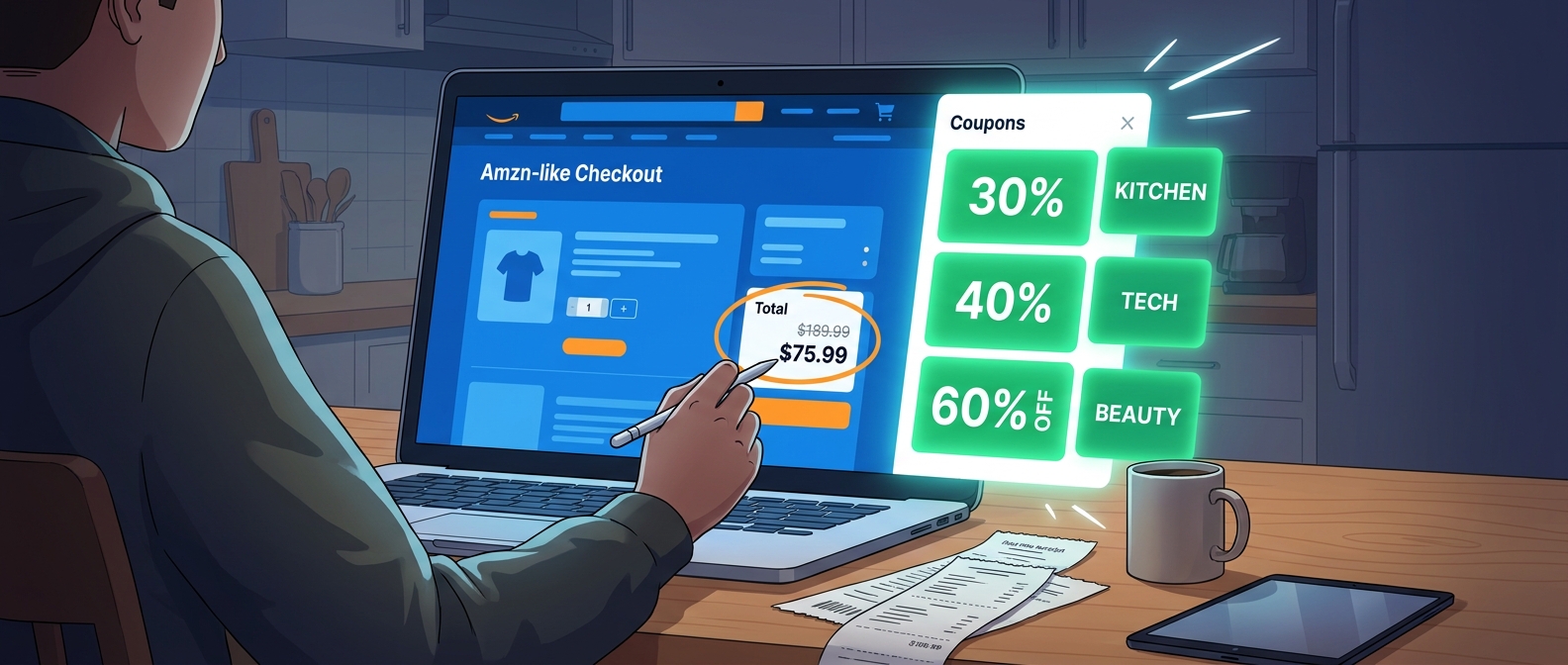
You are not crazy if Amazon shopping feels weirdly inconsistent. One day you spot a nice little green coupon box under a paper towel listing, and the next day you assume there are no deals at all. That is exactly how most people miss the bigger savings. Amazon does show random clip coupons on product pages, but it also keeps a much larger coupon hub tucked away where hundreds of extra offers sit behind category filters, price sorting, and limited-time promotions. Most shoppers never use it like a tool, so they end up paying full price for things they buy all the time. The real amazon secret coupon page hack is simple. Stop waiting for Amazon to show you a deal by accident. Start from the coupon page itself, filter hard, clip first, and then stack those coupons with Subscribe & Save, sale pricing, and occasional checkout promos. It is less flashy than viral deal videos, but it works far more often.
⚡ In a Hurry? Key Takeaways
- The amazon secret coupon page hack is using Amazon’s hidden coupon hub as your starting point, not relying on random green boxes on product listings.
- Filter by category, sort by discount, clip first, then check whether the item also has a sale price, Subscribe & Save discount, or checkout promo.
- Coupons are legit because they come from Amazon’s own system, but always confirm the discount appears in your cart before you buy.
What the “secret coupon wall” actually is
Amazon has a dedicated coupons page that acts like a giant deal board. It is not really secret in the spy-movie sense. It is just buried enough that most people never build a habit around it.
Instead, they shop the normal way. Search for dish soap. Click a product. Maybe notice a coupon. Maybe not. That method leaves a lot on the table.
The better move is to open Amazon’s coupon page first, then browse by department like you are walking into the store through the discount aisle instead of the front door.
Why it beats random coupon hunting
When you use the coupon page, you can quickly spot patterns. Maybe kitchen storage has a bunch of 25 percent offers this week. Maybe car cleaning gear is overloaded with clip coupons. Maybe a brand is pushing a deep launch discount.
That is much more useful than chasing one-off promo codes from social media that may already be dead. If you have ever wasted ten minutes trying a code from TikTok or a coupon blog and got nothing, you will probably enjoy the calmer, more reliable route. We covered that frustration in The “Grocery Glitch Stack” Hack: How TikTok’s Free Food Frenzy Points To Hidden Amazon Checkout Errors, and the same lesson applies here. Start with deals that actually exist inside Amazon’s own system.
How to find Amazon’s hidden coupon page
There are a few ways to get there.
Method 1: Search directly on Amazon
Type “Amazon coupons” into the Amazon search bar. You will usually see a link to the coupons section.
Method 2: Use the menu
On desktop or the app, open the menu and look for “Coupons” under deals or programs. Amazon moves things around sometimes, so the exact spot can change.
Method 3: Search the web
Search for “Amazon coupons page” or “amazon secret coupon page hack” and click the Amazon result. Once you find it, bookmark it. That one small step makes a big difference.
How to use the page the smart way
This is where the real savings happen. Think of the coupon page as a control panel, not a pile of random discounts.
Step 1: Pick a category before you get distracted
Start with categories you actually buy from. Household supplies. Kitchen. Pet supplies. Car gear. Beauty. Home organization.
If you browse the full wall with no plan, Amazon will tempt you into “saving” money on things you never meant to buy. That is not a win.
Step 2: Look for percentage discounts first
A 5 percent coupon on a cheap item might barely matter. A 30 percent or 40 percent coupon on something you already needed is where this gets interesting.
Many of the best values sit in the 15 percent to 60 percent range, especially with lesser-known brands trying to get attention.
Step 3: Clip before you compare
When you see something promising, click the coupon first. Then open the product page in a new tab and compare.
Why? Because once the coupon is clipped, it is easier to test the final cart math. You want to know the after-coupon price, not just the pretty number on the page.
Step 4: Check for stack opportunities
This is the heart of the amazon secret coupon page hack.
Look for these layers:
- On-page clip coupon
- Sale price already applied
- Subscribe & Save discount
- Multi-buy offers like “save $5 when you spend $25”
- Brand promo at checkout
Not every item will have all of them. But when two or three line up, the final price can drop fast.
A simple example of a “stack”
Let’s say you find a kitchen organizer listed at $24.99.
- There is a 20 percent clip coupon.
- The item is also on a limited sale, already down from $29.99.
- There is a 10 percent brand promotion at checkout.
If all of that applies correctly, you are no longer looking at a basic $5 off coupon. You are looking at a noticeably cheaper final price that a normal product search might not reveal clearly.
This is why the coupon page matters. It helps you find items that are already “primed” for stacking.
Best categories to mine first
Some categories tend to be better coupon territory than others.
Home and kitchen
This is usually one of the richest sections. Storage containers, organizers, gadgets, towels, small tools, and cleaning accessories often carry big clip offers.
Car gear
Phone mounts, cleaning kits, tire tools, seat organizers, air compressors, and accessory brands often throw around surprisingly generous coupons.
Household basics
Trash bags, paper products, cleaning sprays, air fresheners, filters, and pantry staples can be strong when combined with Subscribe & Save.
Beauty and personal care
Good if you know your brands and prices. Less good if you impulse buy because the discount badge looks exciting.
How to avoid fake savings
This is the part people skip. A coupon is not automatically a bargain.
Compare the final price, not the claimed discount
Some sellers inflate the list price, then slap on a coupon so the item looks dramatic. Always compare the final price with similar products from known brands.
Check item size and quantity
A 40 percent discount on a tiny refill pack might still be a bad buy if another listing gives you more for less.
Read recent reviews, not just the star count
If a product has coupon-heavy marketing but recent complaints about quality, shipping, or misleading sizing, move on.
Watch for one-time use limits
Some Amazon coupons are one per account, one per item, or expire quickly. Clip them when ready, but always confirm in cart.
Your 5-minute coupon routine
If you want this to save money consistently, make it a habit.
Minute 1: Open the coupon page
Use your bookmark. Do not start with a normal search.
Minute 2: Filter to one useful category
Pick something you buy often, not something that just looks fun.
Minute 3: Clip the best 3 to 5 offers
Focus on stronger percentages and items with decent reviews.
Minute 4: Open each product and test stack options
Look for sale prices, Subscribe & Save, and checkout promos.
Minute 5: Add only the true winners to cart
If the final price is not clearly better, skip it. Discipline matters here.
Desktop vs app. Which is better?
Both work, but desktop is usually easier if you want to compare tabs, sort through categories, and inspect prices without feeling rushed.
The app is fine for quick clipping, especially if you are already shopping from your phone. But if you are trying to build a stack or compare several listings, a bigger screen wins.
Common mistakes that ruin the savings
Buying because the coupon exists
This is the biggest one. Saving 30 percent on junk is still wasting money.
Not checking the cart
Sometimes the coupon does not apply the way you expect because of seller changes, item variation issues, or promo limits.
Ignoring Subscribe & Save
For repeat-buy household items, this is often where the real extra discount hides.
Forgetting to cancel repeats you do not need
If you use Subscribe & Save just for the initial price drop, set yourself a reminder to review upcoming deliveries.
Is this “hack” legit?
Yes. This is not a shady browser trick, fake code, or policy loophole. You are simply using Amazon’s own coupon page the way power shoppers do.
That said, “hack” here really means smarter shopping behavior. You are organizing what Amazon already offers, then checking whether those offers stack. That is it.
At a Glance: Comparison
| Feature/Aspect | Details | Verdict |
|---|---|---|
| Random product-page coupons | You only see whatever happens to appear on the listing you clicked. | Easy, but incomplete. |
| Amazon coupon page filtering | Lets you browse hundreds of offers by category and spot stronger discounts faster. | Best starting point for deal hunters. |
| Coupon stacking potential | Some items combine clip coupons with sale prices, Subscribe & Save, and checkout promos. | Where the biggest savings usually show up. |
Conclusion
The best part of this trick is that it is repeatable. You do not need to chase sketchy codes, wait for a viral post, or hope a random green coupon box appears on the exact item you want. Right now, coupon blogs are blasting generic lists of one-off codes while Amazon’s own hidden coupon page is quietly offering up to 60 percent off across categories like kitchen, car gear, and home. Very few people are using it strategically. If you treat that page like a sortable control panel instead of a casual browse, you give yourself a practical system you can use today and every time you open Amazon. Clip first. Compare second. Stack where possible. Then let the cart prove the savings before you check out.