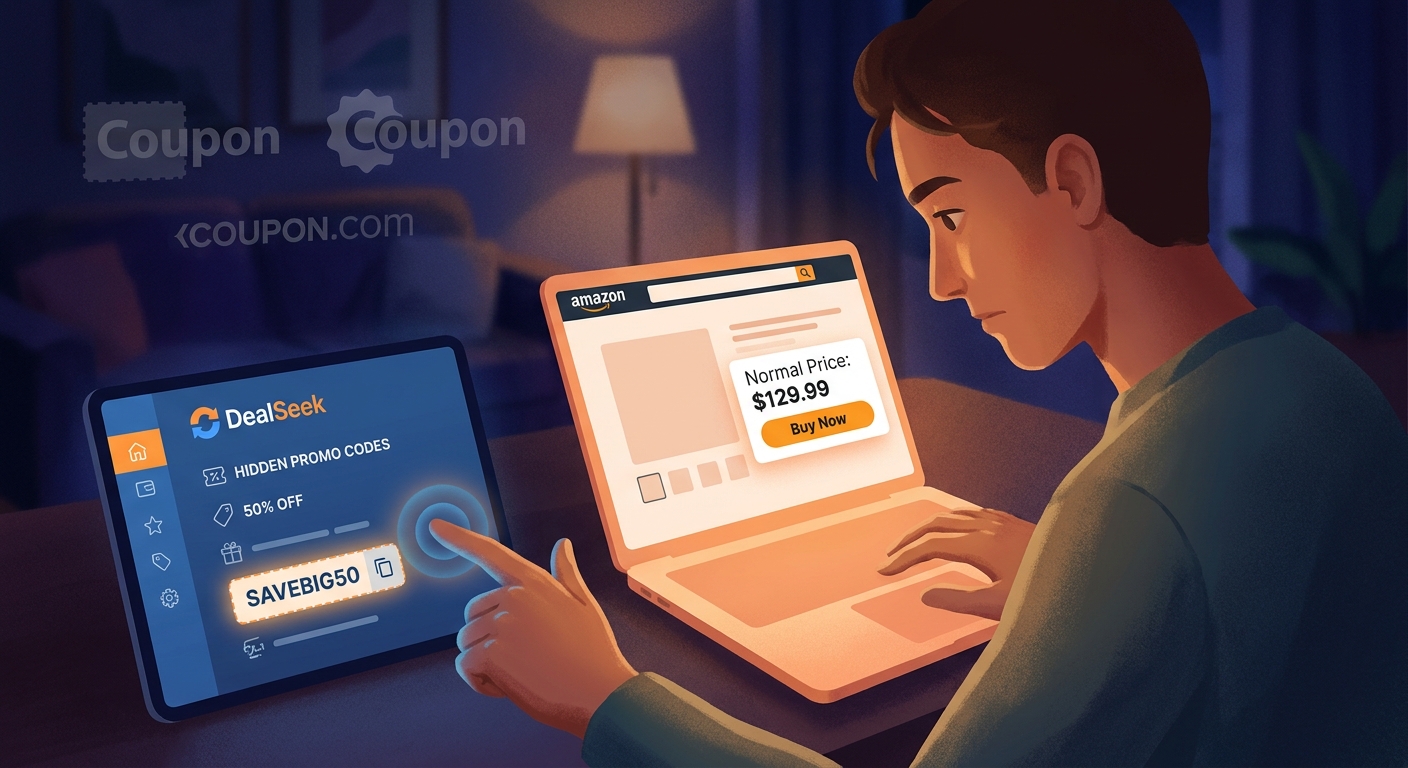
You are not imagining it. Hunting for Amazon promo codes is usually a time-wasting mess. You see a TikTok promising 70 percent off, you Google the item, and then you land on those terrible coupon sites that look like they were built in 2009 and still somehow have twelve pop-ups. You copy three codes, paste them at checkout, and every single one fails. That is why the DealSeek Amazon secret promo code app hack is getting so much attention right now. It cuts out a lot of the junk and points you toward live promo offers tied to real Amazon listings. The trick, though, is that downloading the app is only half the job. If you do not know how to check the base price first, filter out low-quality listings, and stack the promo with clipped coupons or Lightning Deals, you can still end up buying something that only looks like a bargain. Here is the cleaner, safer way to do it tonight.
⚡ In a Hurry? Key Takeaways
- DealSeek can help you find real Amazon promo codes, but the best results come when you verify the original price before you buy.
- Start with high-review items, big discounts, and listings that also offer clipped coupons, Lightning Deals, or Prime-only savings.
- Skip sketchy clone sites and remember that some codes are single-use or expire fast, so failure does not always mean you did something wrong.
Why this app keeps showing up in your feed
Social feeds are full of half-explained money-saving tricks. Someone points at a gadget, says there is a “secret code,” and then moves on before telling you where the code actually lives. That has pushed a lot of shoppers toward tools like DealSeek, because it is one of the few names that keeps coming up when people are trying to match live promo codes to actual Amazon products.
That does not mean every listing inside the app is a magical steal. Some are excellent. Some are just okay. Some are dressed-up markdowns that look better than they are. The app is useful, but the workflow matters more than the app itself.
The simple version of the DealSeek Amazon secret promo code app hack
Here is the core idea. Do not start with the code. Start with the item.
- Find the product or product type you want on Amazon.
- Check whether the current Amazon price already looks inflated or suspicious.
- Open DealSeek and go to that same category.
- Scan for high-review items with strong discount percentages.
- Open the matching Amazon listing.
- Clip any on-page coupon first, if there is one.
- Add the item to your cart.
- Apply the DealSeek code exactly as shown at checkout.
- Check the final total before placing the order.
That sounds basic, but it saves you from the most common mistake. People see “80 percent off” and stop thinking. The real win is the final checkout price, not the flashy discount badge.
Step 1: Sanity-check the price before you chase any promo code
This is the part most people skip. They see a giant discount and assume it is real. Bad move.
Before you even open DealSeek, look at the Amazon listing and ask three quick questions:
- Does the item have a decent number of reviews?
- Does the price look in line with similar products?
- Is the “list price” weirdly high compared with what the item seems worth?
If a kitchen tool says it is normally $79.99 but every similar item is around $19.99, that “70 percent off” banner may be fake drama. You are not saving money if the starting price was nonsense.
A quick rule of thumb
If the final price after promo still does not beat similar items from solid sellers, skip it. A code is not a deal by itself.
Step 2: Use DealSeek by category, not by random scrolling
This is where many people lose patience. They download the app, scroll through a giant feed of stuff they do not need, then give up. A better move is to search by category with a shopping target in mind.
Good categories to start with:
- Home and kitchen
- Small electronics
- Beauty and personal care
- Pet supplies
- Storage and organization
These sections tend to have frequent promo activity, and they are easier to compare with similar items on Amazon.
If you have been watching those viral “comment DEAL” reels, this is also where it helps to know how people are tracing the listings back to the source. If you want a faster way to decode those posts, read The “DealSeek Shadow Search” Hack: How To Turn Viral ‘Comment DEAL’ Lists Into Real Amazon Promo Codes In 30 Seconds. It pairs nicely with this method.
Step 3: Filter hard so you do not waste time
Once you are inside DealSeek, be picky. Very picky.
What to look for
- Items with strong review counts
- Ratings that are solid, not barely above average
- Discounts that still make sense after looking at similar products
- Clear promo instructions
- Listings that link cleanly to Amazon
What to skip
- No-name junk with almost no reviews
- Products with dramatic markdowns but a suspicious base price
- Confusing promo rules
- Links that bounce through strange pop-up pages
- Deals that require too many steps for too little savings
Your goal is not to find the biggest number. Your goal is to find the safest item with a real final discount.
Step 4: Stack the savings the right way
This is the part people miss, and it is where the app gets more useful. DealSeek is often just one layer of the discount.
The best order to check
- Check whether the item is already part of a Lightning Deal.
- See if there is a clipped coupon on the Amazon product page.
- Look for Prime-only pricing.
- Then apply the DealSeek promo code at checkout.
Not every item allows stacking. Some do. Some do not. But if you fail to look for those extra savings, you can leave real money on the table.
Example. A gadget may show as $29.99. Then Amazon offers a 20 percent Lightning Deal. Then there is a $5 clipped coupon. Then the DealSeek code takes another 30 percent off the reduced total or the eligible item amount. Suddenly that same gadget lands much closer to $10 or $12 than $29.99.
That is the real hack. Not just “find code.” It is “layer the discounts in the right order.”
Step 5: Apply the code correctly so it actually sticks
This part trips people up all the time.
Basic checkout checklist
- Make sure you added the exact item variation tied to the code.
- Double-check color, size, quantity, or pack count.
- Clip the coupon before entering the promo code.
- Paste the code carefully. No extra spaces.
- Confirm the discount appears before you hit buy.
Some codes only work on one color. Some only work on one seller. Some only work once per account. If the code fails, it is not always because the app was wrong. It may be because the version in your cart does not match the eligible listing.
Watch for this common issue
Amazon sometimes updates a listing after a code starts spreading on social media. The product page still exists, but the seller may switch variations or stock. If the code suddenly dies, back out and re-open the exact listing from DealSeek instead of trying to force it on a lookalike product.
What to do when a code silently stops working
This is probably the most annoying failure case because it makes you feel crazy. No warning. No explanation. Just no savings.
When that happens, try this:
- Refresh the cart and re-open the original listing.
- Check whether the seller changed.
- Make sure the coupon is still clipped.
- Remove duplicate quantities if the promo only applies to one unit.
- Try a different variation if the deal notes mention specific colors or sizes.
- Assume the code may be dead if none of that works after a minute or two.
Do not spend twenty minutes wrestling it. That is how the fake coupon sites win. Good deal hunting is part speed, part discipline.
How to avoid clone apps and junk coupon traps
This is important. Once a shopping tool gets attention, copycats show up fast.
Red flags
- Heavy pop-ups before you even see a product
- Pages that ask for strange permissions
- Downloads from places other than the official app store
- Coupon lists with no direct product match
- Sites that show the same “verified” code for everything
A real promo workflow should move you from product to code to checkout in a pretty clean line. If it feels like a carnival game, leave.
How to spot a fake markdown dressed up as a secret promo
Here is the easiest way to think about it. Ignore the percentage for a second and look at the final number.
Ask yourself:
- Would I buy this at the final price if there were no giant red discount banner?
- Is the final price better than similar items from established brands or sellers?
- Does the review quality support the purchase?
If the answer is no, it is not a deal. It is just marketing with extra steps.
A practical tonight-only workflow you can actually follow
If you want a no-nonsense routine, use this:
- Pick one item category you already planned to shop for.
- Open Amazon and note the current prices of two or three similar products.
- Open DealSeek and go straight to that category.
- Ignore low-review items and dramatic too-good-to-be-true deals.
- Tap into a listing that has real reviews and a strong discount.
- Open the Amazon page from that listing.
- Clip any coupon shown on Amazon.
- Check for Lightning Deal or Prime-only pricing.
- Add the exact eligible variation to your cart.
- Apply the code.
- Buy only if the final total clearly beats your earlier comparison.
That whole process can take five minutes once you get the hang of it.
When this trick is worth using, and when it is not
Worth using for
- Impulse-resistant shoppers who compare before buying
- Everyday household items
- Gifts, storage, kitchen tools, beauty extras, and accessories
- People willing to move quickly on limited-time offers
Probably not worth using for
- Big-ticket electronics where warranty and seller quality matter more
- Anything safety-related that comes from unknown sellers
- Shoppers who get pulled into buying random stuff just because it is cheap
A 90 percent discount on something you did not need is still money spent.
At a Glance: Comparison
| Feature/Aspect | Details | Verdict |
|---|---|---|
| Finding live promo codes | DealSeek is faster and cleaner than random coupon sites because it connects codes to specific Amazon listings. | Useful, if you verify the listing first. |
| Stacking savings | The best results come when you combine the app code with clipped coupons, Lightning Deals, or Prime-only pricing. | This is where the real value shows up. |
| Risk of fake deals | Some listings use inflated starting prices or expired codes, and clone sites can waste your time or feel sketchy. | Always compare final price and avoid pop-up-heavy copies. |
Conclusion
The reason this DealSeek Amazon secret promo code app hack is spreading is simple. It can save real money when you use it with a little discipline. Right now social feeds are exploding with “stop overpaying on Amazon” clips, but most of them leave out the part that matters. You need a workflow, not just an app name. If you quickly sanity-check the base price, jump into the right DealSeek category, scan for high-review and high-discount items, and then stack the code with clipped coupons, Lightning Deals, and Prime-only offers when available, you give yourself a much better shot at a real bargain. And when a code fails, you now know what to do instead of banging your head against the checkout page. That is the difference between smart deal hunting and internet coupon roulette. Start small tonight with one category, one item, and one careful final price check. That alone can save you time, money, and a lot of frustration.